Create · Sketch
Turn any photo into a pencil sketch

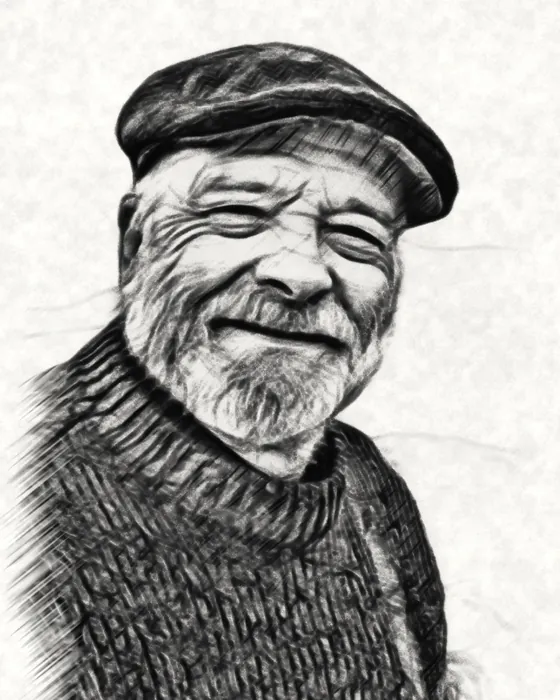 charcoalphoto
23 sketch styles drawn by your phone in seconds: graphite, charcoal, ink, color pencil and more. Free, offline and private. Plus hyper-realistic AI pencil and line art when you want it.
23 sketch styles
Pencil, charcoal, ink and more
One portrait in every sketch style of the Create tab. All of them are made on the phone, and you can fine-tune the lines, shading, paper and colors of each.
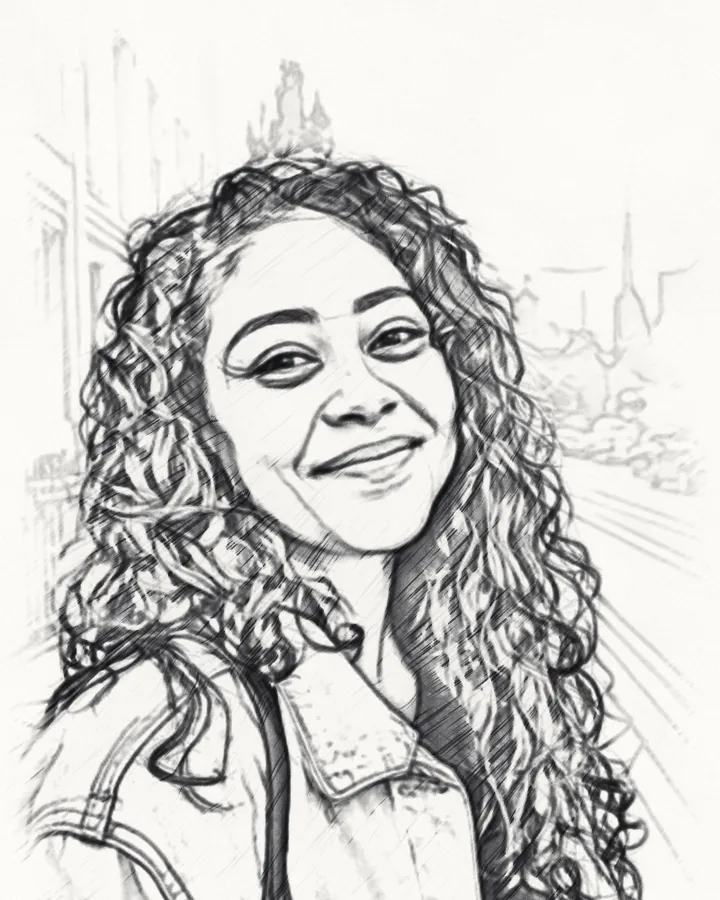
Graphite 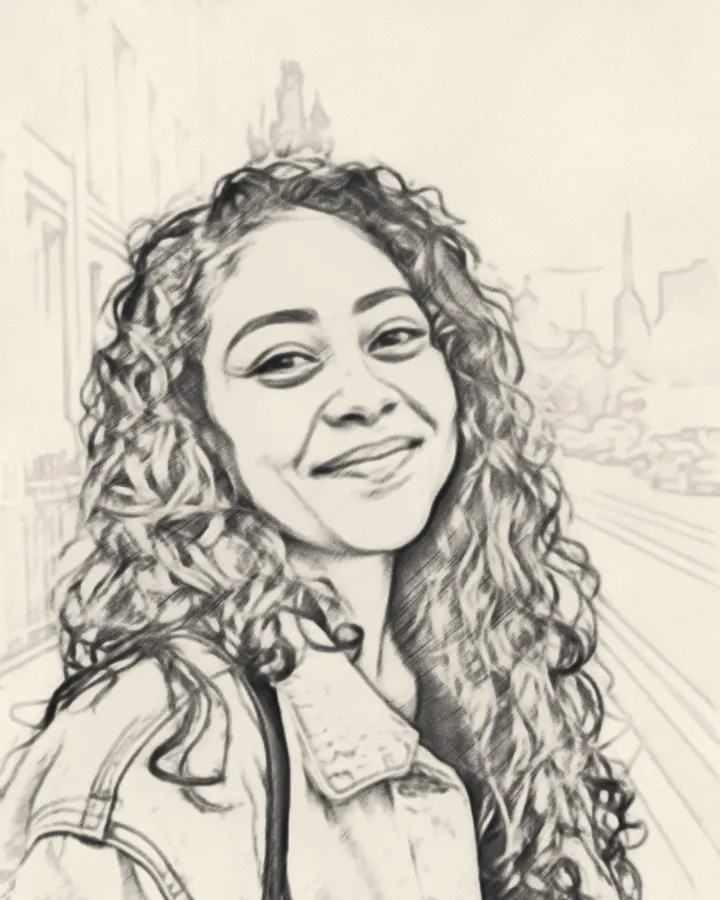
Soft pencil 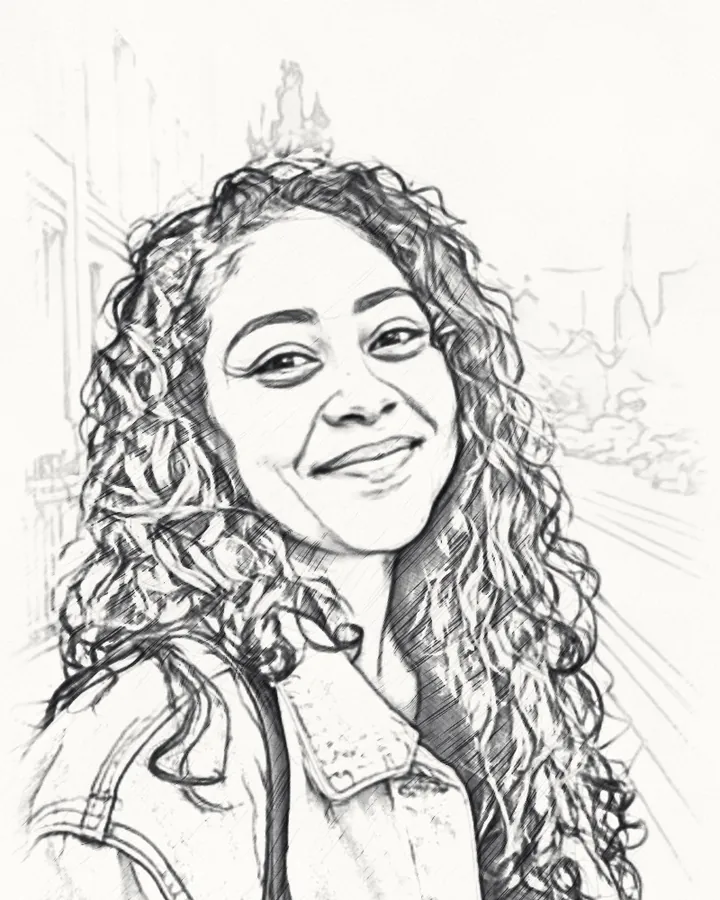
Fine pencil 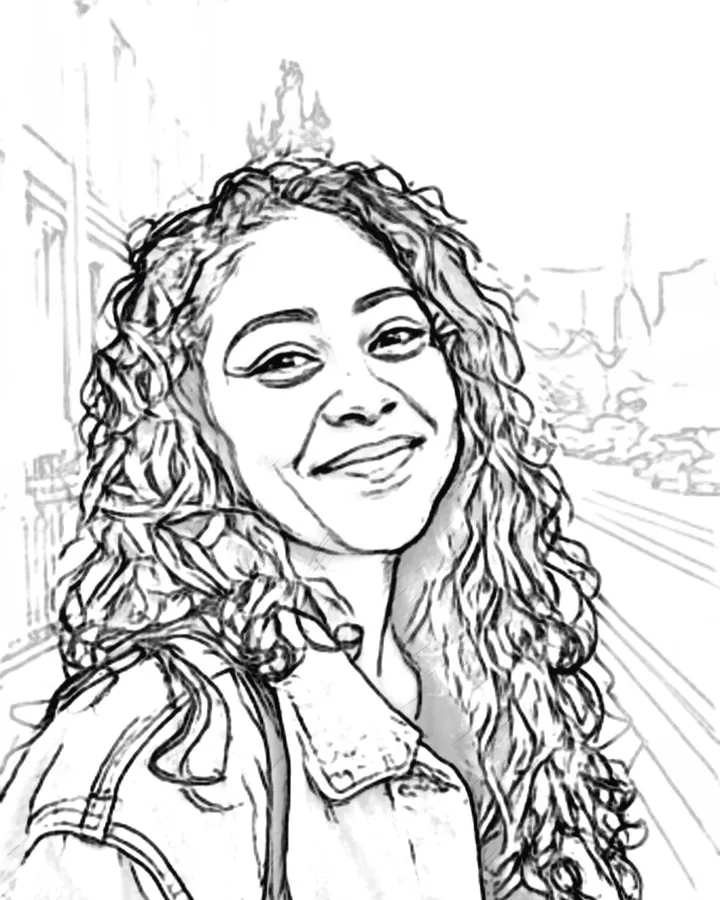
Technical 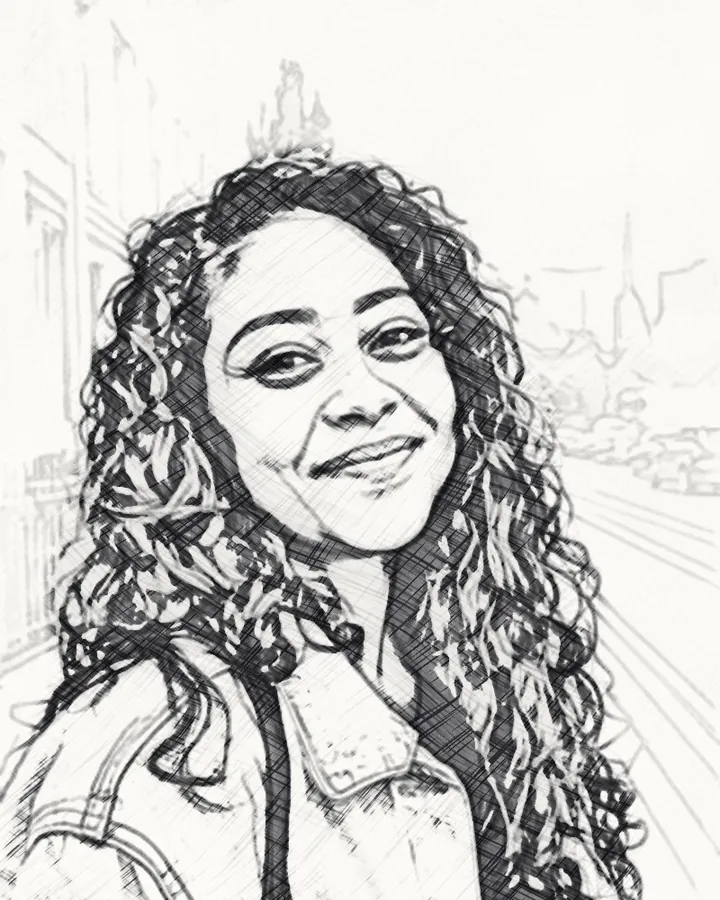
Hatching 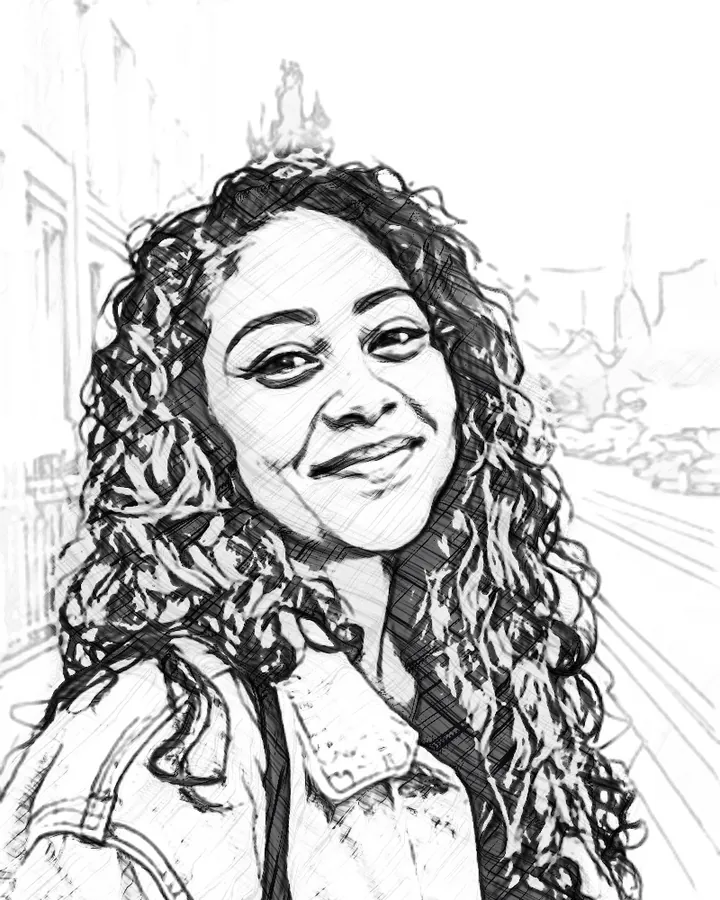
Engraving 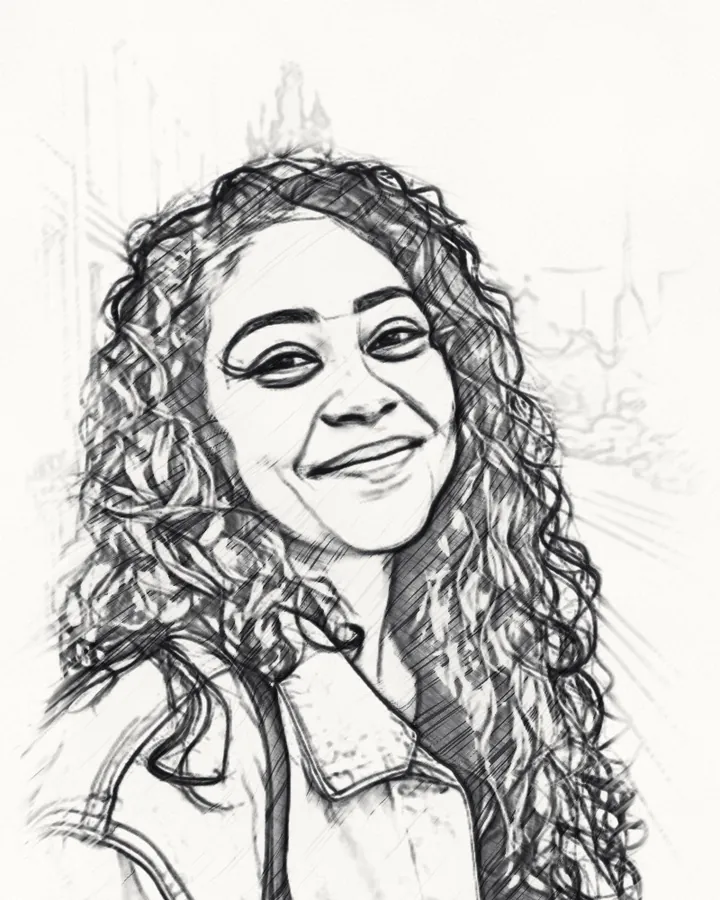
Sketchy 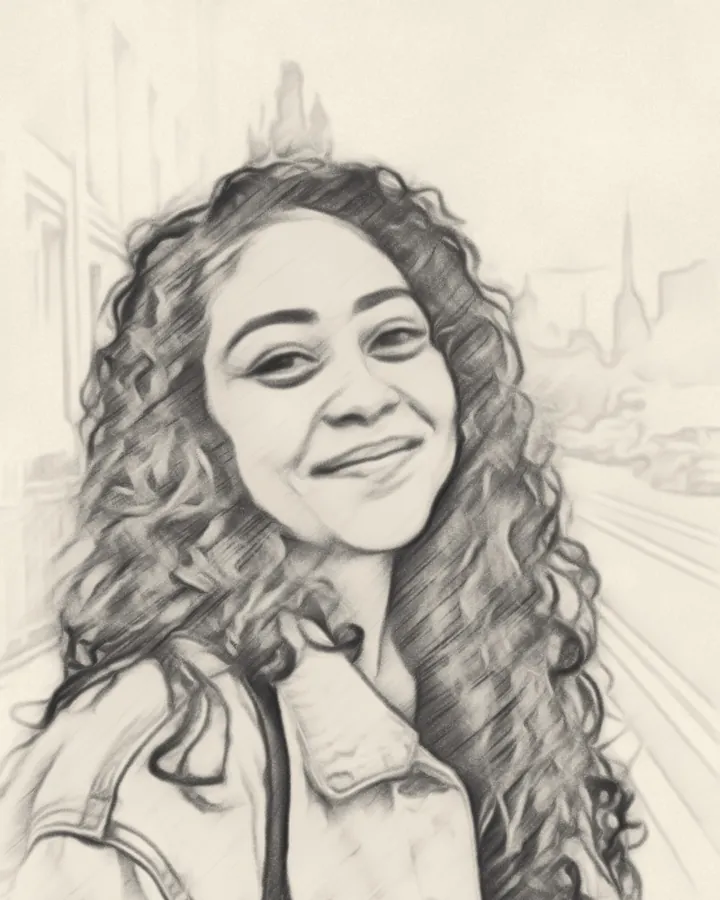
Smudged 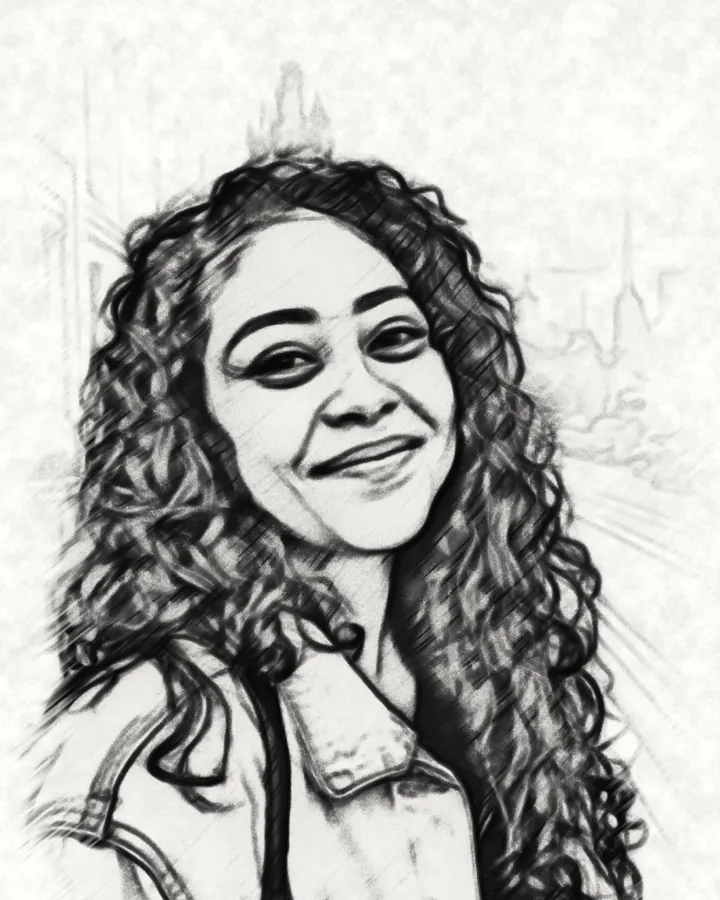
Charcoal 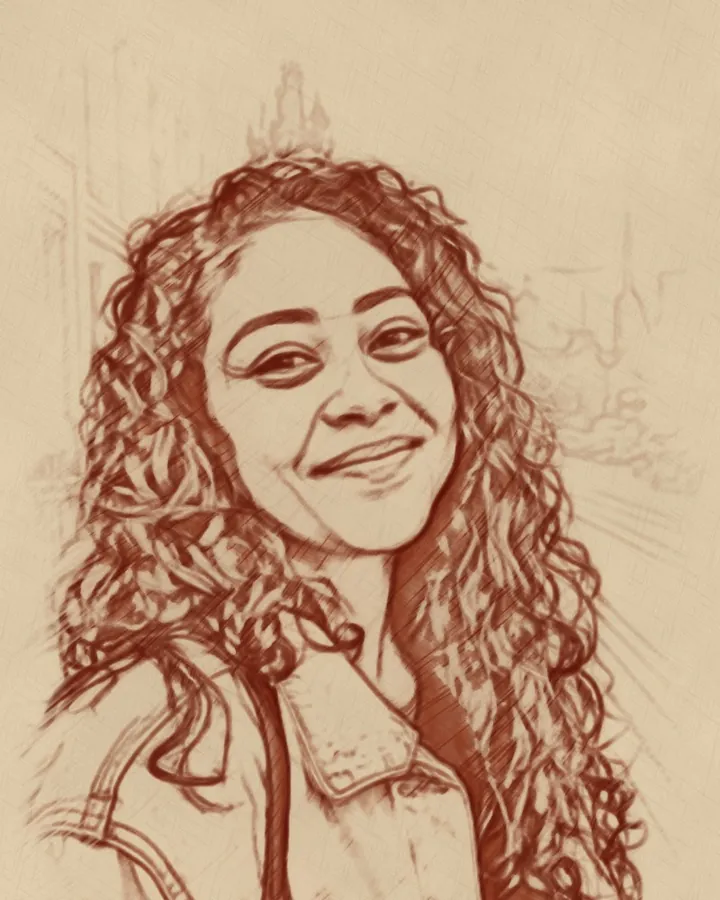
Red chalk 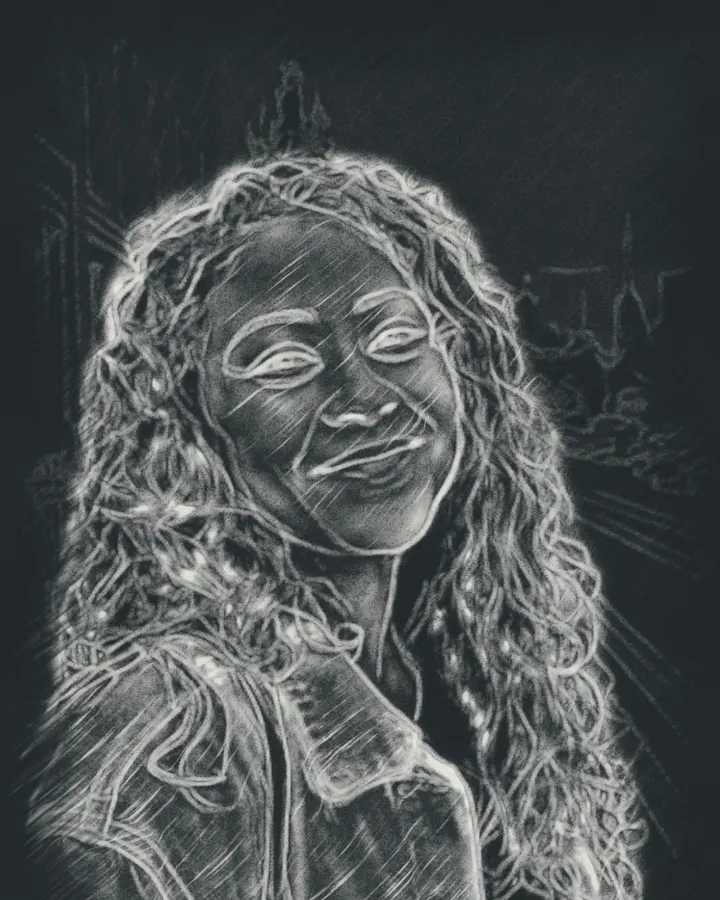
Chalkboard 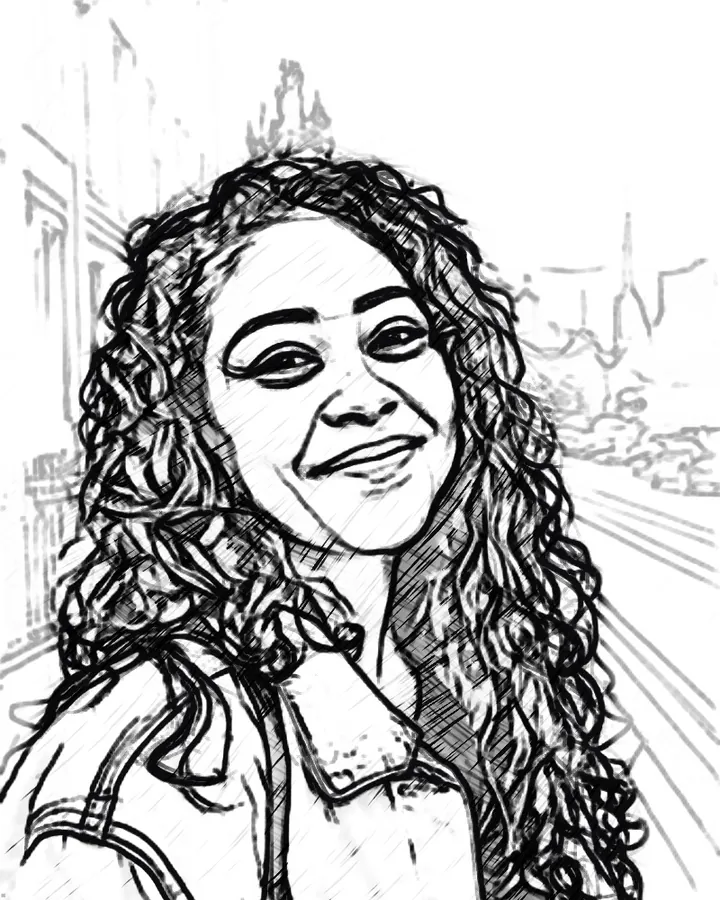
Felt pen 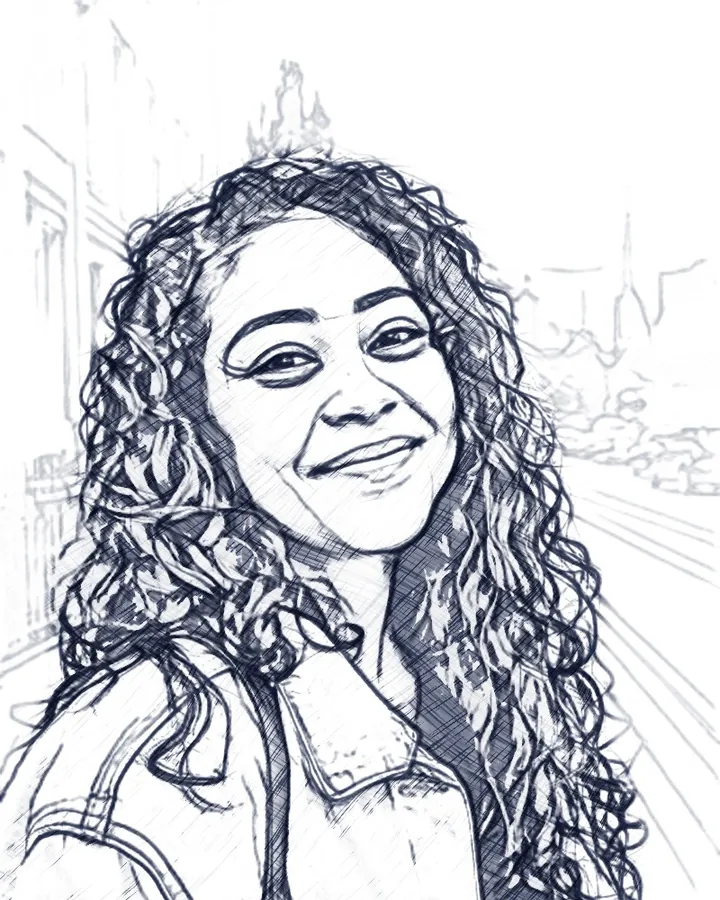
Fineliner 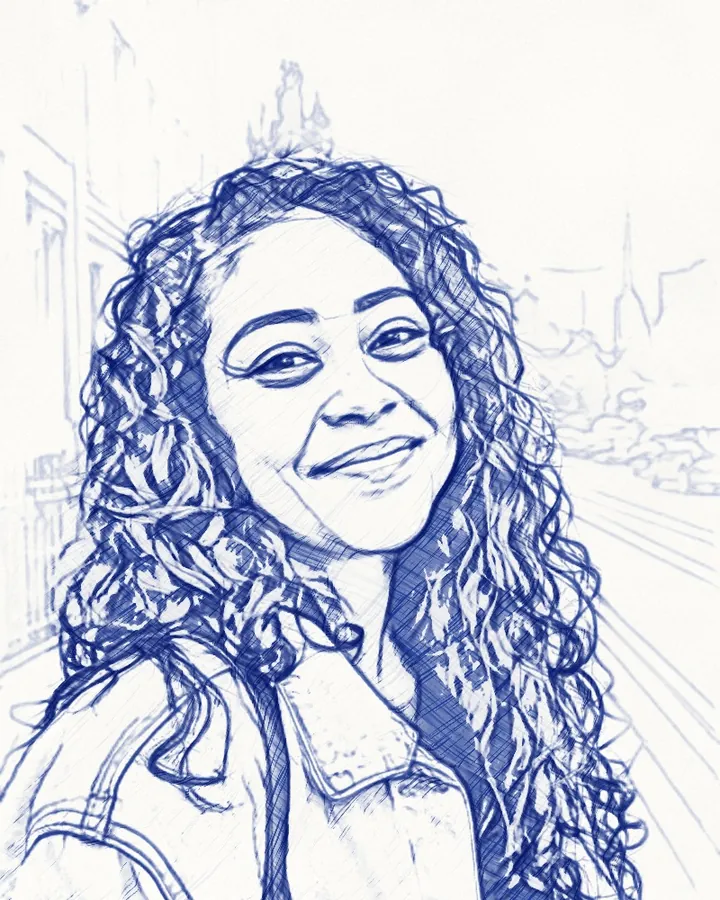
Ballpoint 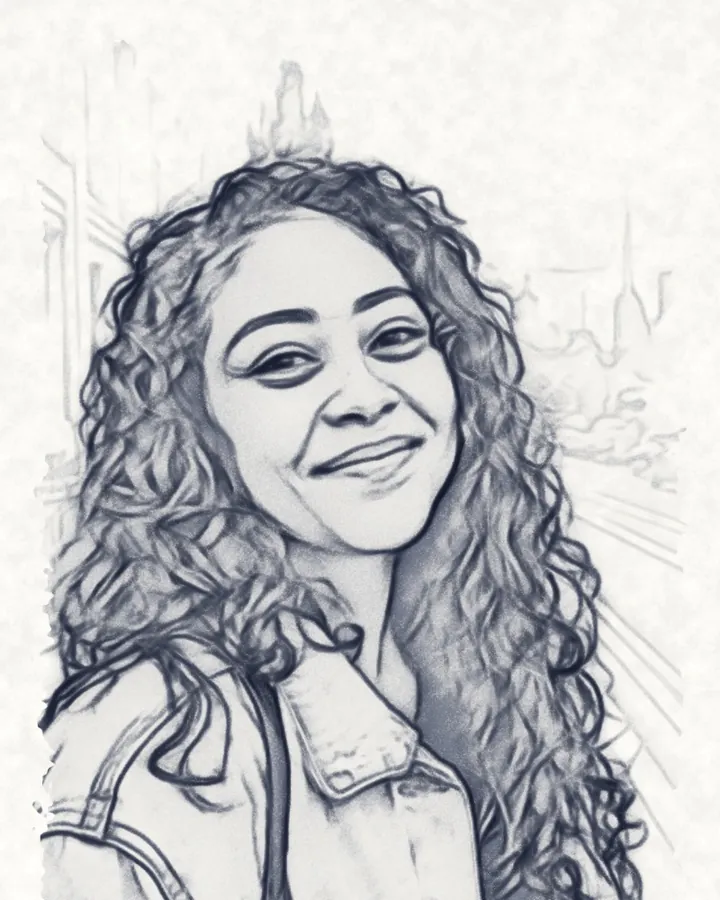
Ink wash 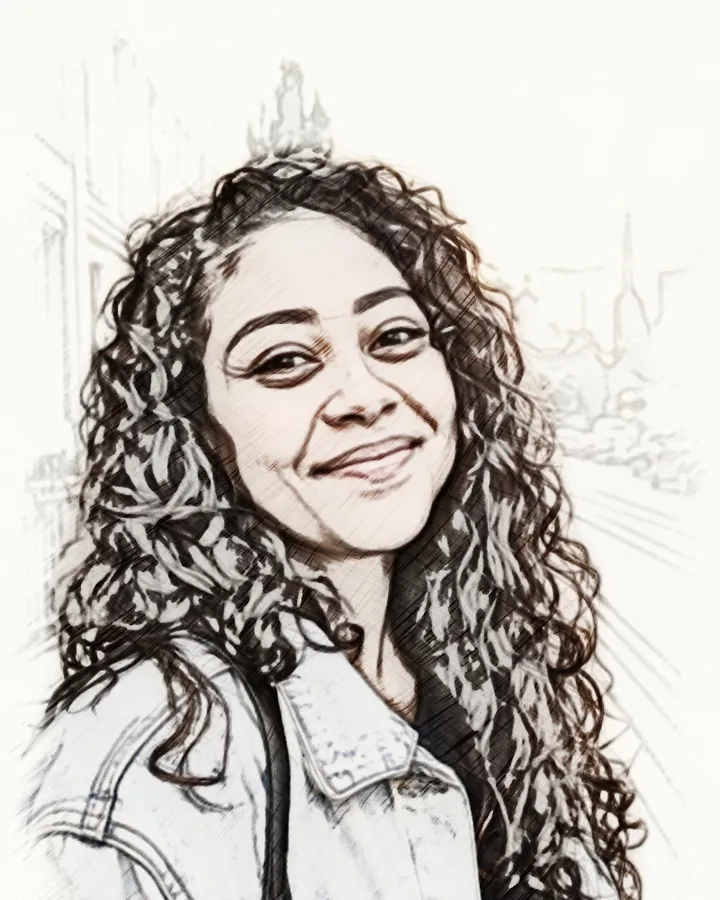
Color pencil 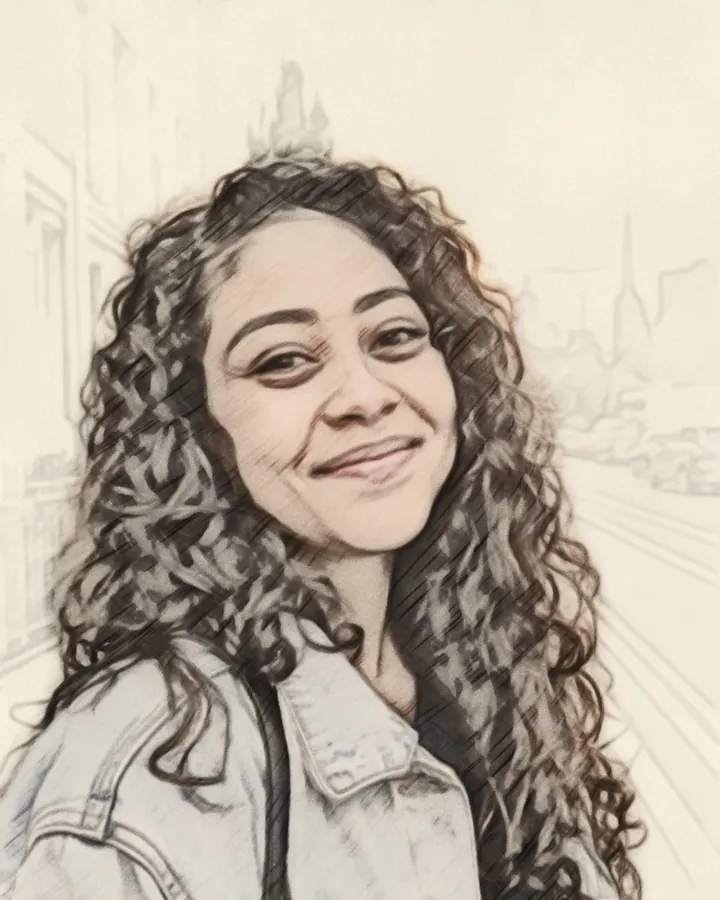
Pastel 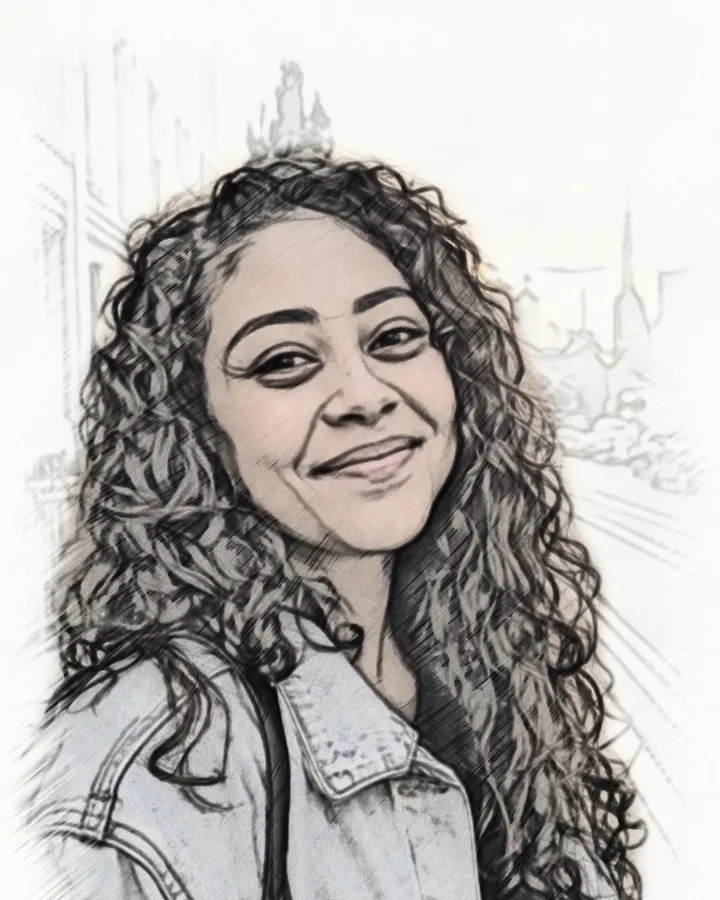
Soft color 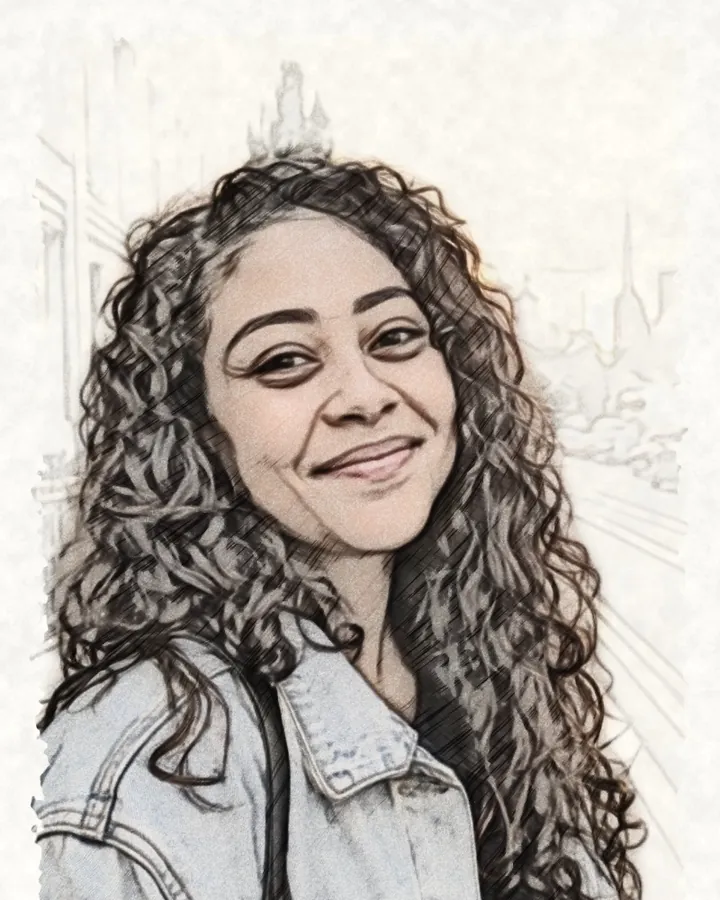
Watercolor 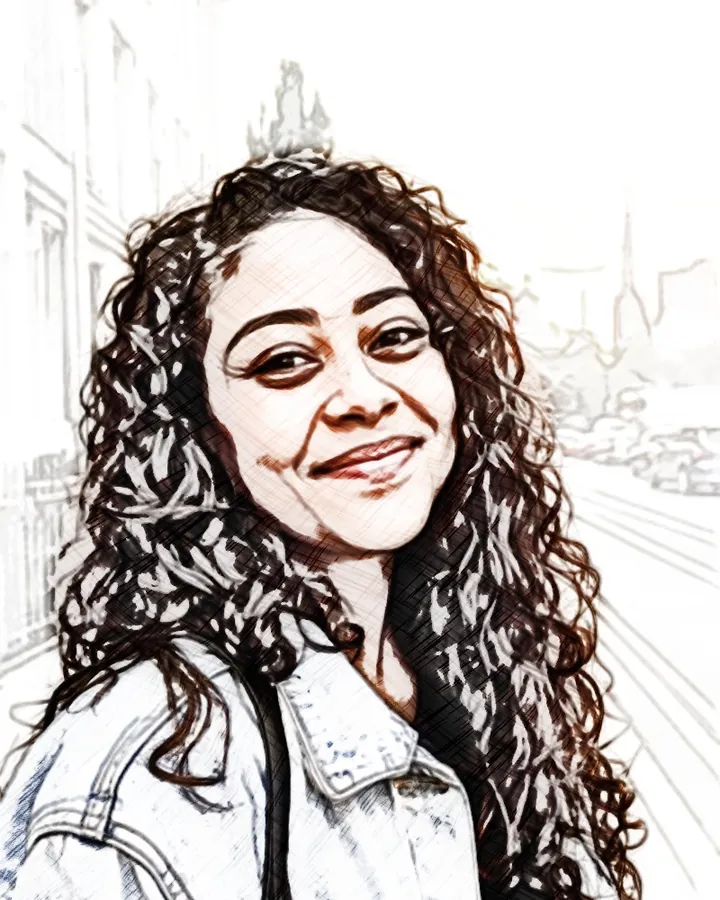
Vivid 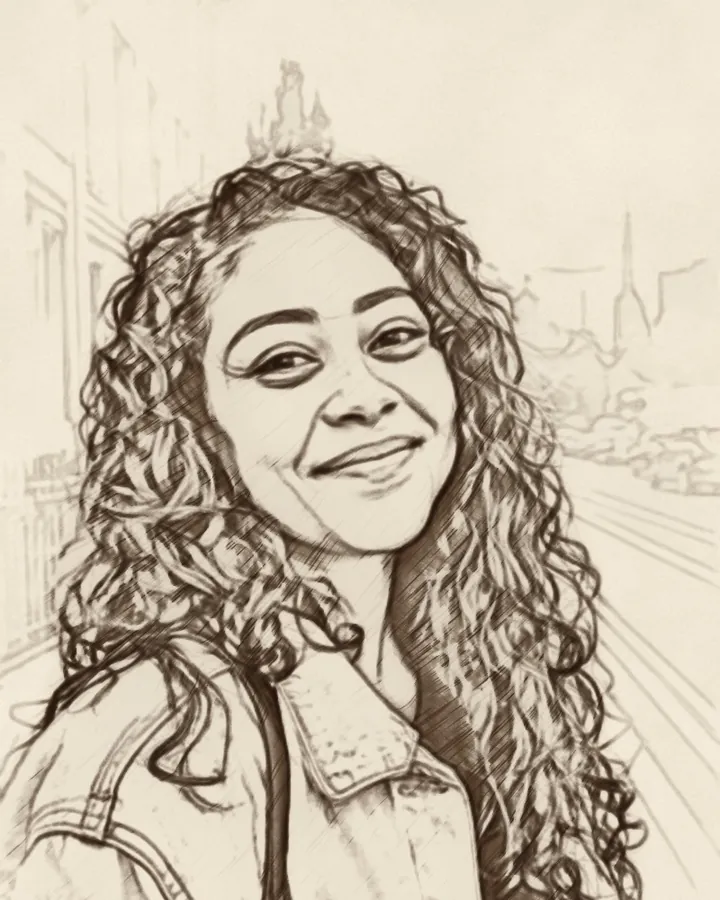
Sepia 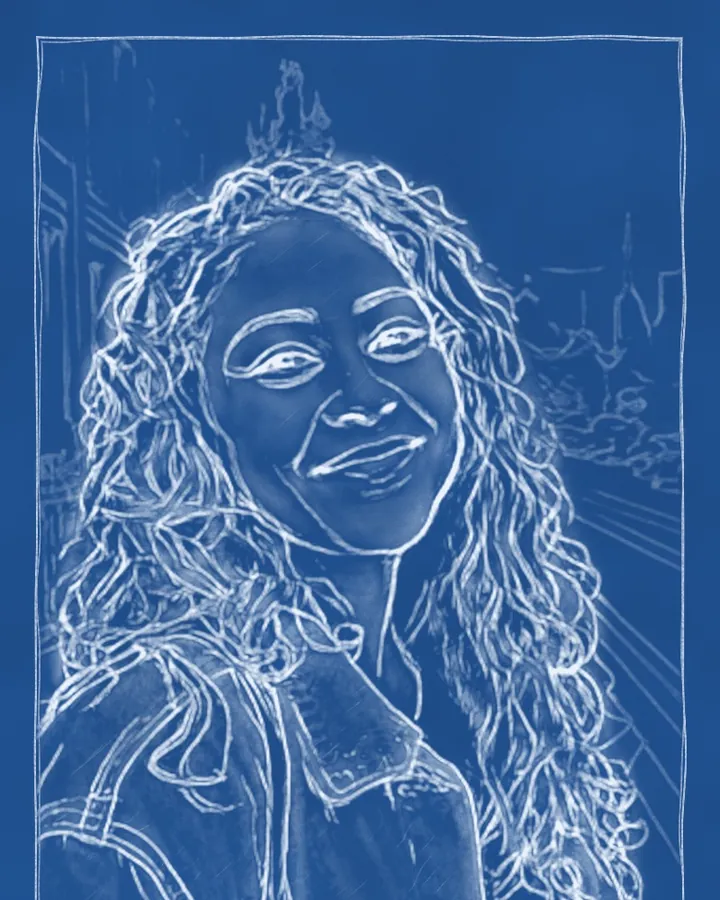
Blueprint 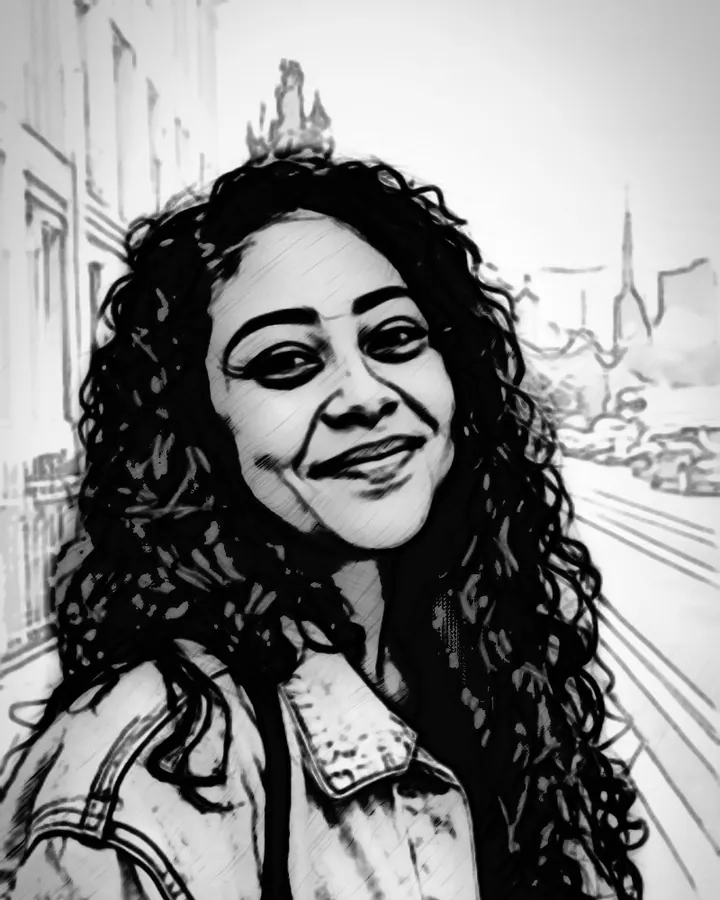
Noir
People, pets and places
Sketches of everything you love
The app finds the subject of your photo, draws it in confident lines and lets the background fade like a real sketchbook page.
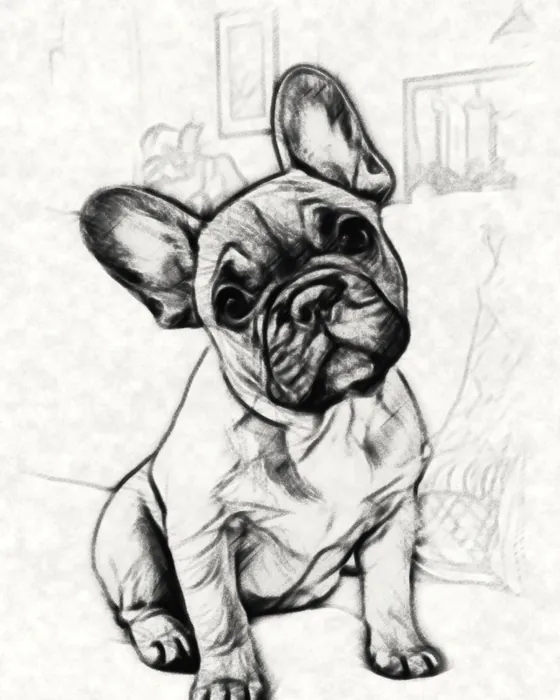
French bulldog · charcoal 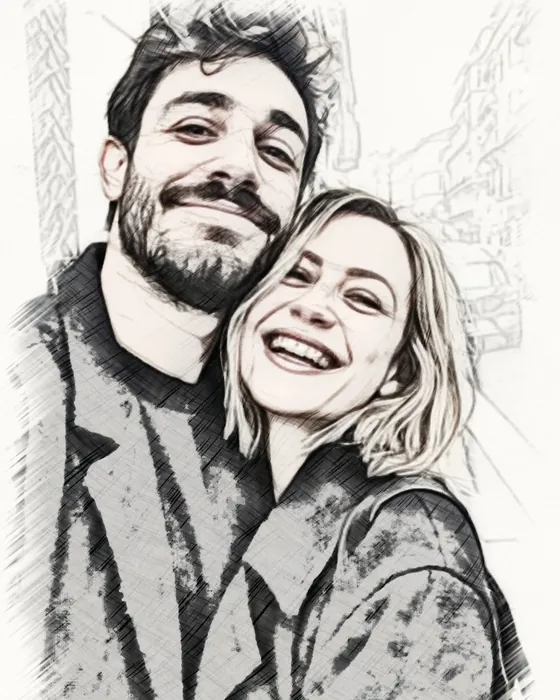
Couple · color pencil 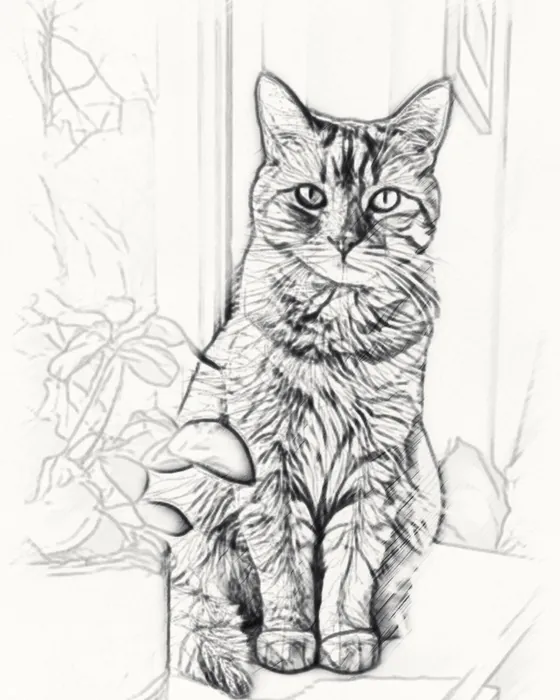
Cat · graphite 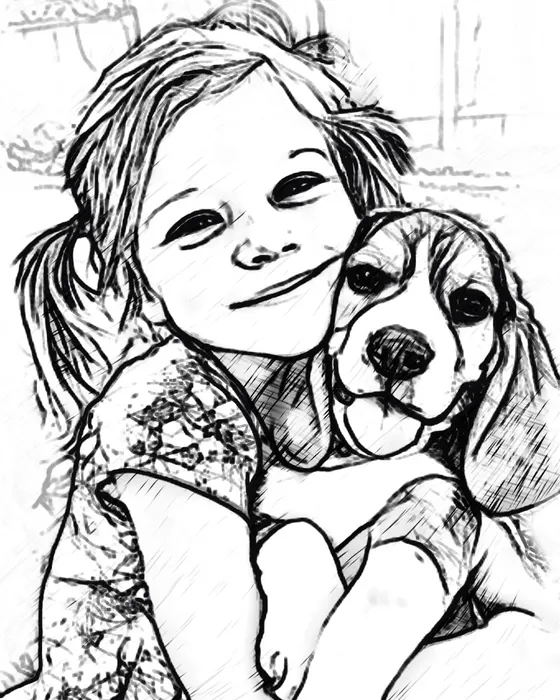
Mia & Max · felt pen 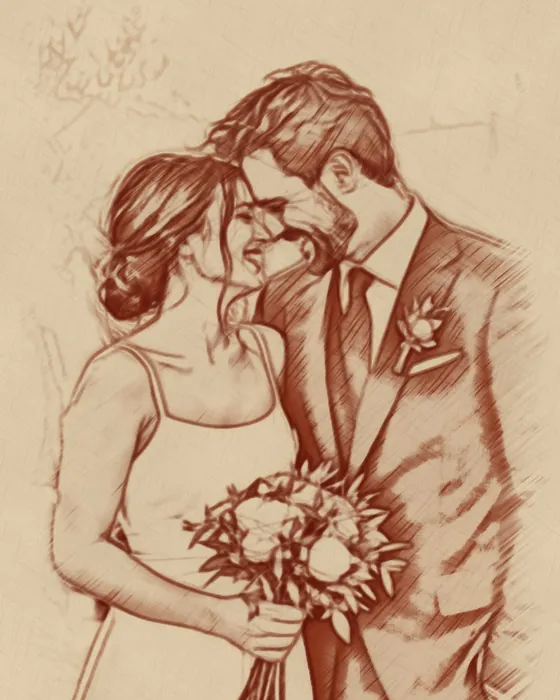
Wedding · red chalk 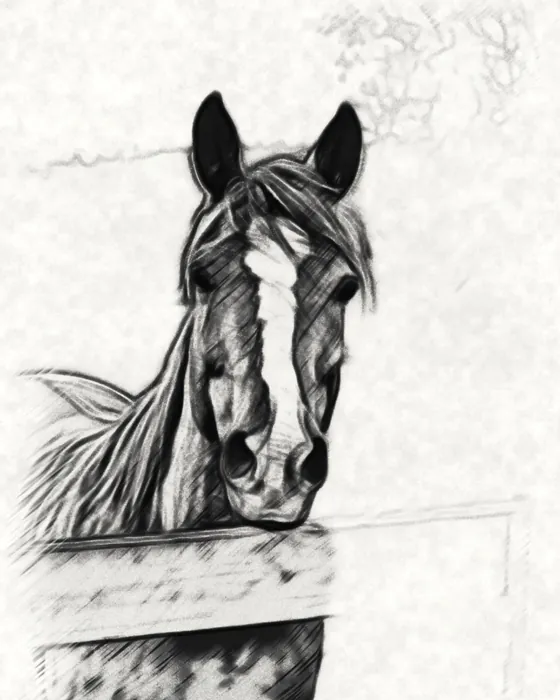
Horse · charcoal 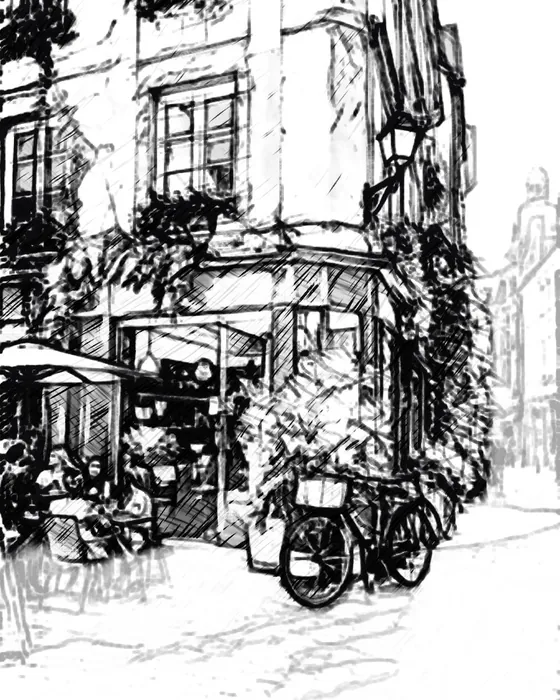
Paris café · felt pen 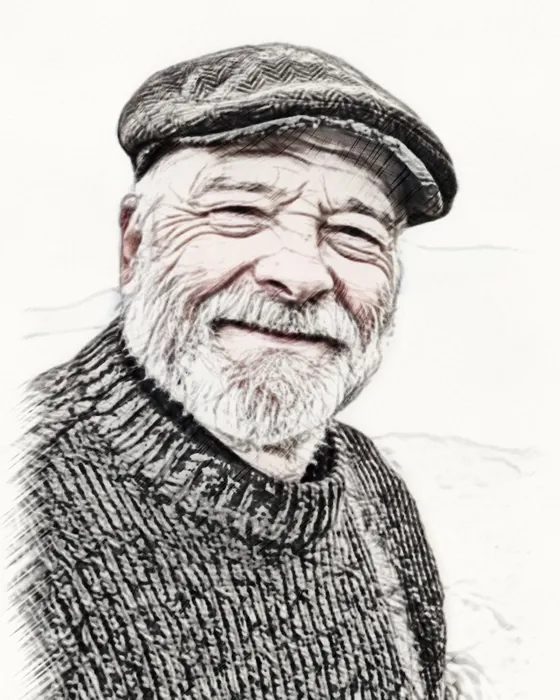
Grandpa · color pencil
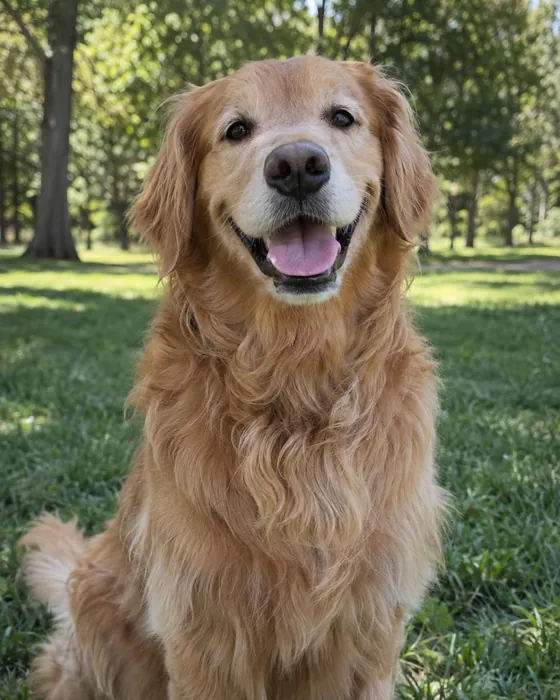
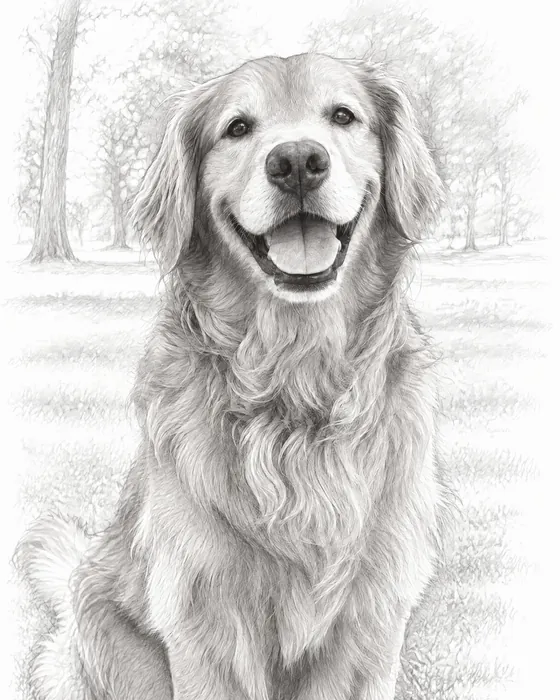 AI pencilphoto
Magic · AI sketch styles
Want it hyper-realistic?
The Magic tab redraws your photo with AI as a realistic graphite drawing, smudged charcoal, crisp pen and ink, engraving-style crosshatching, manga and more.
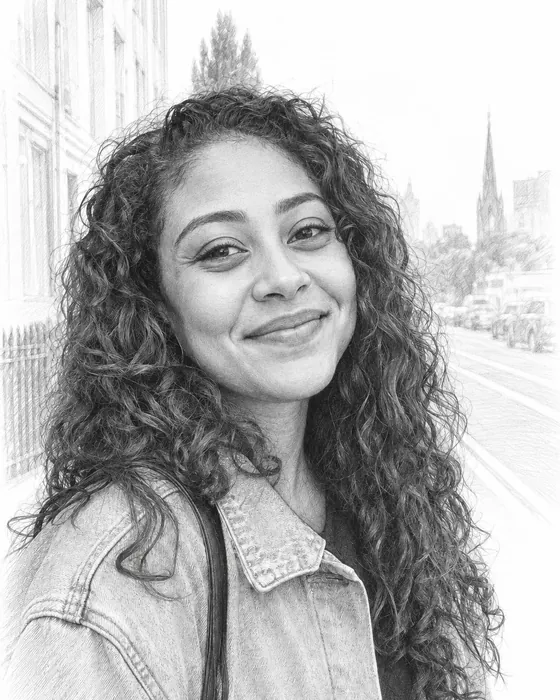
Pencil 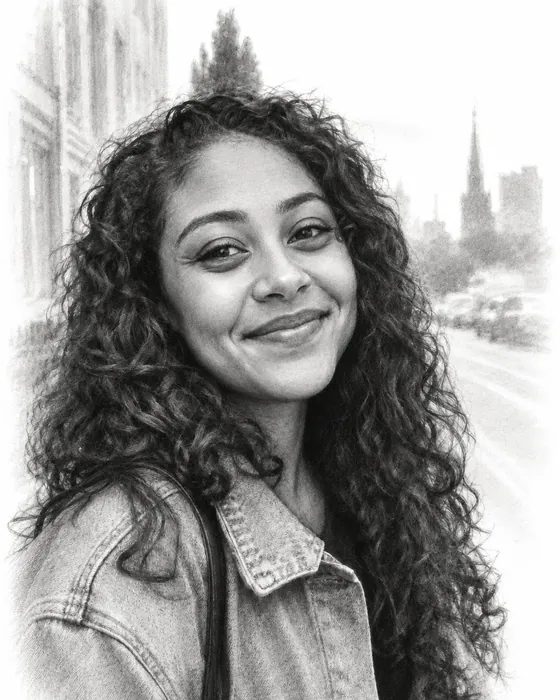
Charcoal 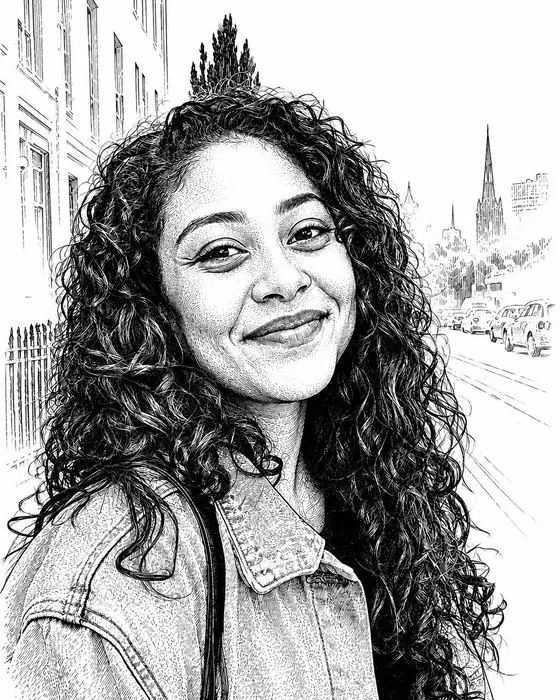
Ink 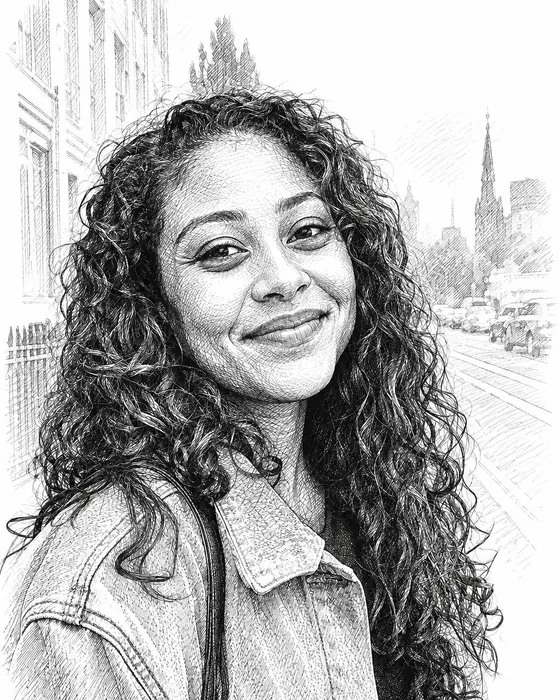 PRO
PROCrosshatch 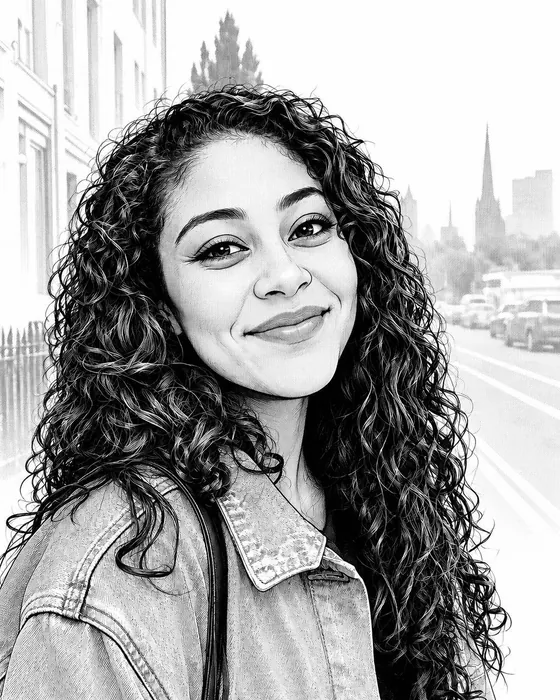 PRO
PROManga 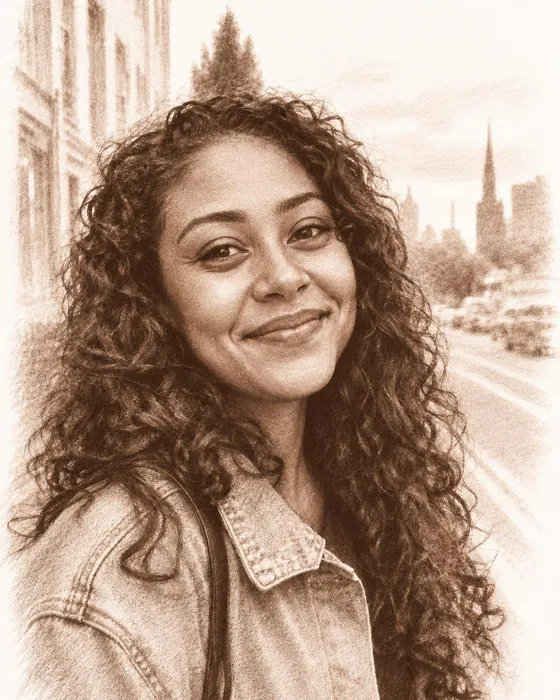 PRO
PROChalk
Line art and stencils
Clean outlines for tattoos and crafts
Need just the lines? Line art and Ink give clean black outlines on white: ready to trace, print as a tattoo stencil, embroider, or turn into a card.
- Tattoo stencils and flash
- Embroidery and wood-burning patterns
- Tracing references for drawing practice
- Wedding invitations and greeting cards
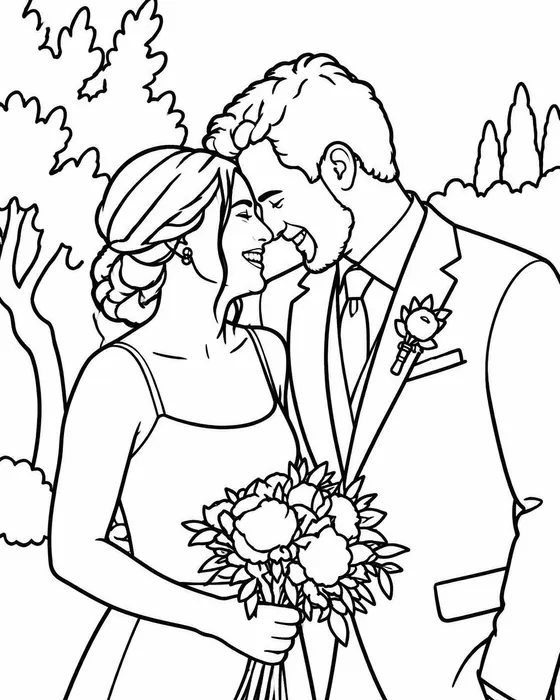
Wedding · line art 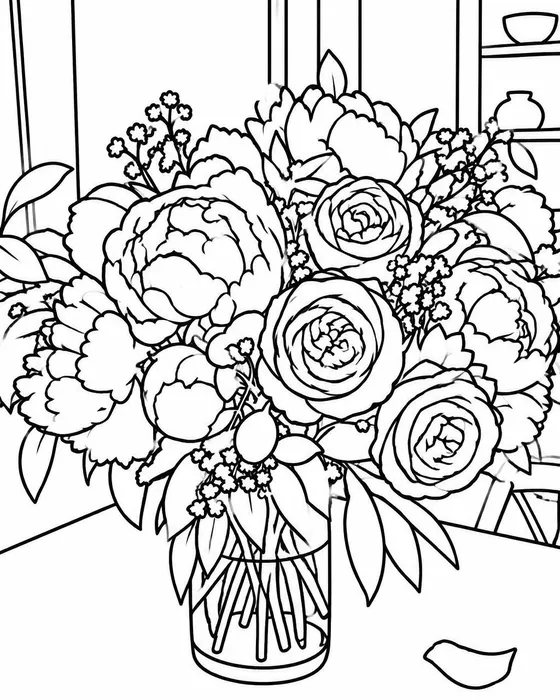
Peonies · line art 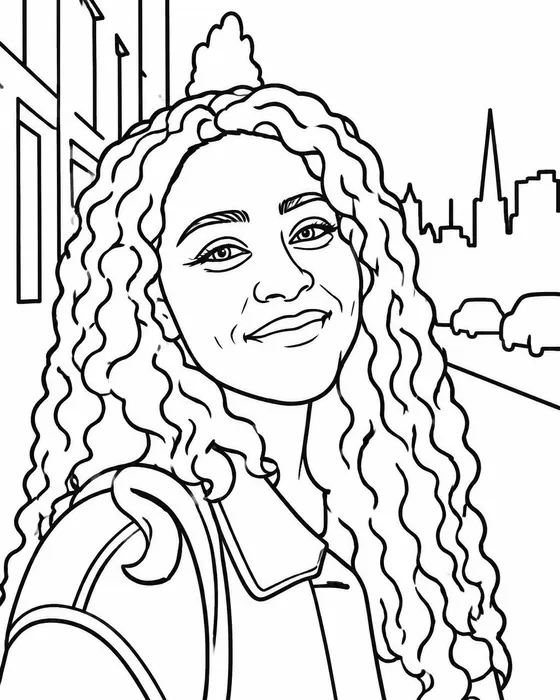
Portrait · line art 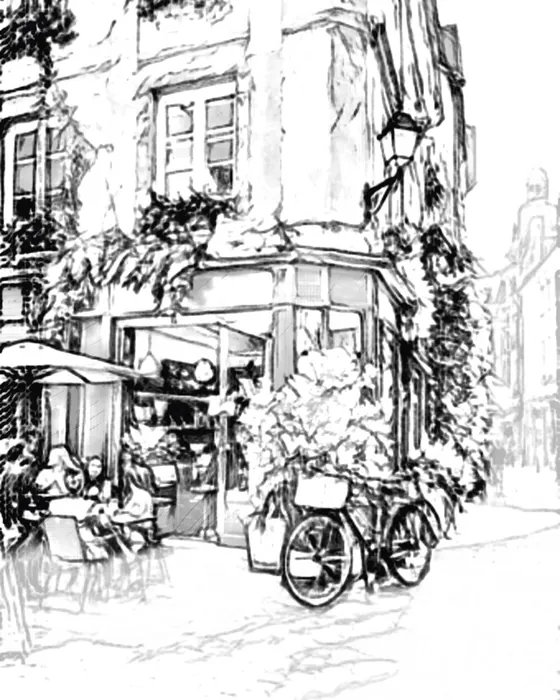
Café · technical pen
Fine-tune
Your sketch, your way
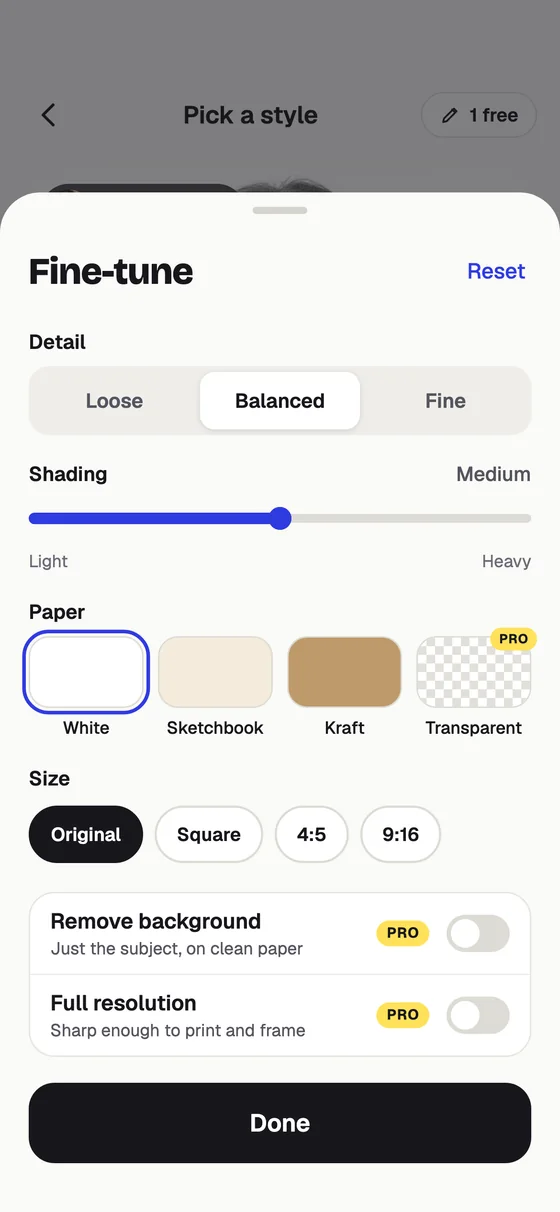
Every style is a starting point. Make the lines bolder, the shading softer, the paper warmer, or brush the background away.
- Lines, shading, paper and color controls
- Crop, rotate and flip
- A retouch brush to bring back or soften details
- Save your favorite settings as your own style
- Compare with the photo in one tap
Gift ideas
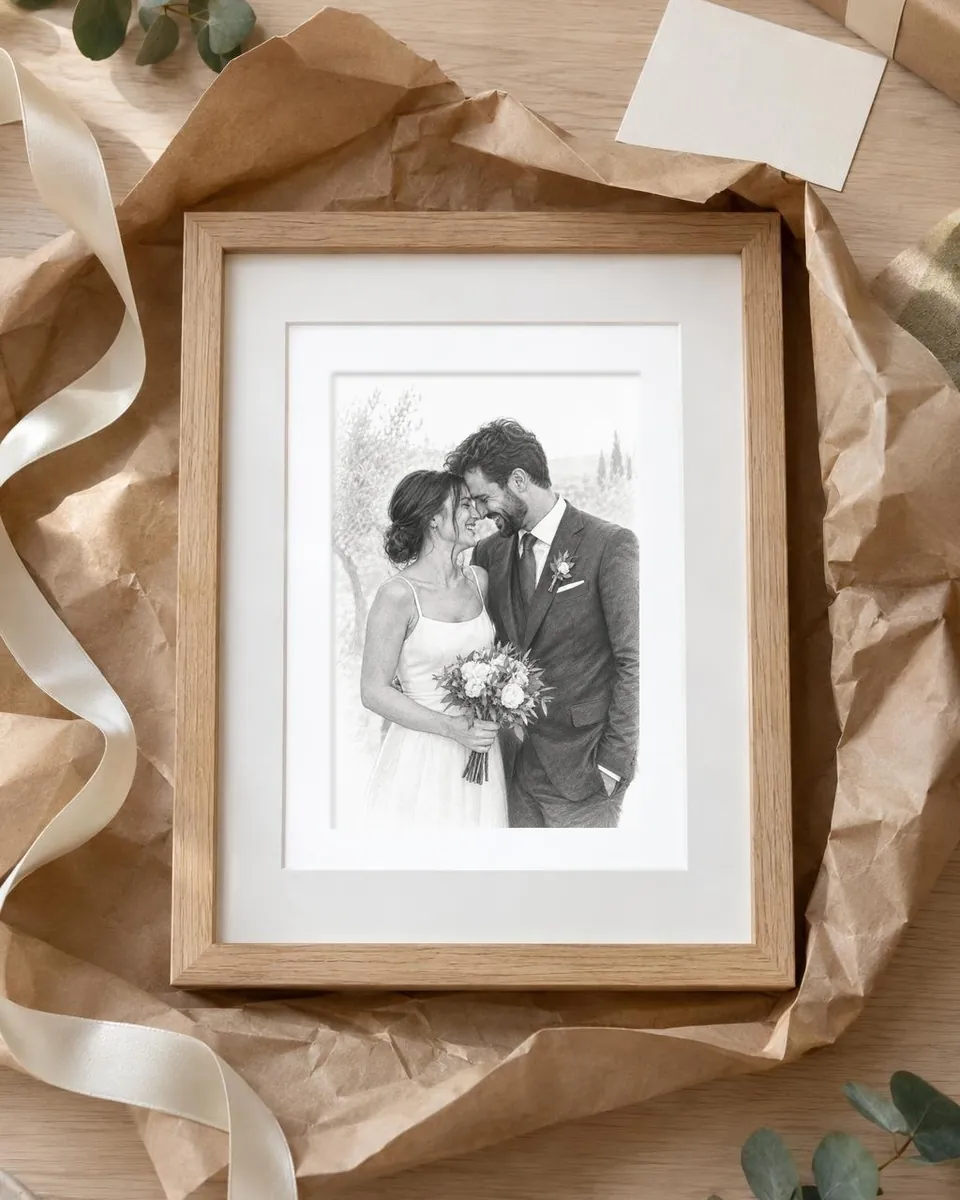
A sketch says I thought of you
A charcoal portrait for grandpa's birthday, the wedding in pencil, the dog for the hallway. Print it at home or at a photo shop; Pro saves full resolution and print-ready PDF.
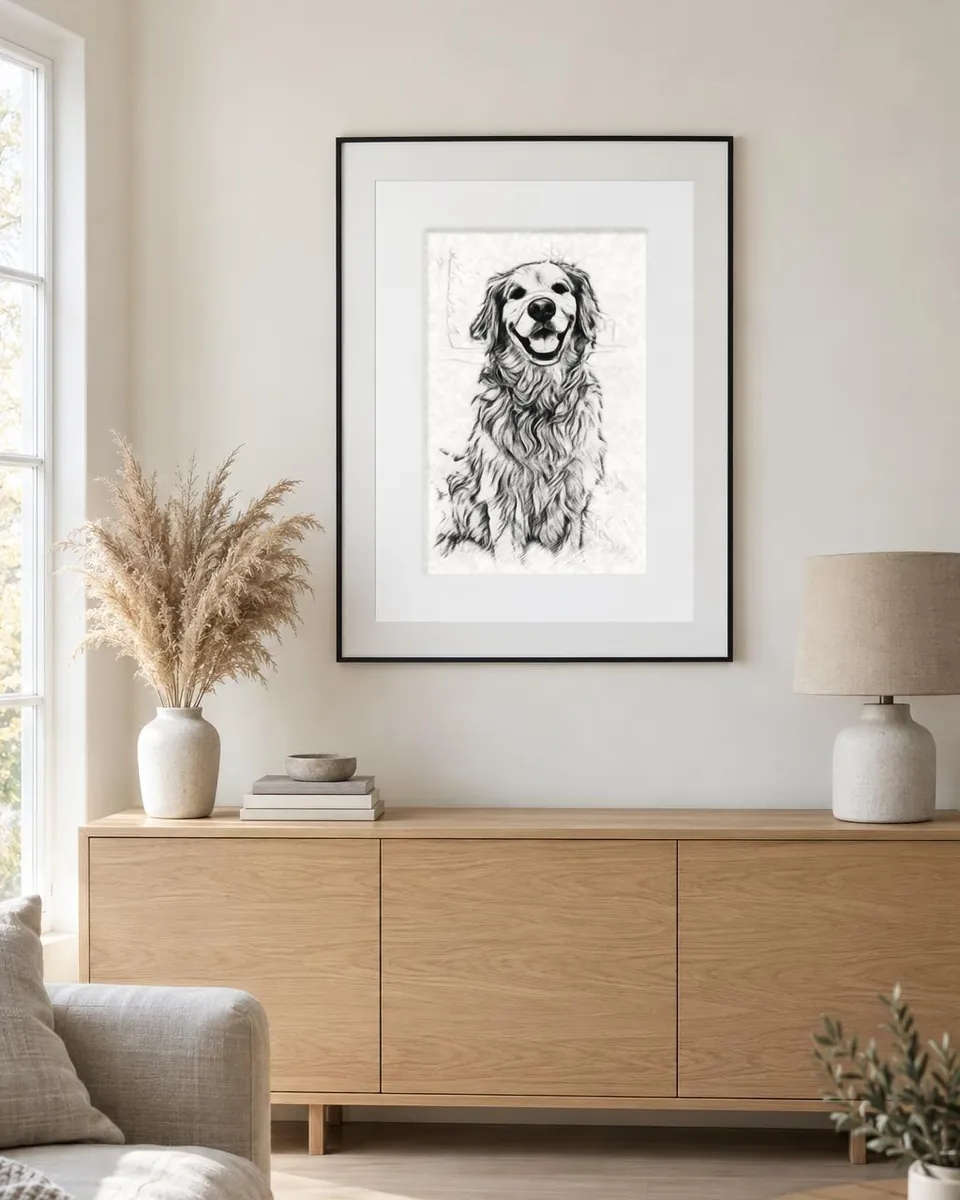
How to
How to turn a photo into a pencil sketch
- 1Download Pencil Sketch AI from the App Store or Google Play and open it.
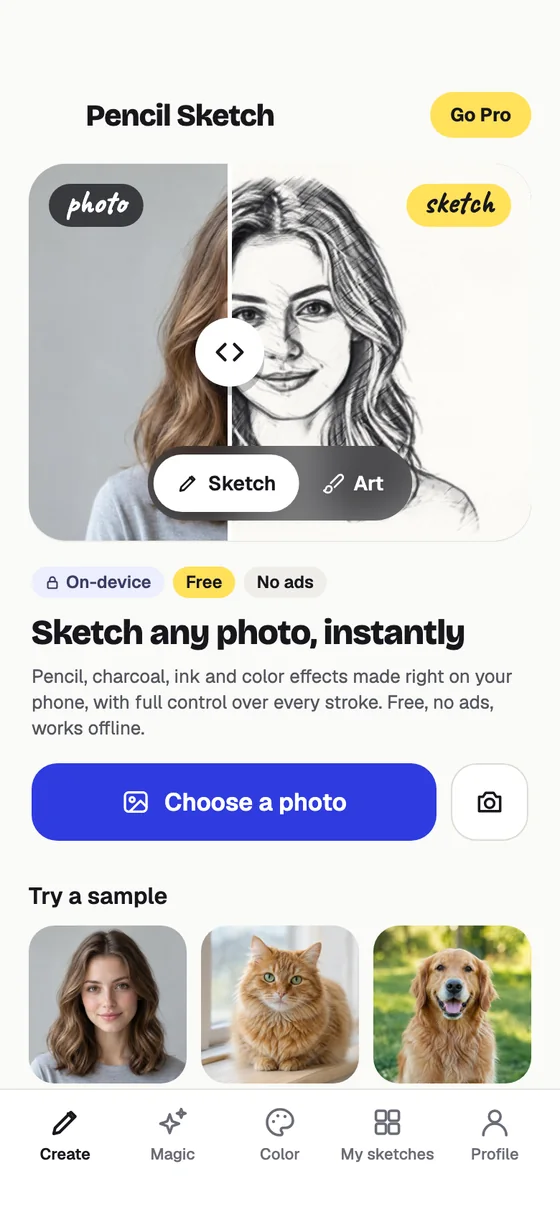
- 2On the Create tab, keep the picture on Sketch and tap Choose a photo (or take one).
- 3Tap through the styles: Graphite, Charcoal, Ink wash, Color pencil and 19 more.
- 4Adjust the lines, shading and paper, crop it, then tap Save to keep it in Photos.
FAQ
Sketch questions
How do I turn a photo into a pencil sketch?
Open the app, stay on Create and tap Choose a photo. Pick a style such as Graphite, Charcoal or Ink wash, adjust the lines, shading and paper if you like, and save. It takes a few seconds and happens on your phone.
Which photos make the best pencil sketches?
Sharp photos with good light and a clear subject: a face, a pet, a building. The app finds the subject and keeps it crisp while the background fades softly, like a real artist's sketch. You can change how much background shows.
Does it look hand-drawn?
Yes. Create draws real line work with two line-drawing networks and shades with pencil, charcoal or ink textures on paper, so the result looks drawn rather than filtered. For a hyper-realistic graphite drawing, try the Pencil style in Magic.
Can I use it for tattoo stencils or tracing?
Yes. Technical, Fineliner and the Magic Line art and Ink styles give clean outlines on white that are easy to trace, print as a stencil, or use for embroidery, cards and crafts.
Are my photos uploaded?
Create (Sketch and Art) runs entirely on your phone, so your photo never leaves it and it even works offline. Magic styles and coloring pages are made with AI: the photo you pick is sent over an encrypted connection to make your picture, and it is not stored on our servers. Your pictures are saved on your phone.
Is Pencil Sketch AI free?
Yes. Create sketches and paintings on your phone for free, with no ads; free saves carry a small www.sketch.page mark. Your first AI picture is free too, with no account needed. In many countries short videos earn more AI pictures, or you can go Pro for no watermark, every style and up to 100 AI images a month.
Can I print my pictures?
Yes. Save to Photos or share to any app. Pro saves in full resolution as PNG or JPG and as a print-ready PDF, which is great for frames, cards and gifts. Coloring pages can also be printed blank to color with pencils or crayons.

Sketch your first photo
Free on your phone, no sign-up, no ads. It takes a few seconds.

- ✓ Free to start
- ✓ No account needed
- ✓ iPhone, iPad & Android
- ✓ 18 languages