Skip to content
Pencil Sketch

Magic · AI styles

104 AI styles. One photo.
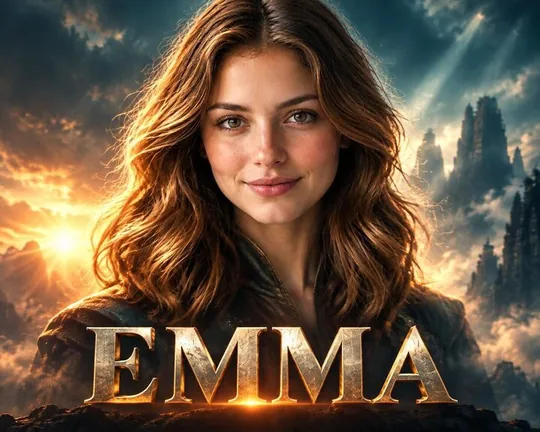
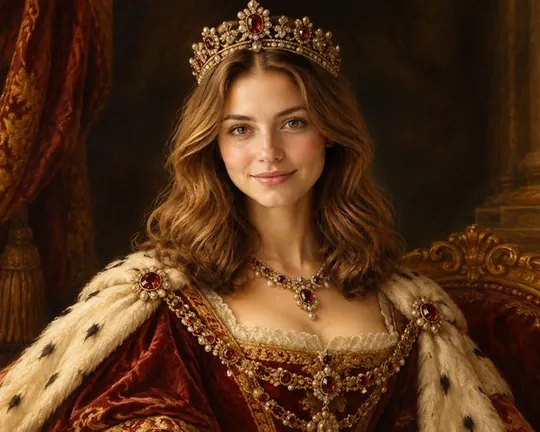
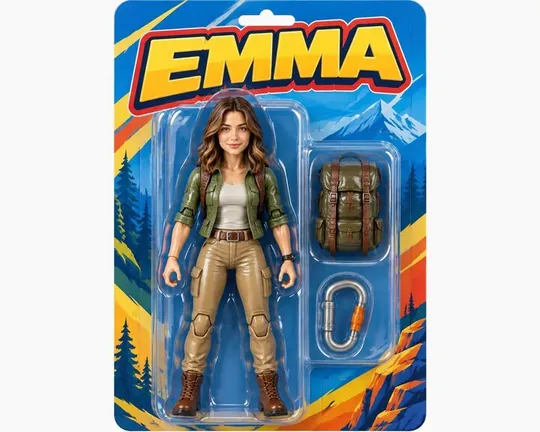
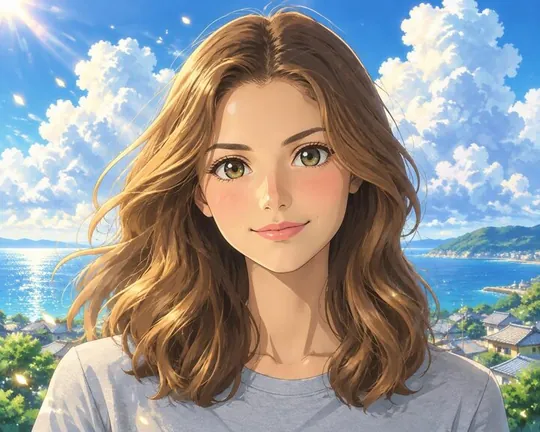
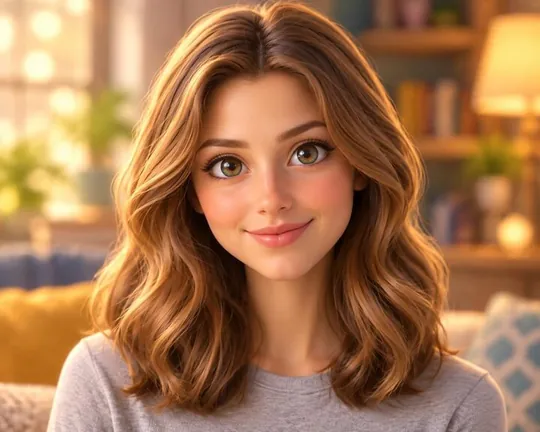
Movie AI style applied to a portrait photoRoyal AI style applied to a portrait photoToy AI style applied to a portrait photoAnime AI style applied to a portrait photo
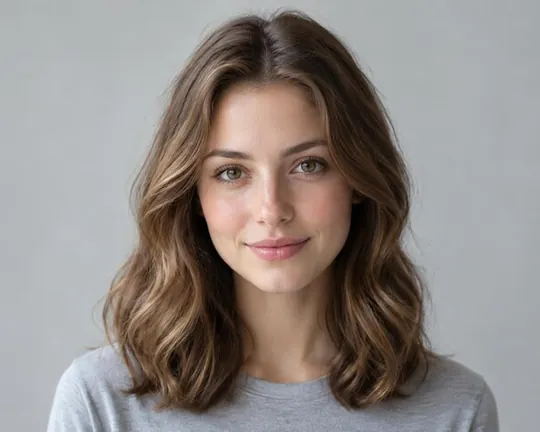
The original portrait photo every style was made from
the photo
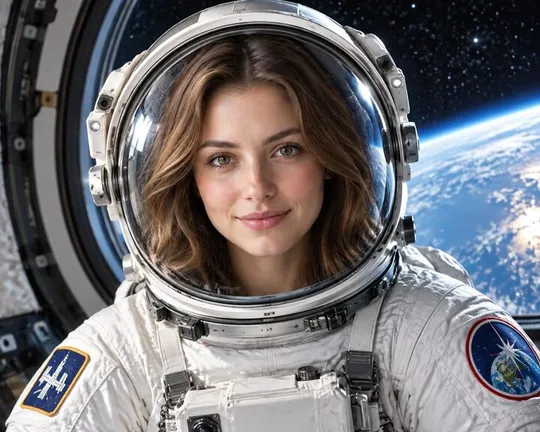
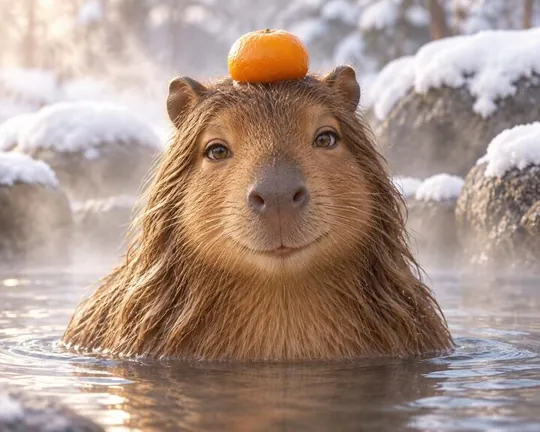
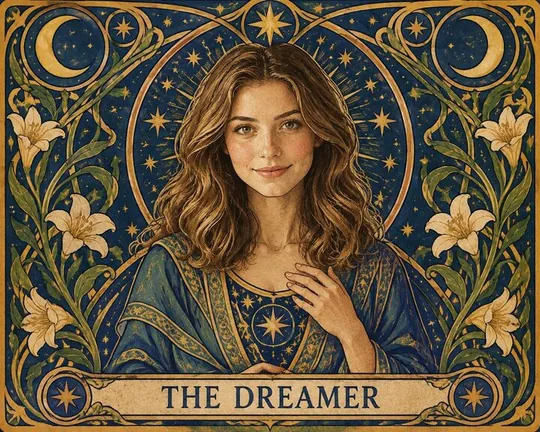
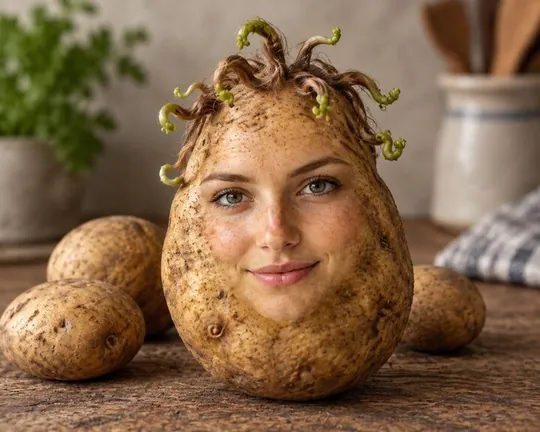
Astronaut AI style applied to a portrait photoCapybara AI style applied to a portrait photoTarot AI style applied to a portrait photoPotato AI style applied to a portrait photo

Movie star, royal, astronaut, action figure, anime hero, yearbook ’98, rubber duck. Pick a style, add your own title, and AI re-imagines your photo in seconds. 99 styles are free.

Every style

All 104, made from the same photo

Each tile below is real output of the app's Magic tab, made from one portrait photo. Tap a group to filter.
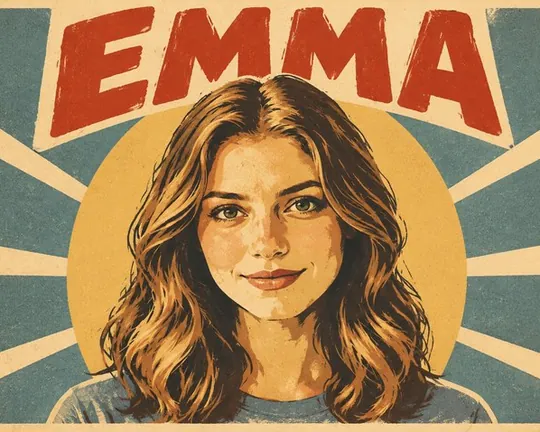
  • Poster AI style applied to a portrait photo
    Poster
  • Movie AI style applied to a portrait photo
    Movie
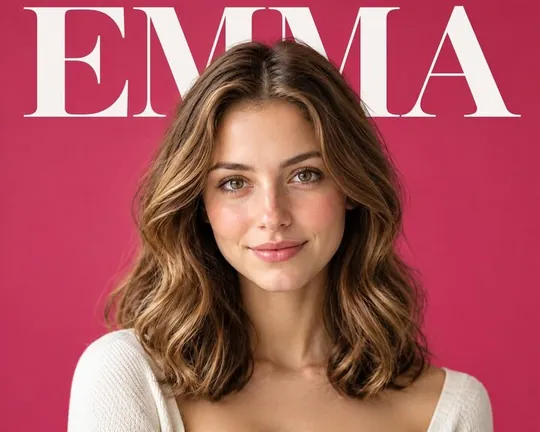
  • Cover AI style applied to a portrait photo
    Cover
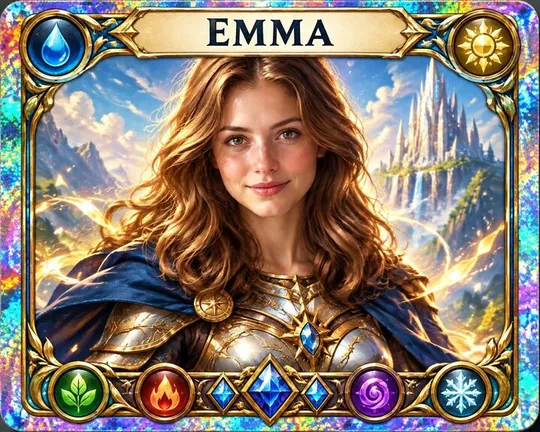
  • Card AI style applied to a portrait photo
    Card
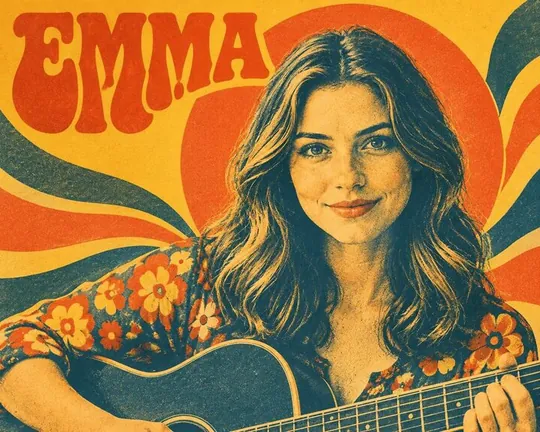
  • Album AI style applied to a portrait photo
    Album
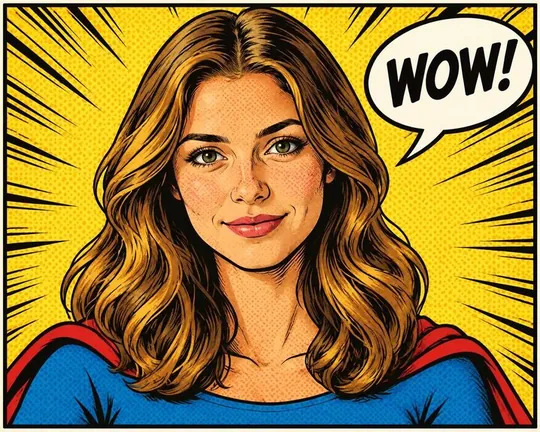
  • Comic AI style applied to a portrait photo
    Comic
  • Tarot AI style applied to a portrait photo
    Tarot
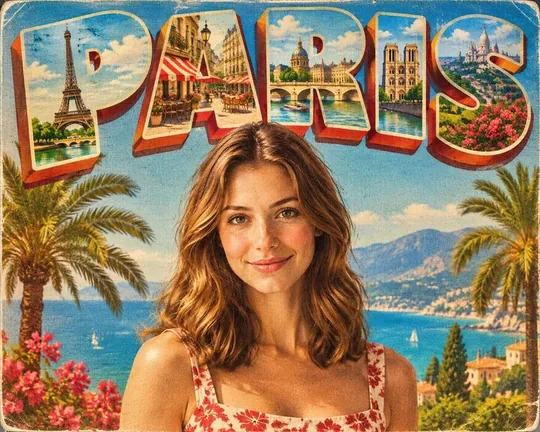
  • Postcard AI style applied to a portrait photo
    Postcard
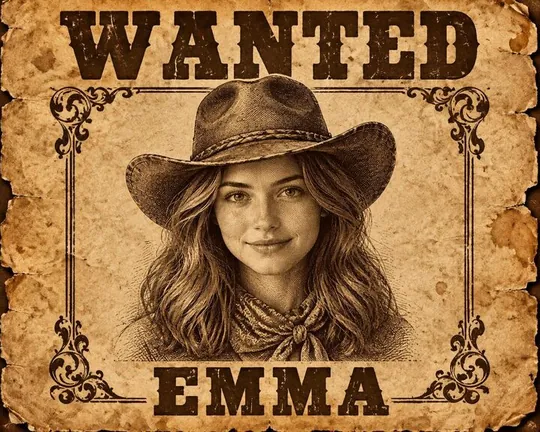
  • Wanted AI style applied to a portrait photo
    Wanted
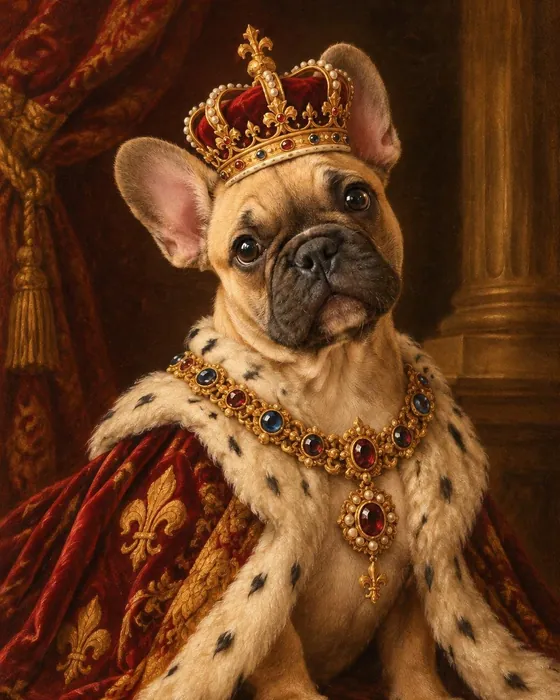
  • Royal AI style applied to a portrait photo
    Royal
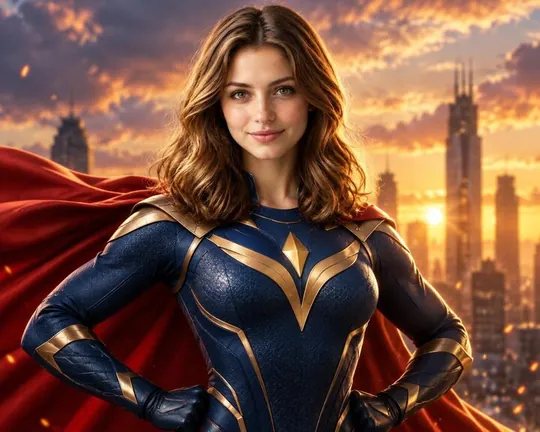
  • Hero AI style applied to a portrait photo
    Hero
  • Astronaut AI style applied to a portrait photo
    Astronaut
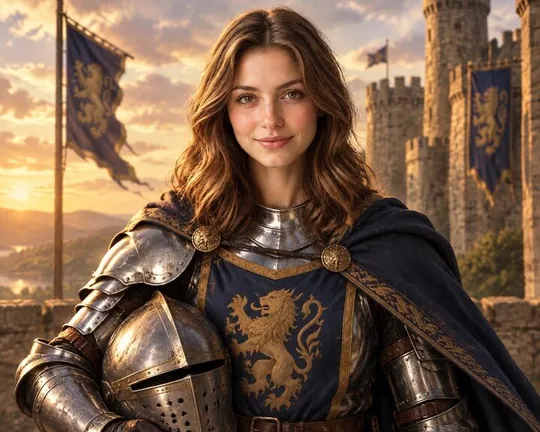
  • Knight AI style applied to a portrait photo
    Knight
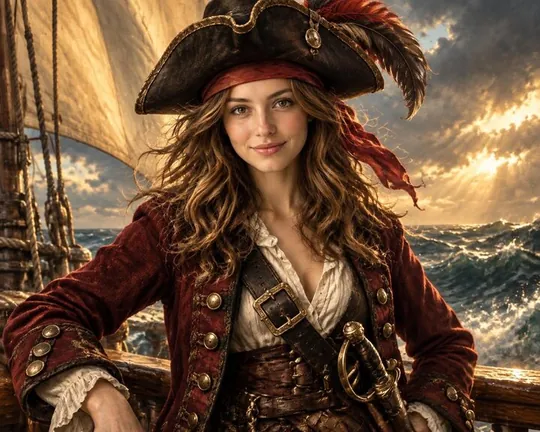
  • Pirate AI style applied to a portrait photo
    Pirate
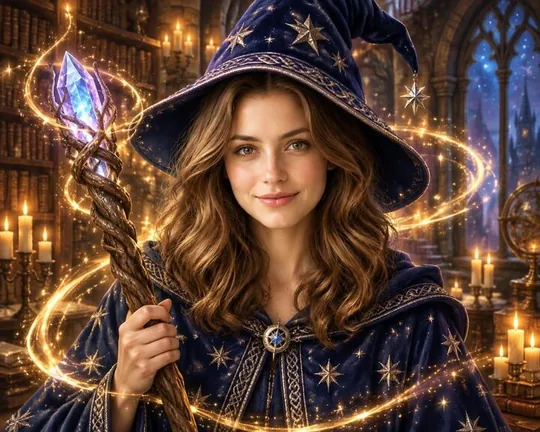
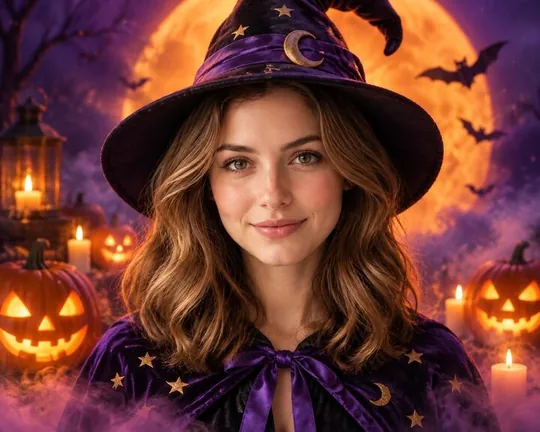
  • Wizard AI style applied to a portrait photo
    Wizard
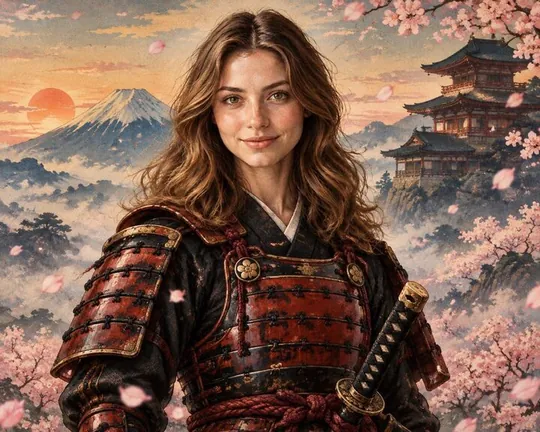
  • Samurai AI style applied to a portrait photo
    Samurai
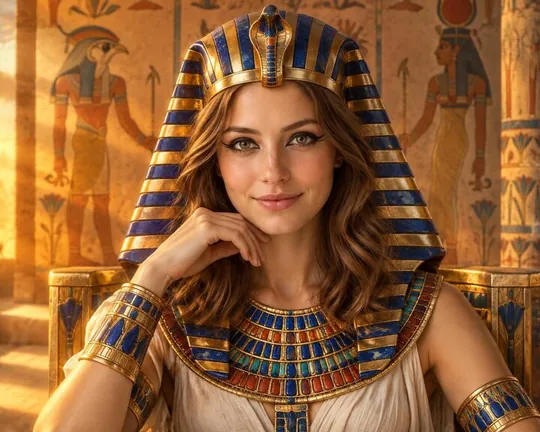
  • Pharaoh AI style applied to a portrait photo
    Pharaoh
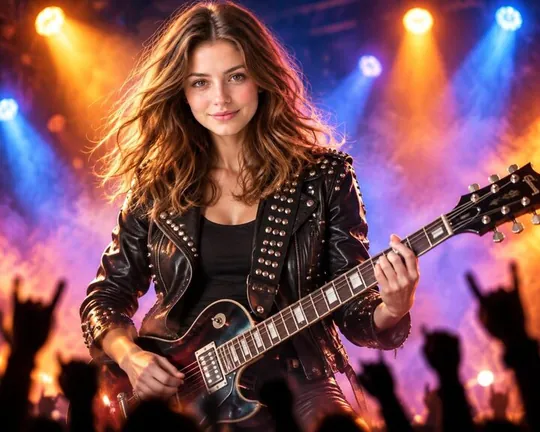
  • Rockstar AI style applied to a portrait photo
    Rockstar
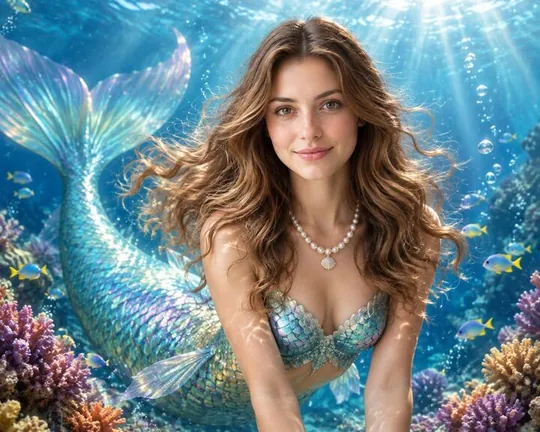
  • Mermaid AI style applied to a portrait photo
    Mermaid
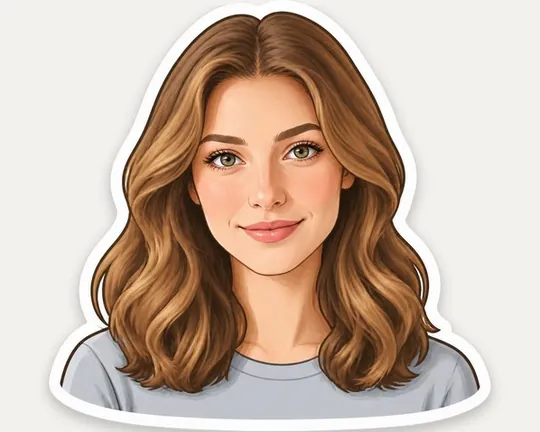
  • Sticker AI style applied to a portrait photo
    Sticker
  • Toy AI style applied to a portrait photo
    Toy
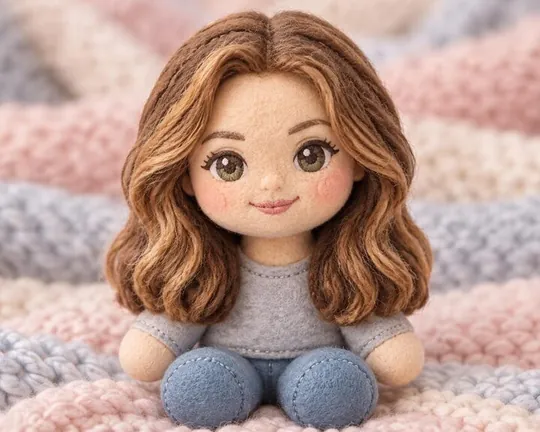
  • Plush AI style applied to a portrait photo
    Plush
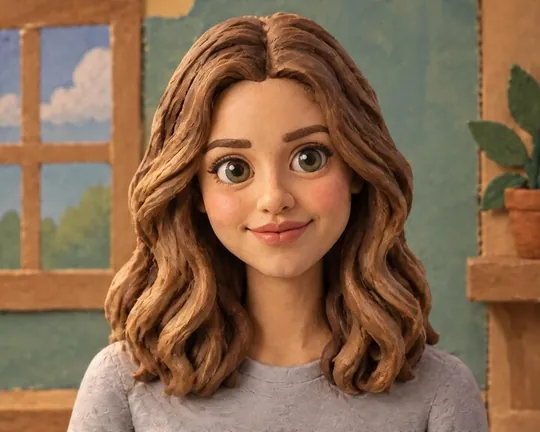
  • Clay AI style applied to a portrait photo
    Clay
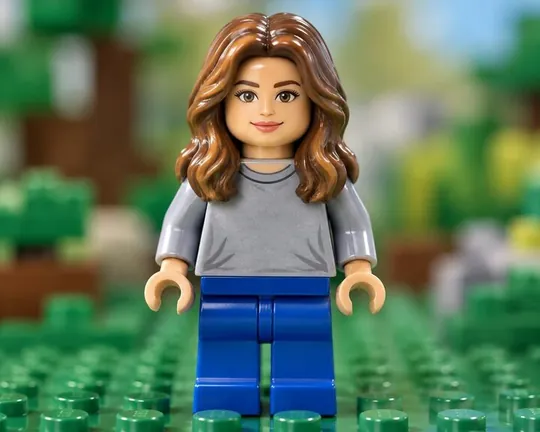
  • Brick AI style applied to a portrait photo
    Brick
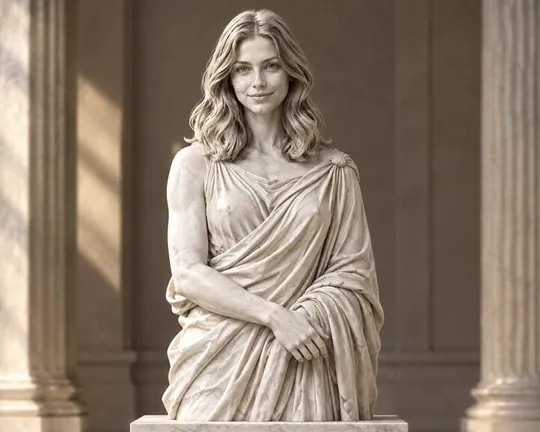
  • Statue AI style applied to a portrait photo
    Statue
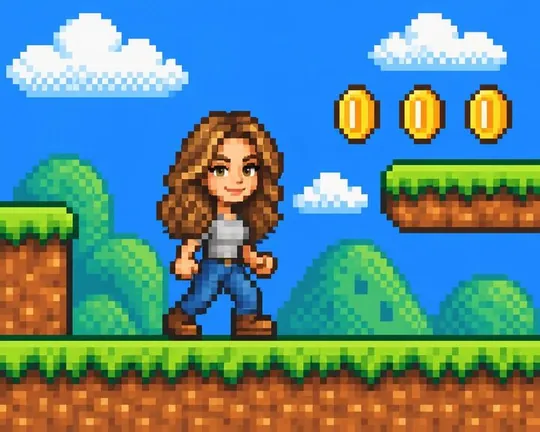
  • Pixel AI style applied to a portrait photo
    Pixel
  • Anime AI style applied to a portrait photo
    Anime
  • 3D Toon AI style applied to a portrait photo
    3D Toon
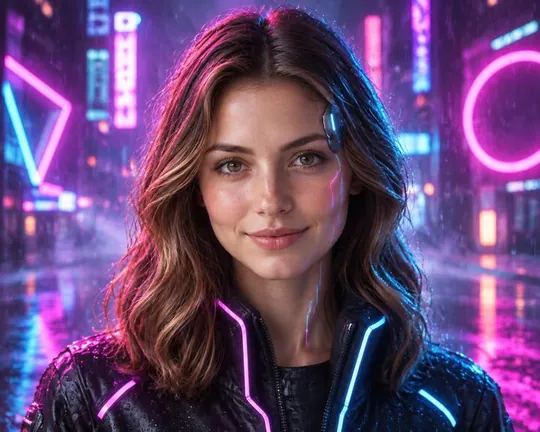
  • Cyber AI style applied to a portrait photo
    Cyber
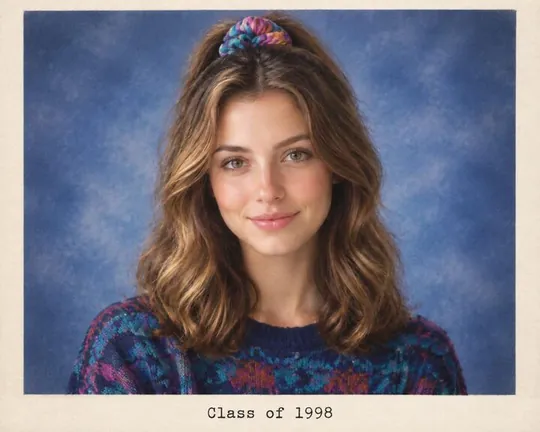
  • Yearbook AI style applied to a portrait photo
    Yearbook
  • Halloween AI style applied to a portrait photo
    Halloween
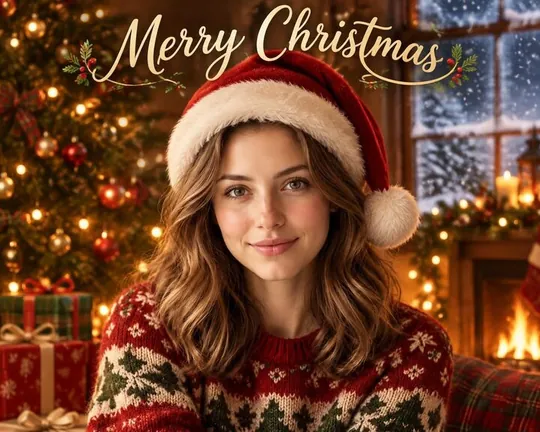
  • Christmas AI style applied to a portrait photo
    Christmas
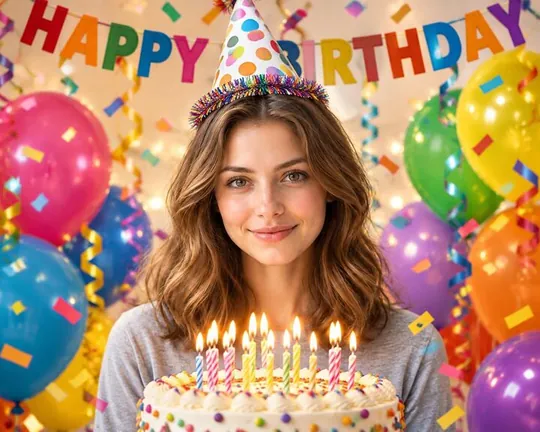
  • Birthday AI style applied to a portrait photo
    Birthday
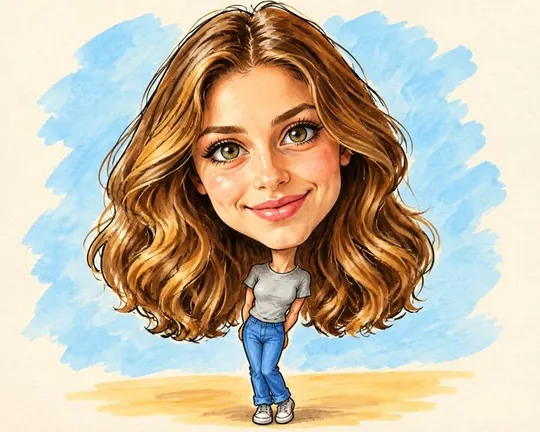
  • Caricature AI style applied to a portrait photo
    Caricature
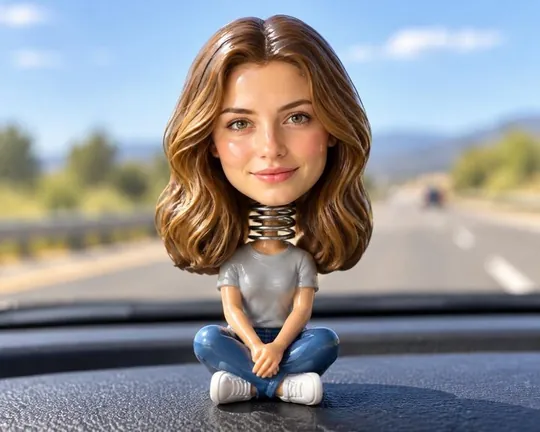
  • Bobble AI style applied to a portrait photo
    Bobble
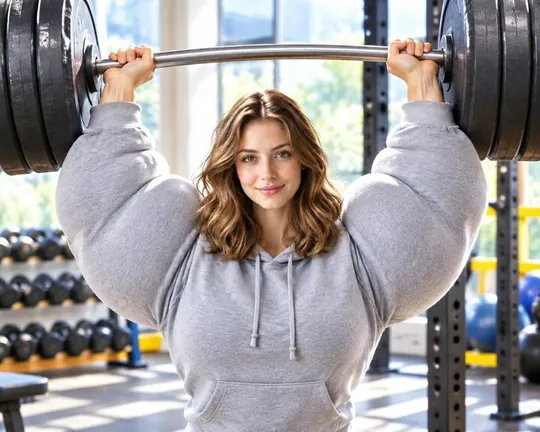
  • Buff AI style applied to a portrait photo
    Buff
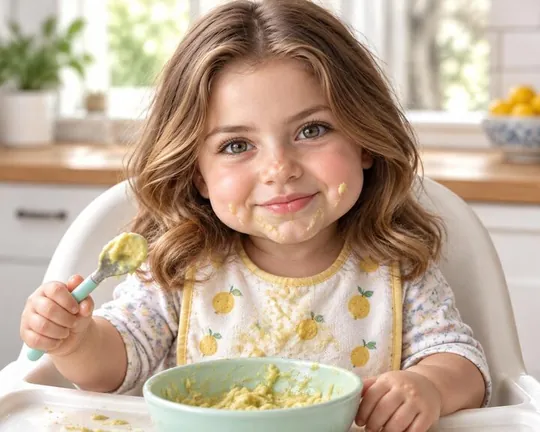
  • Baby AI style applied to a portrait photo
    Baby
  • Old AI style applied to a portrait photo
    Old
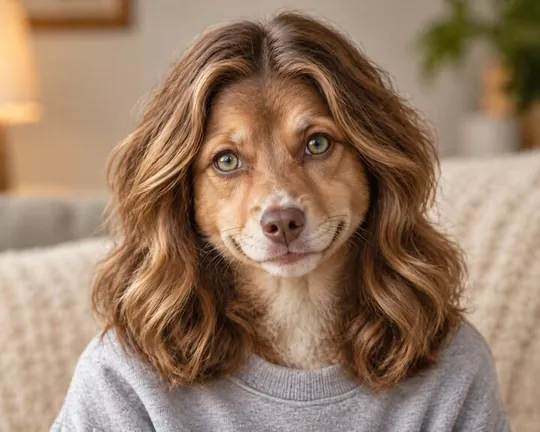
  • Swap AI style applied to a portrait photo
    Swap
  • Potato AI style applied to a portrait photo
    Potato
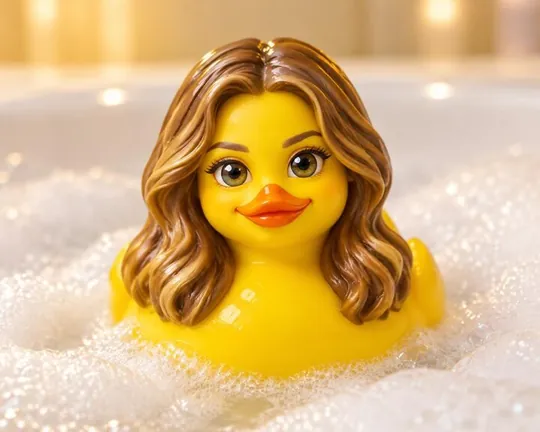
  • Duck AI style applied to a portrait photo
    Duck
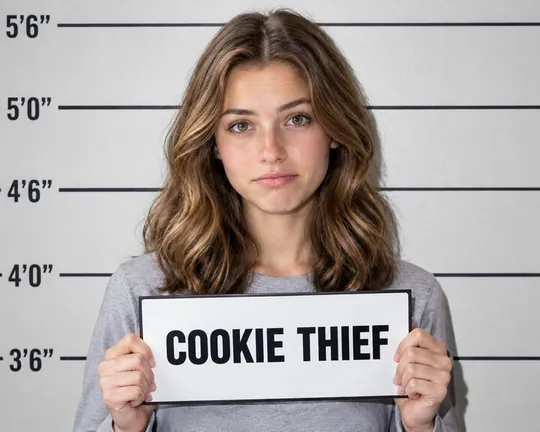
  • Mugshot AI style applied to a portrait photo
    Mugshot
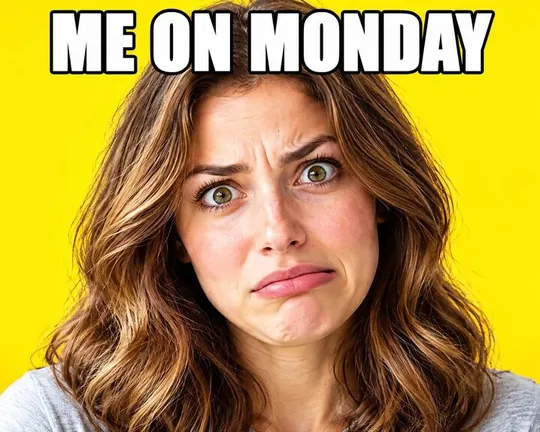
  • Meme AI style applied to a portrait photo
    Meme
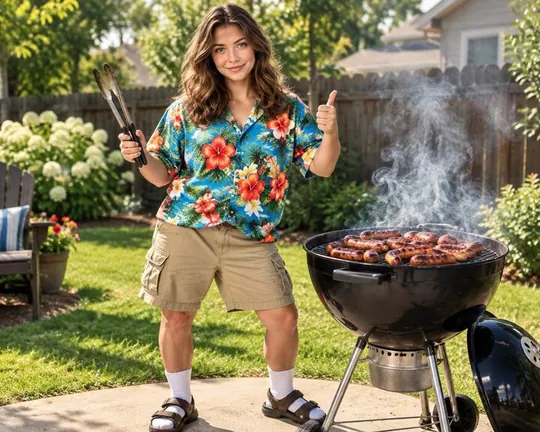
  • Dad AI style applied to a portrait photo
    Dad
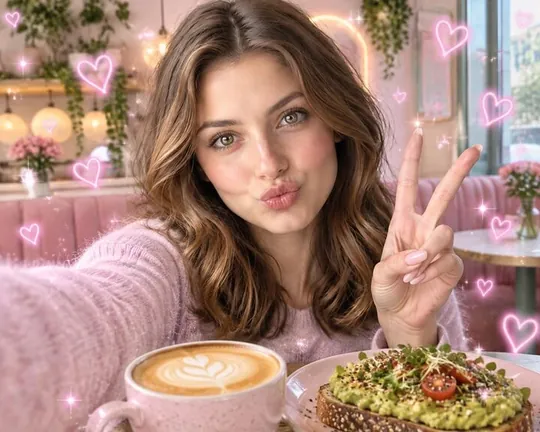
  • Selfie AI style applied to a portrait photo
    Selfie
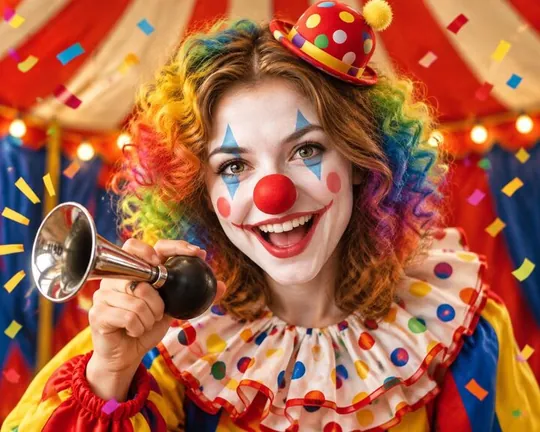
  • Clown AI style applied to a portrait photo
    Clown
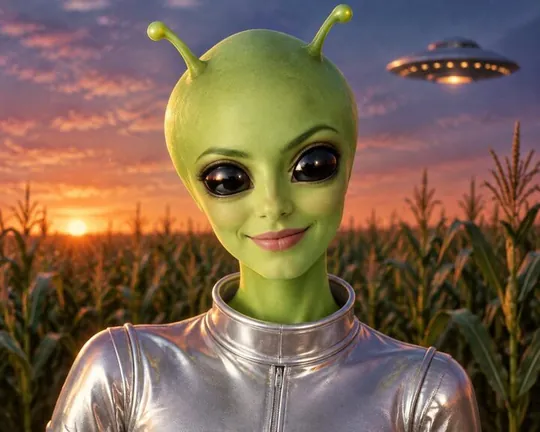
  • Alien AI style applied to a portrait photo
    Alien
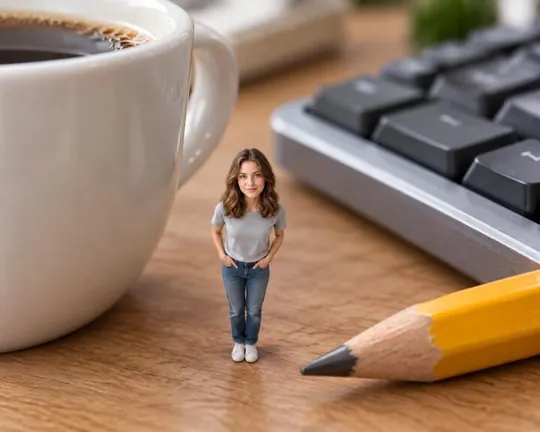
  • Tiny AI style applied to a portrait photo
    Tiny
  • Giant AI style applied to a portrait photo
    Giant
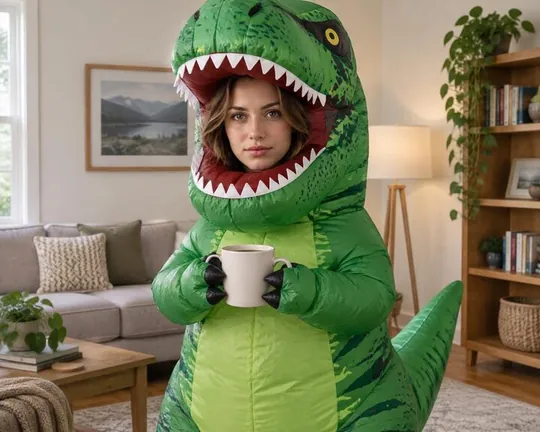
  • T-Rex AI style applied to a portrait photo
    T-Rex
  • Stock AI style applied to a portrait photo
    Stock
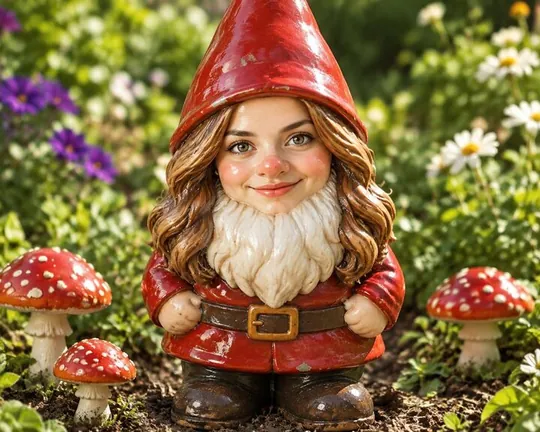
  • Gnome AI style applied to a portrait photo
    Gnome
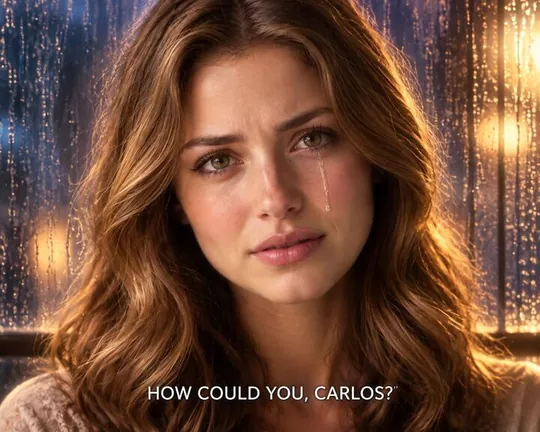
  • Drama AI style applied to a portrait photo
    Drama
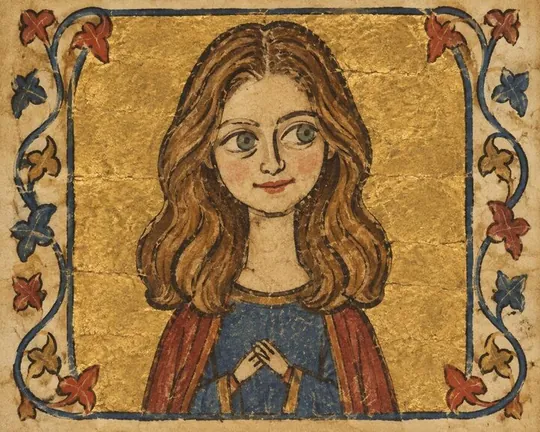
  • Medieval AI style applied to a portrait photo
    Medieval
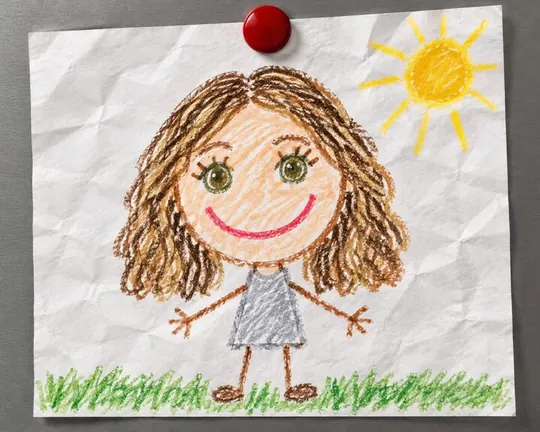
  • Crayon AI style applied to a portrait photo
    Crayon
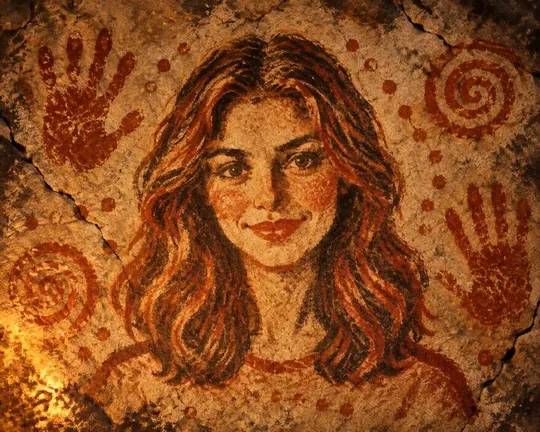
  • Cave AI style applied to a portrait photo
    Cave
  • Wax AI style applied to a portrait photo
    Wax
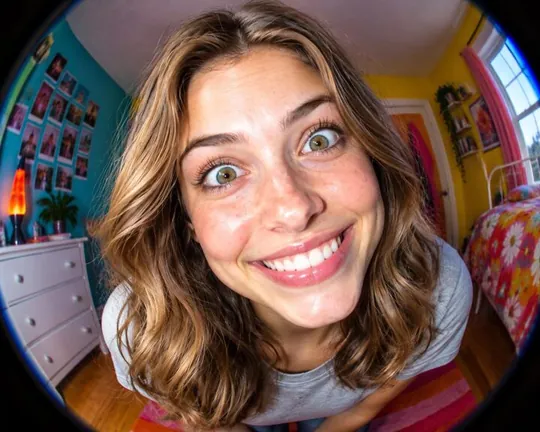
  • Fisheye AI style applied to a portrait photo
    Fisheye
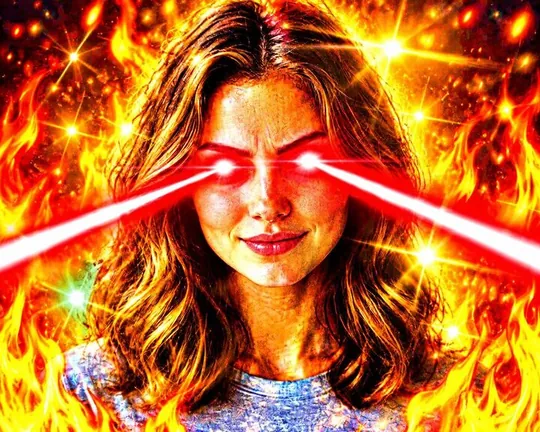
  • Fried AI style applied to a portrait photo
    Fried
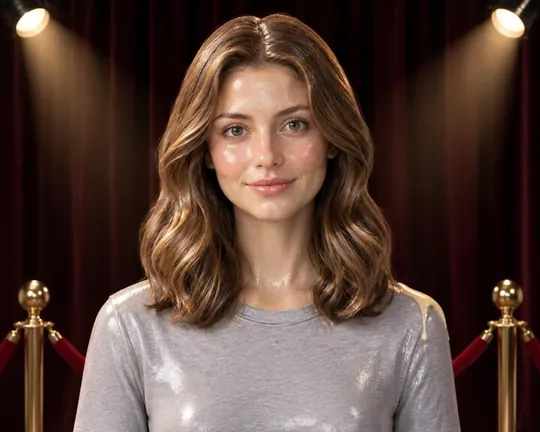
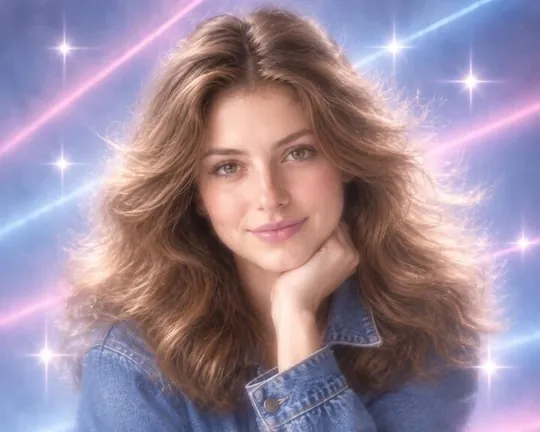
  • Glamour AI style applied to a portrait photo
    Glamour
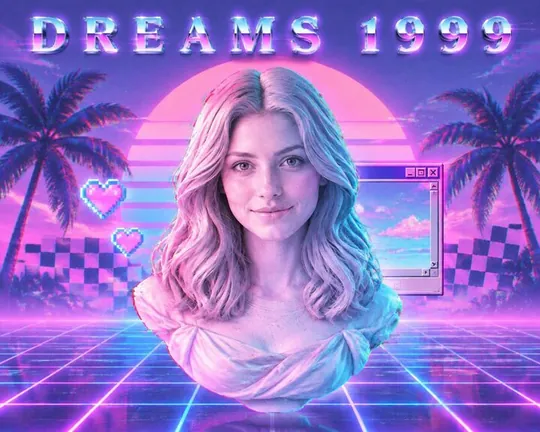
  • Vapor AI style applied to a portrait photo
    Vapor
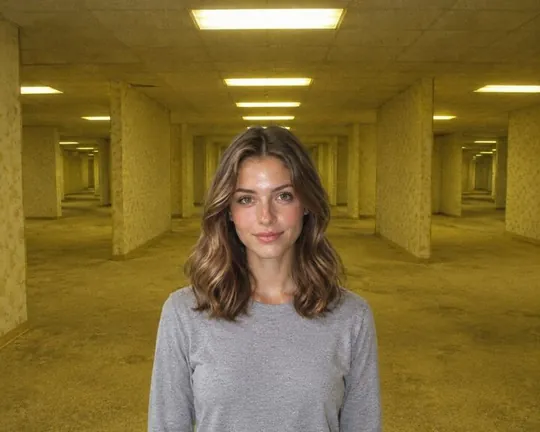
  • Liminal AI style applied to a portrait photo
    Liminal
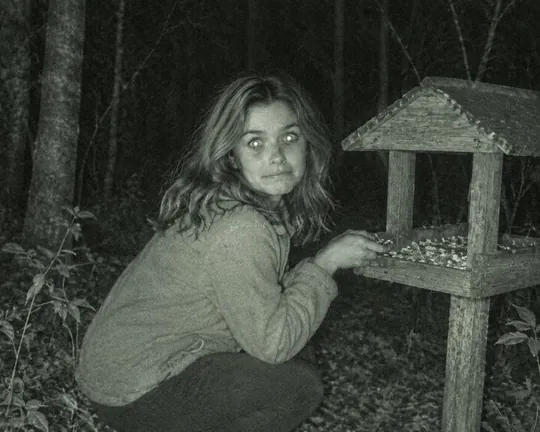
  • Trailcam AI style applied to a portrait photo
    Trailcam
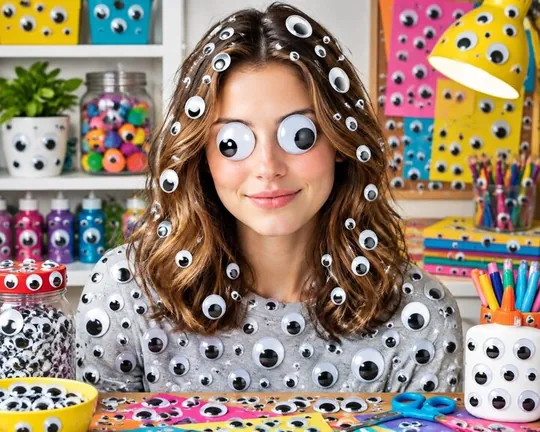
  • Googly AI style applied to a portrait photo
    Googly
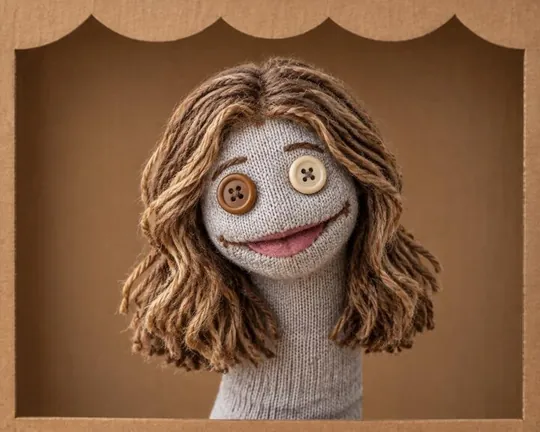
  • Sock AI style applied to a portrait photo
    Sock
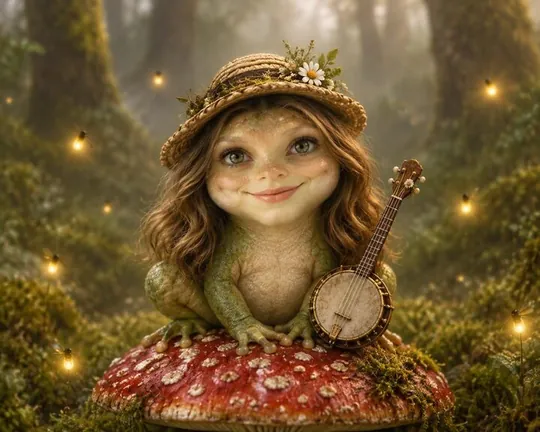
  • Frog AI style applied to a portrait photo
    Frog
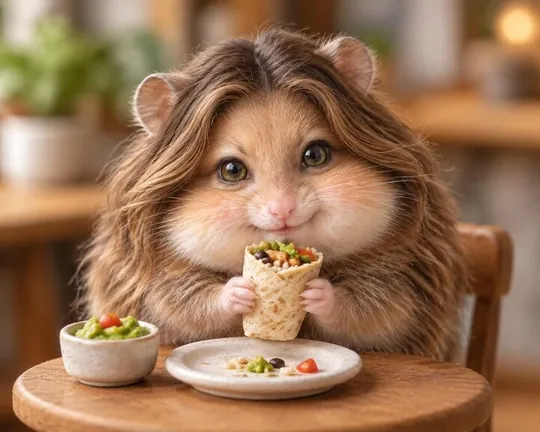
  • Hamster AI style applied to a portrait photo
    Hamster
  • Capybara AI style applied to a portrait photo
    Capybara
  • Evil AI style applied to a portrait photo
    Evil
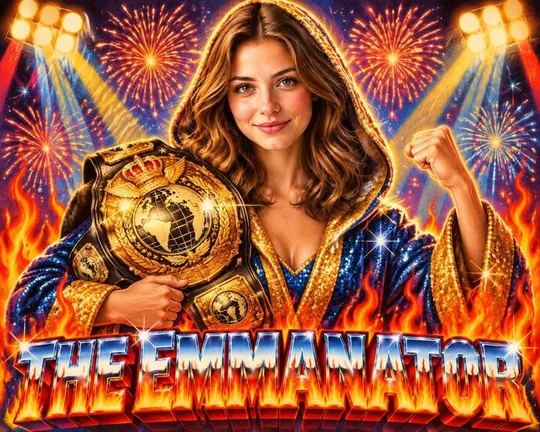
  • Champ AI style applied to a portrait photo
    Champ
  • Nature AI style applied to a portrait photo
    Nature
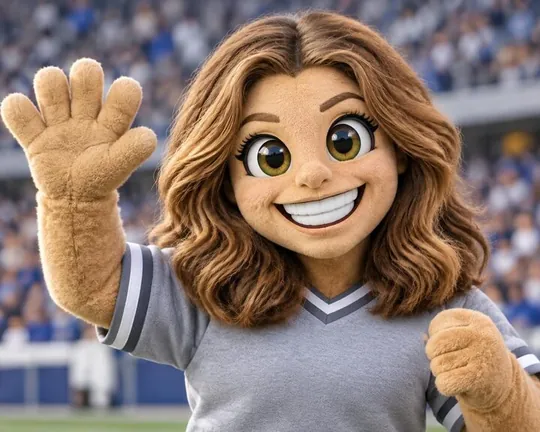
  • Mascot AI style applied to a portrait photo
    Mascot
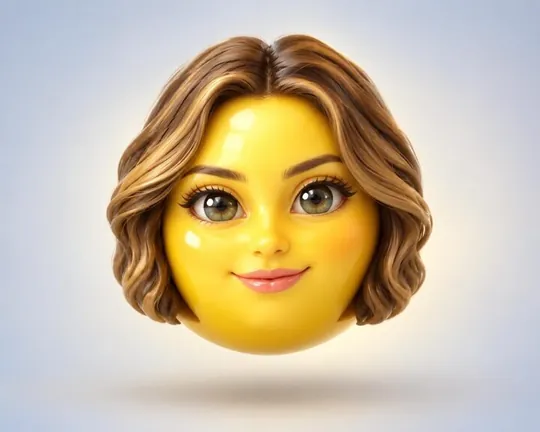
  • Emoji AI style applied to a portrait photo
    Emoji
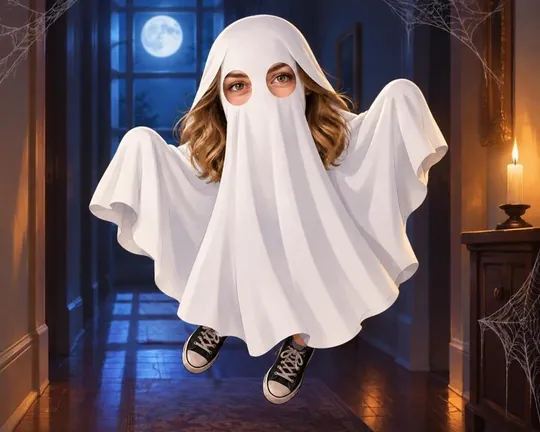
  • Ghost AI style applied to a portrait photo
    Ghost
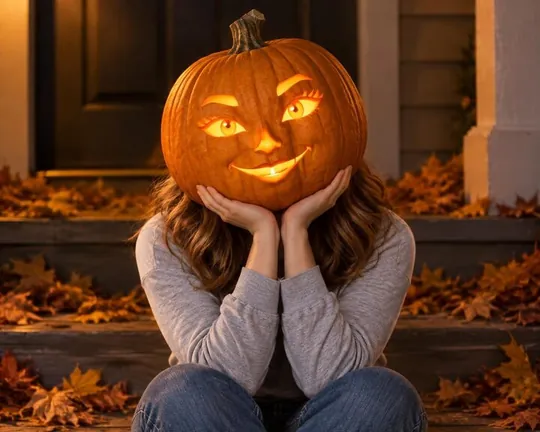
  • Pumpkin AI style applied to a portrait photo
    Pumpkin
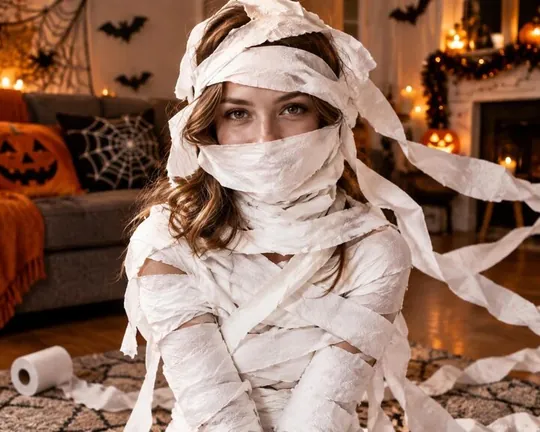
  • Mummy AI style applied to a portrait photo
    Mummy
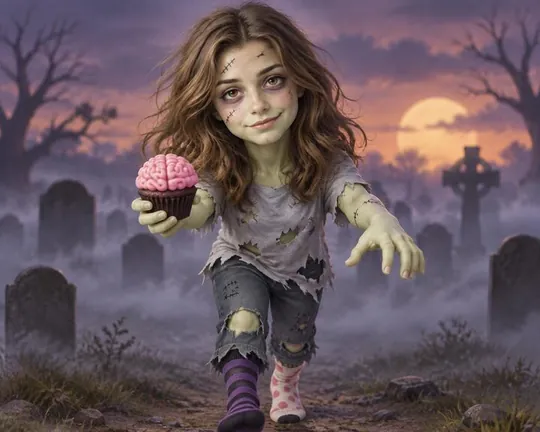
  • Zombie AI style applied to a portrait photo
    Zombie
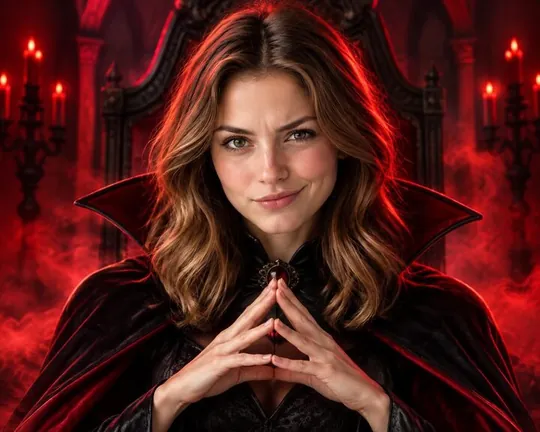
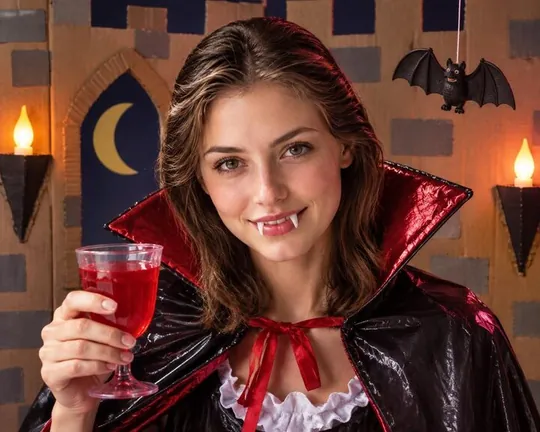
  • Vampire AI style applied to a portrait photo
    Vampire
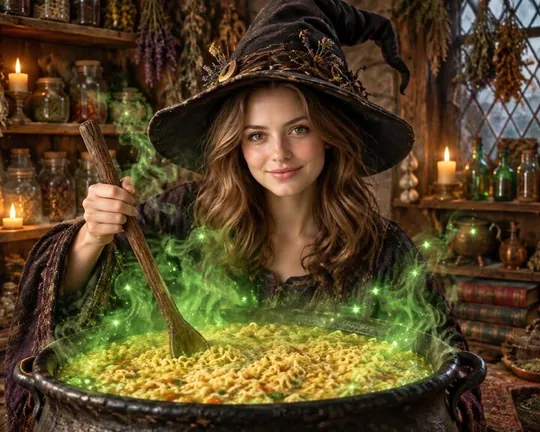
  • Brew AI style applied to a portrait photo
    Brew
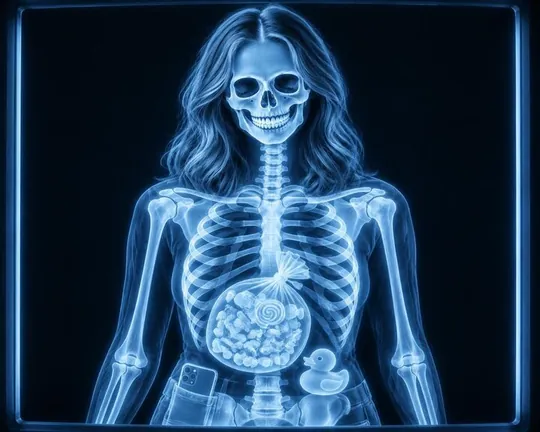
  • X-ray AI style applied to a portrait photo
    X-ray
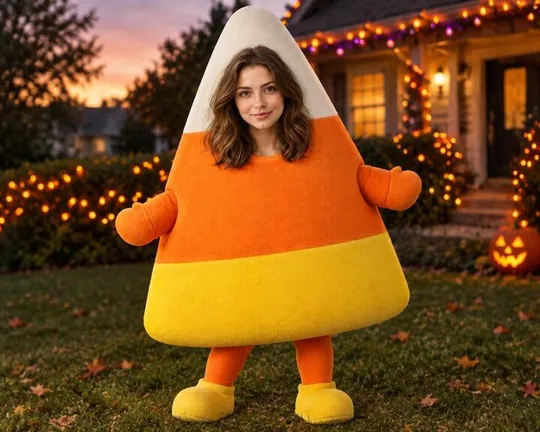
  • Candy AI style applied to a portrait photo
    Candy
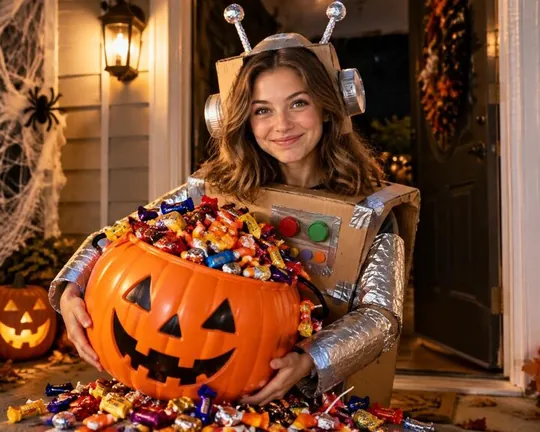
  • Treats AI style applied to a portrait photo
    Treats
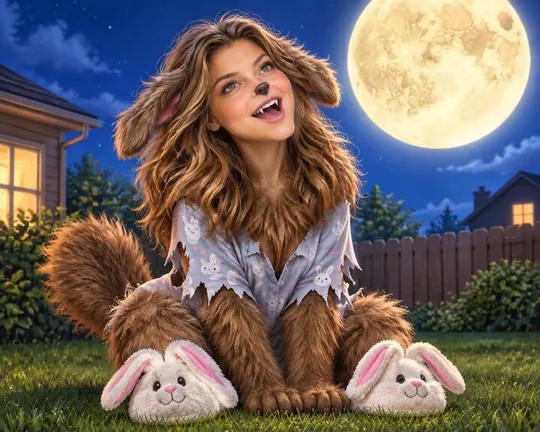
  • Werewolf AI style applied to a portrait photo
    Werewolf
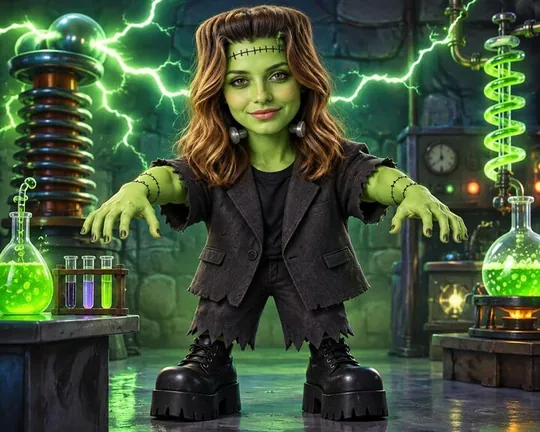
  • Monster AI style applied to a portrait photo
    Monster
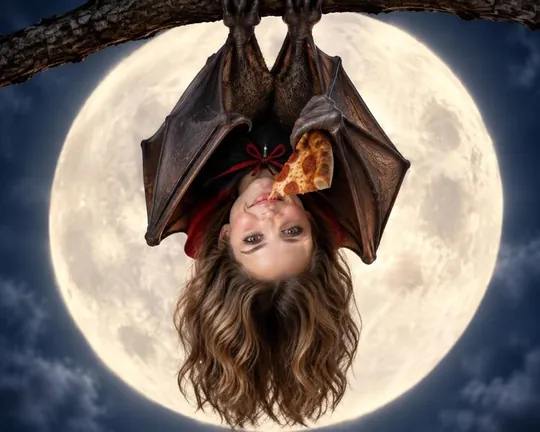
  • Bat AI style applied to a portrait photo
    Bat
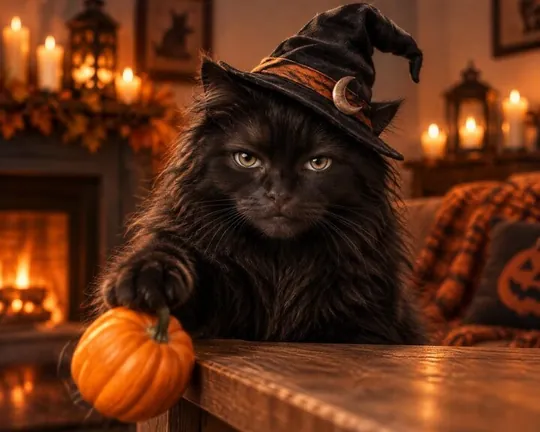
  • Cat AI style applied to a portrait photo
    Cat
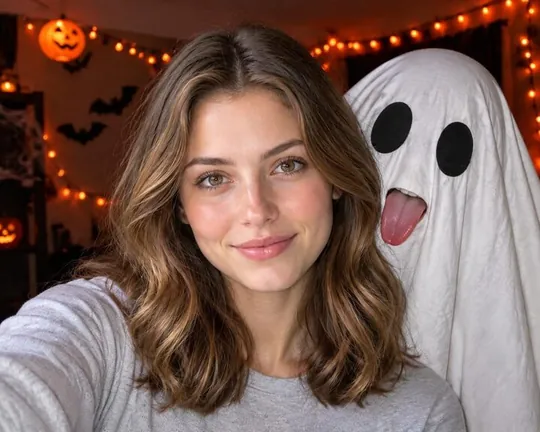
  • Photobomb AI style applied to a portrait photo
    Photobomb
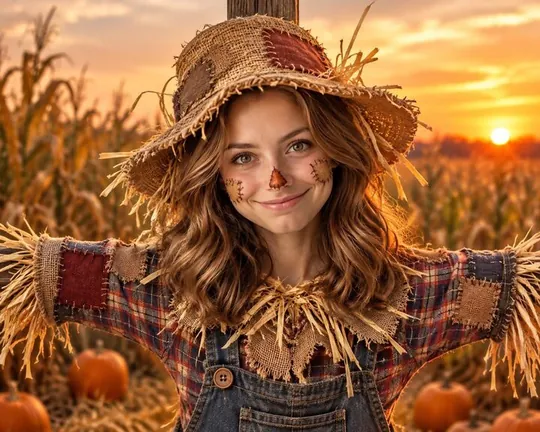
  • Scarecrow AI style applied to a portrait photo
    Scarecrow
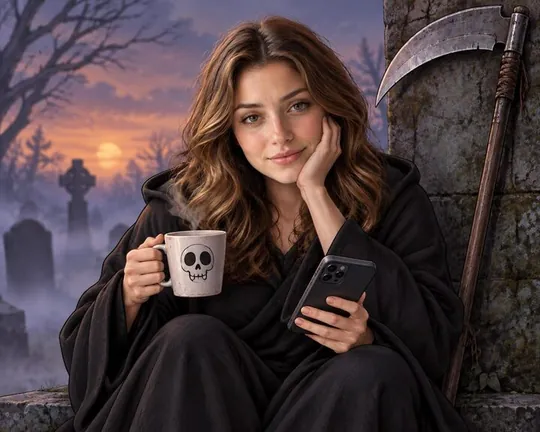
  • Reaper AI style applied to a portrait photo
    Reaper
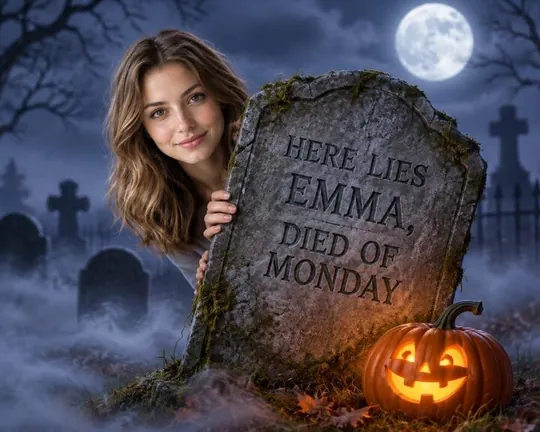
  • Tomb AI style applied to a portrait photo
    Tomb
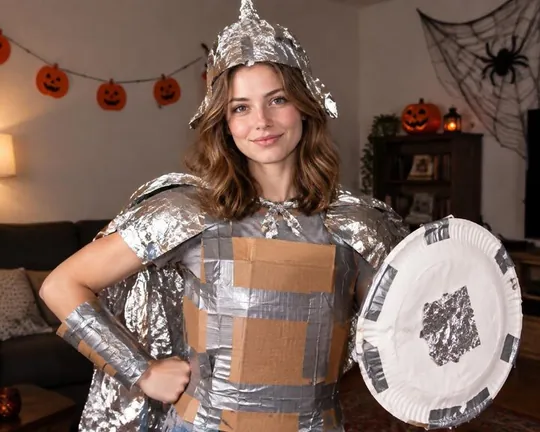
  • DIY AI style applied to a portrait photo
    DIY
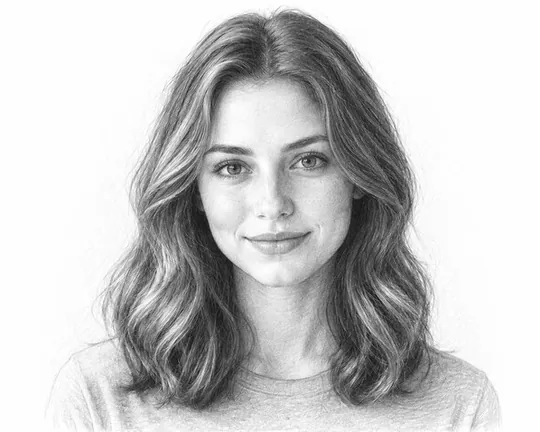
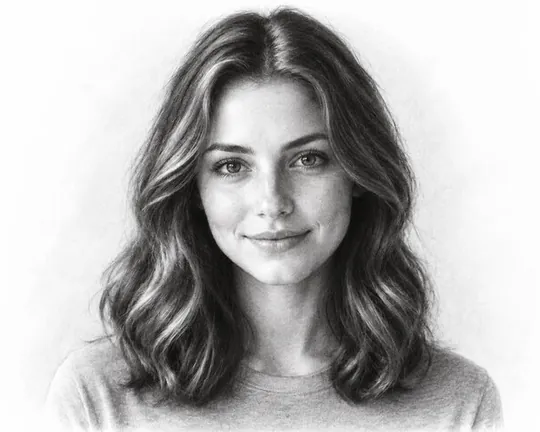
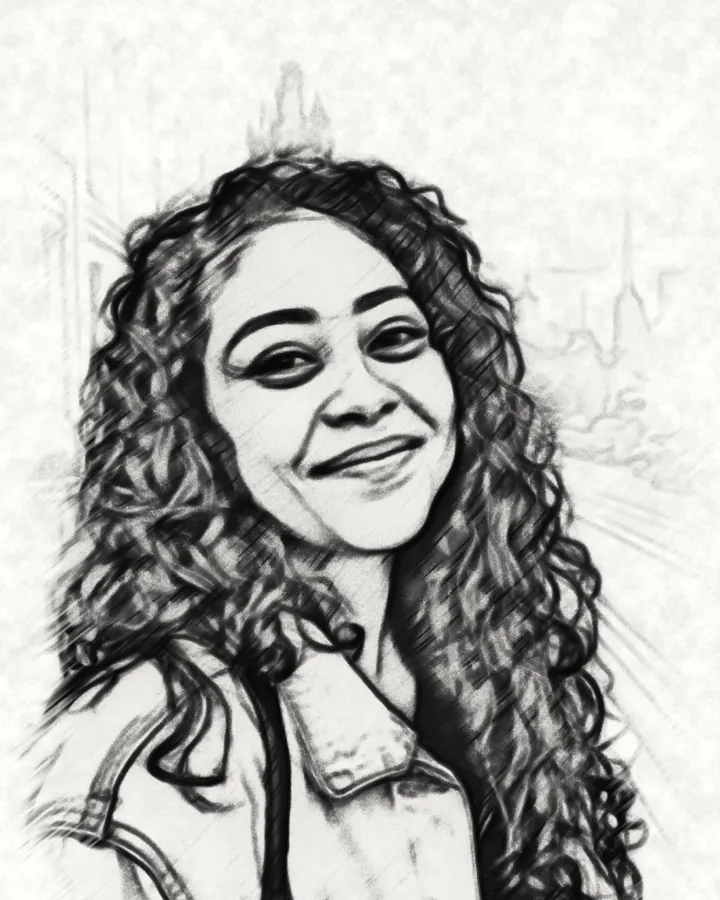
  • Pencil AI style applied to a portrait photo
    Pencil
  • Charcoal AI style applied to a portrait photo
    Charcoal
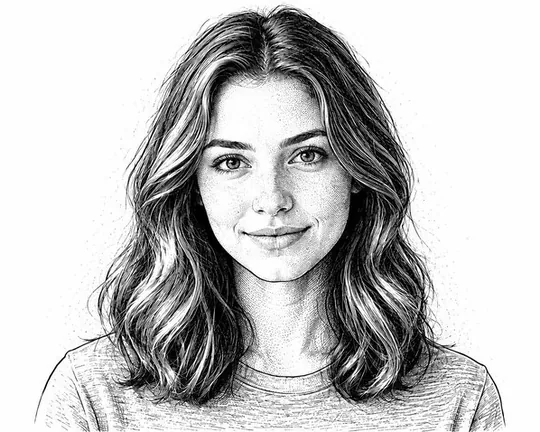
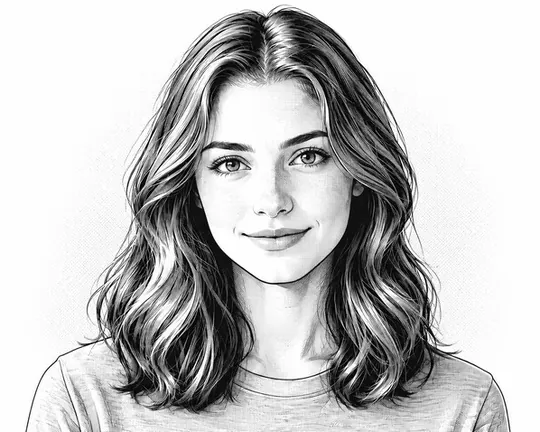
  • Ink AI style applied to a portrait photo
    Ink
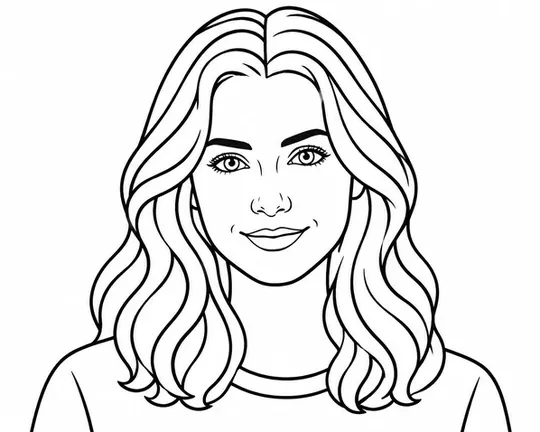
  • Line art AI style applied to a portrait photo
    Line art
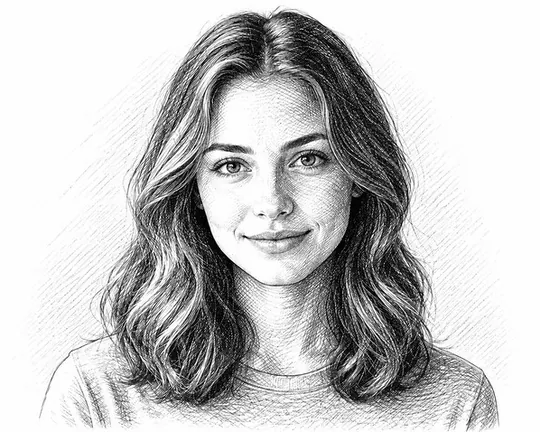
  • Crosshatch AI style applied to a portrait photoPRO
    Crosshatch
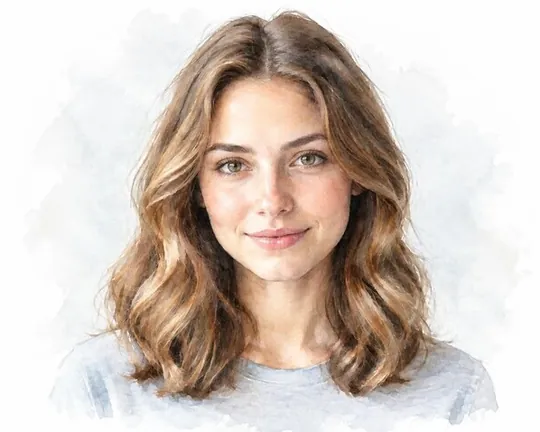
  • Watercolor AI style applied to a portrait photo
    Watercolor
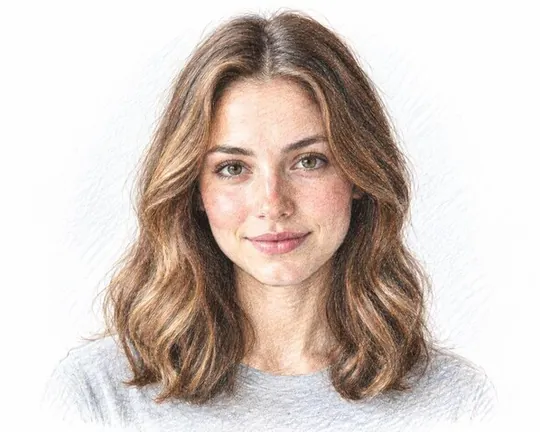
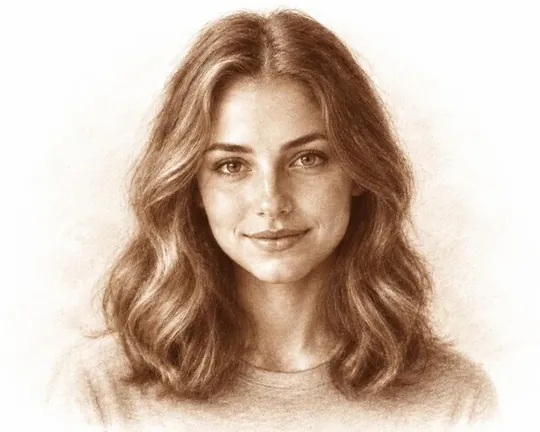
  • Color pencil AI style applied to a portrait photoPRO
    Color pencil
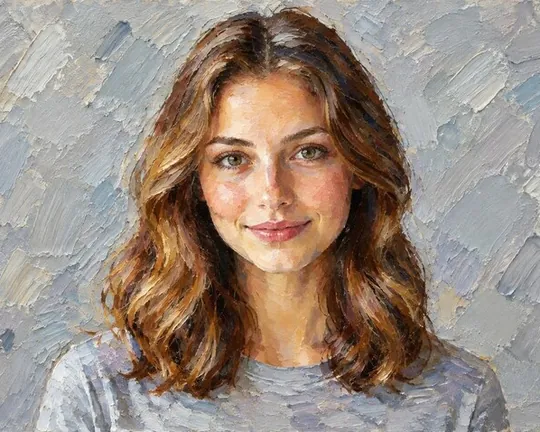
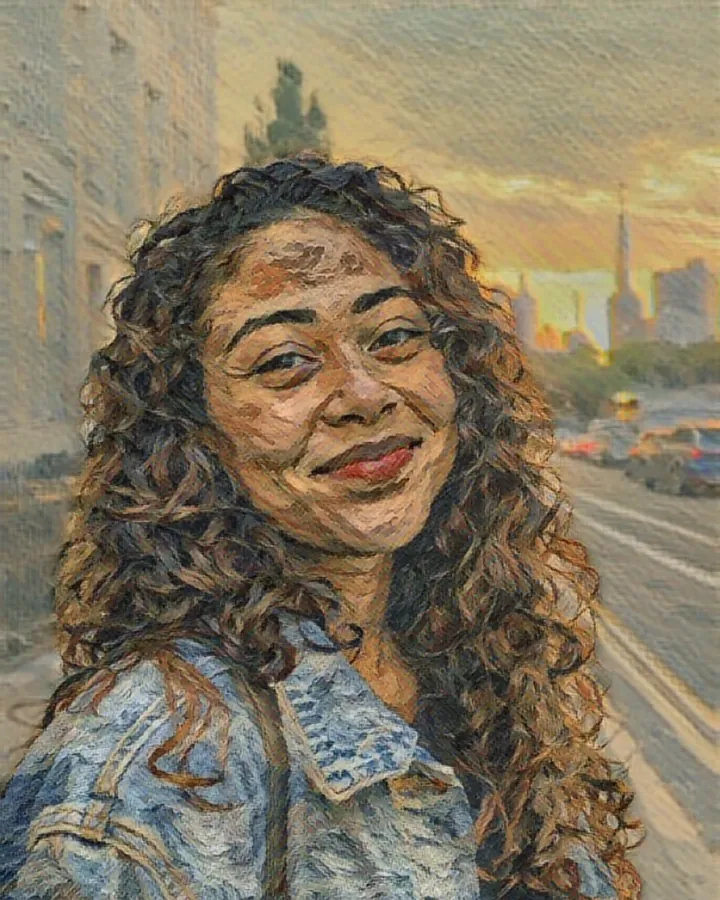
  • Oil paint AI style applied to a portrait photo
    Oil paint
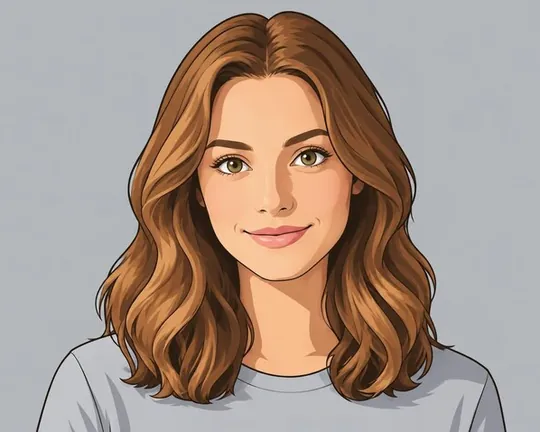
  • Cartoon AI style applied to a portrait photo
    Cartoon
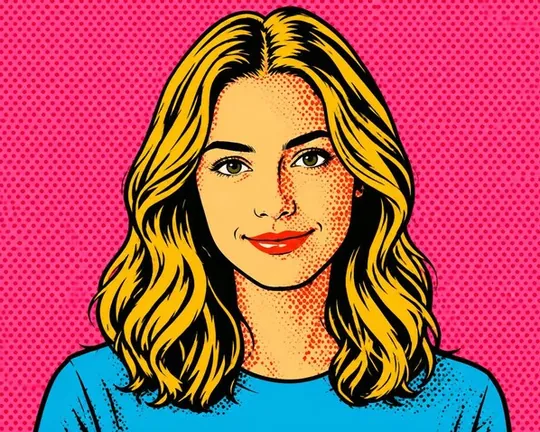
  • Pop art AI style applied to a portrait photo
    Pop art
  • Manga AI style applied to a portrait photoPRO
    Manga
  • Chalk AI style applied to a portrait photoPRO
    Chalk
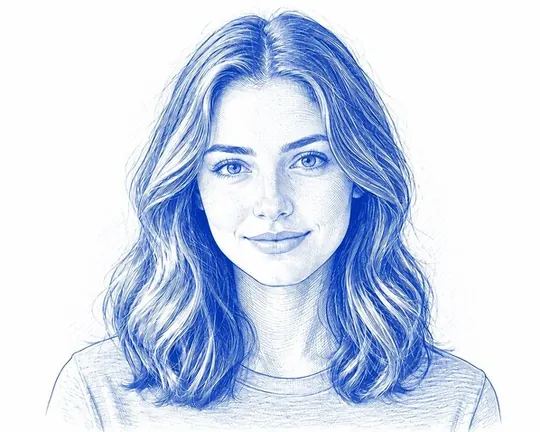
  • Blueprint AI style applied to a portrait photoPRO
    Blueprint

Works on pets too

Your dog, but royal

Costumes, figures and portraits work just as well for dogs and cats.
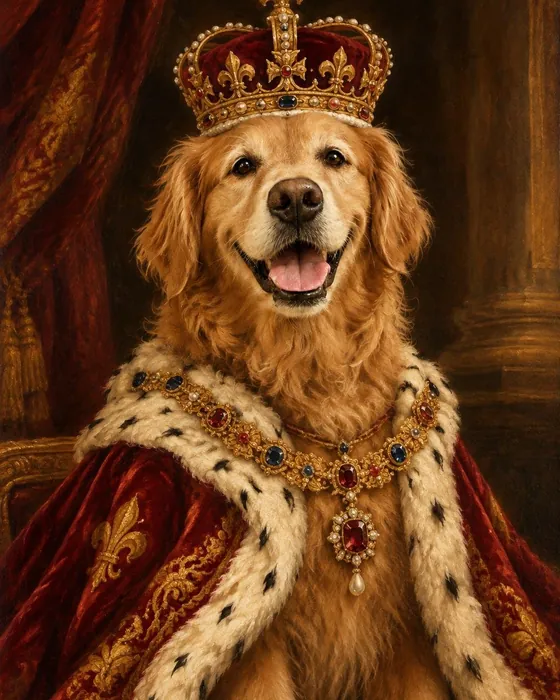
  • The golden retriever as a royal portrait, made with Magic
    Royal
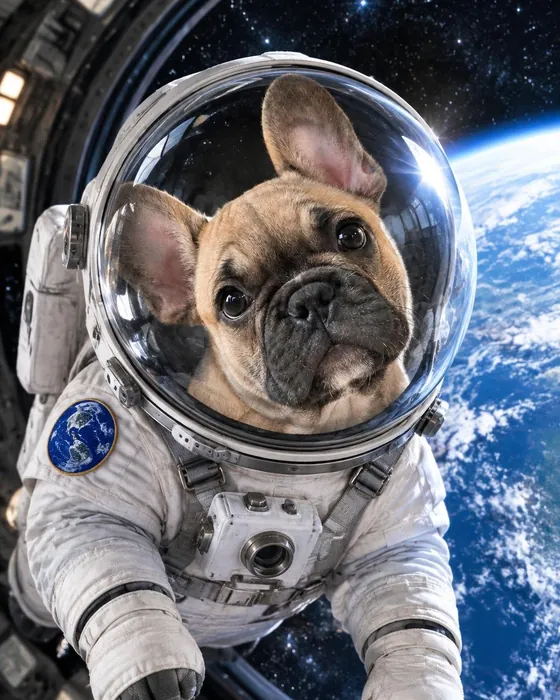
  • The French bulldog as an astronaut, made with Magic
    Astronaut
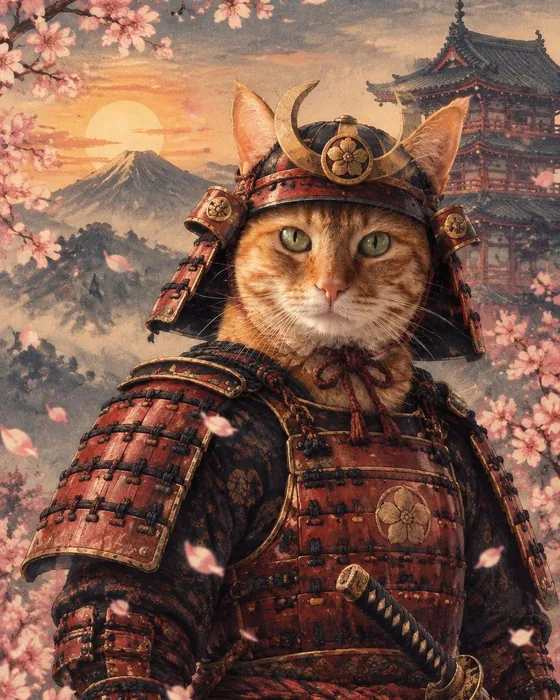
  • The ginger cat as a samurai, made with Magic
    Samurai
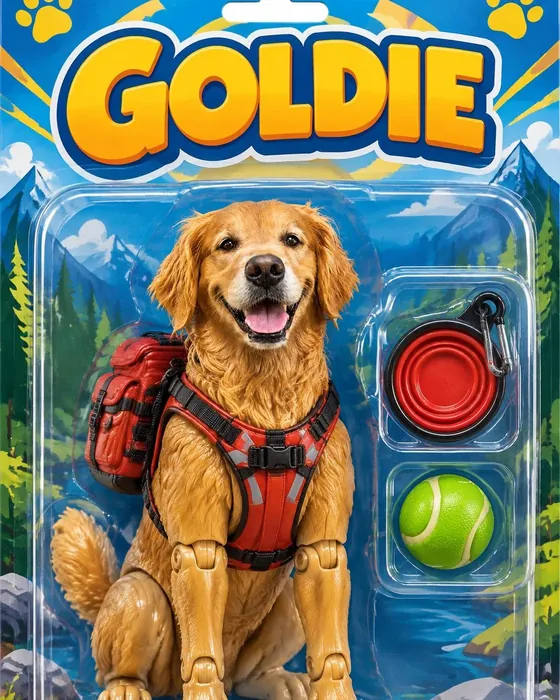
  • The golden retriever as an action figure in its box, made with Magic
    Toywith the title GOLDIE
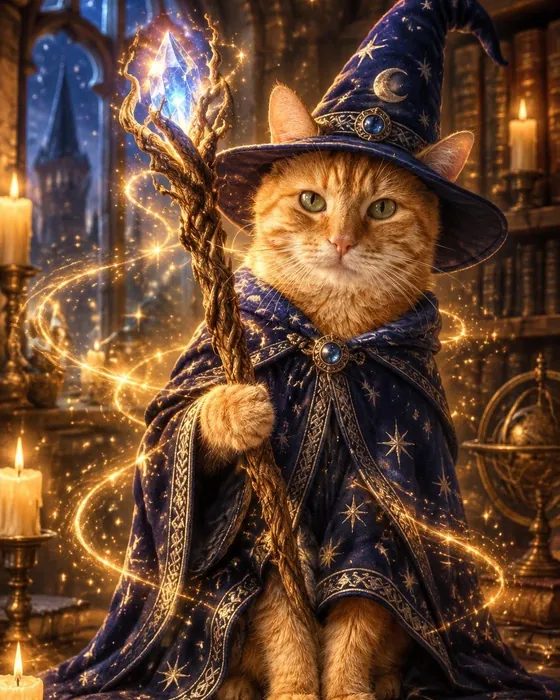
  • The ginger cat as a wizard, made with Magic
    Wizard
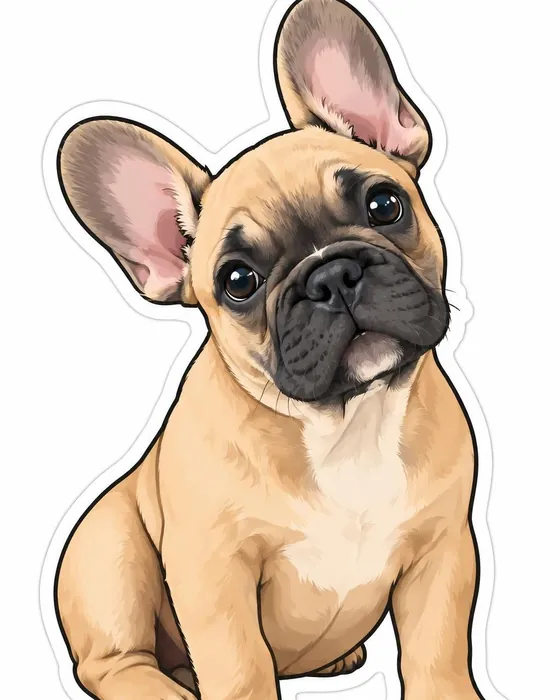
  • The French bulldog as a die-cut sticker, made with Magic
    Sticker
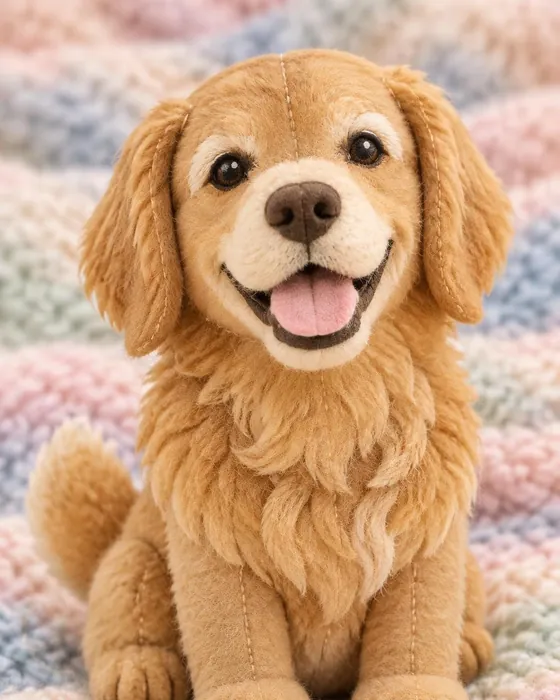
  • The golden retriever as a plush toy, made with Magic
    Plush
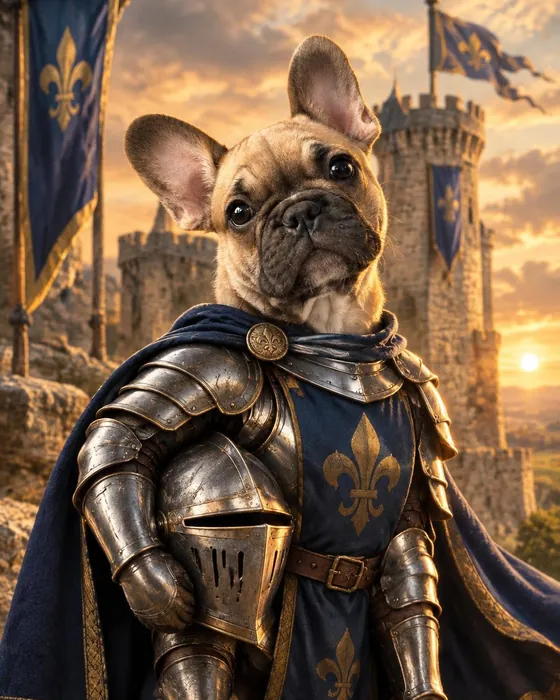
  • The French bulldog as a knight, made with Magic
    Knight

Your words in the picture

Make it say anything

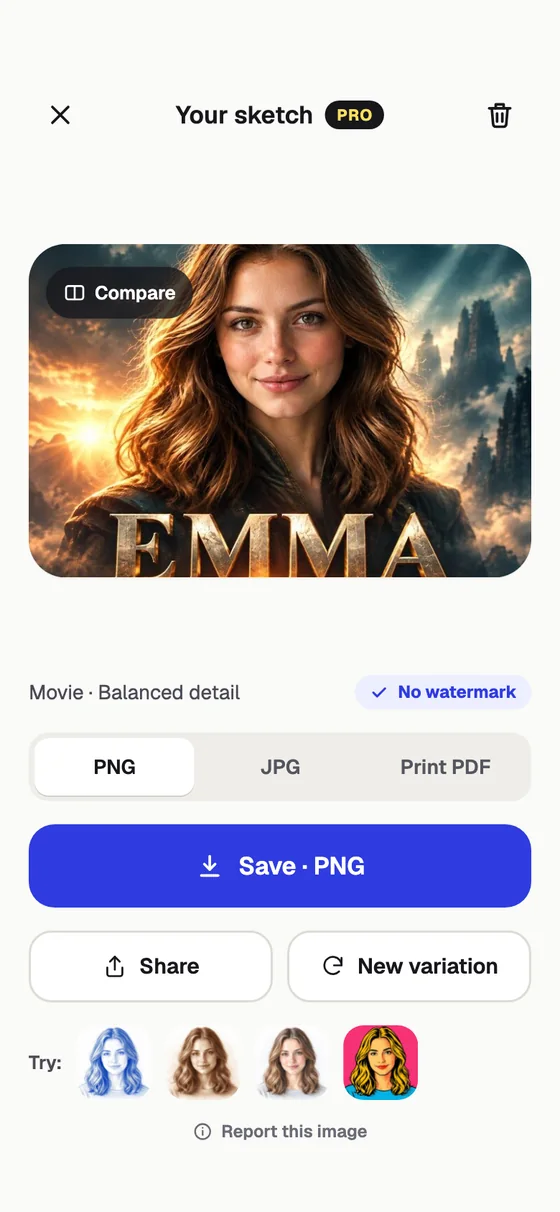
Twenty styles can put your own text into the picture: a movie title, a band name, a mugshot sign, a birthday wish or an epitaph.
Movie AI style applied to a portrait photo
Movie
Mugshot AI style applied to a portrait photo
Mugshot
Tomb AI style applied to a portrait photo
Tomb
Meme AI style applied to a portrait photo
Meme
Yearbook AI style applied to a portrait photo
Yearbook
Champ AI style applied to a portrait photo
Champ
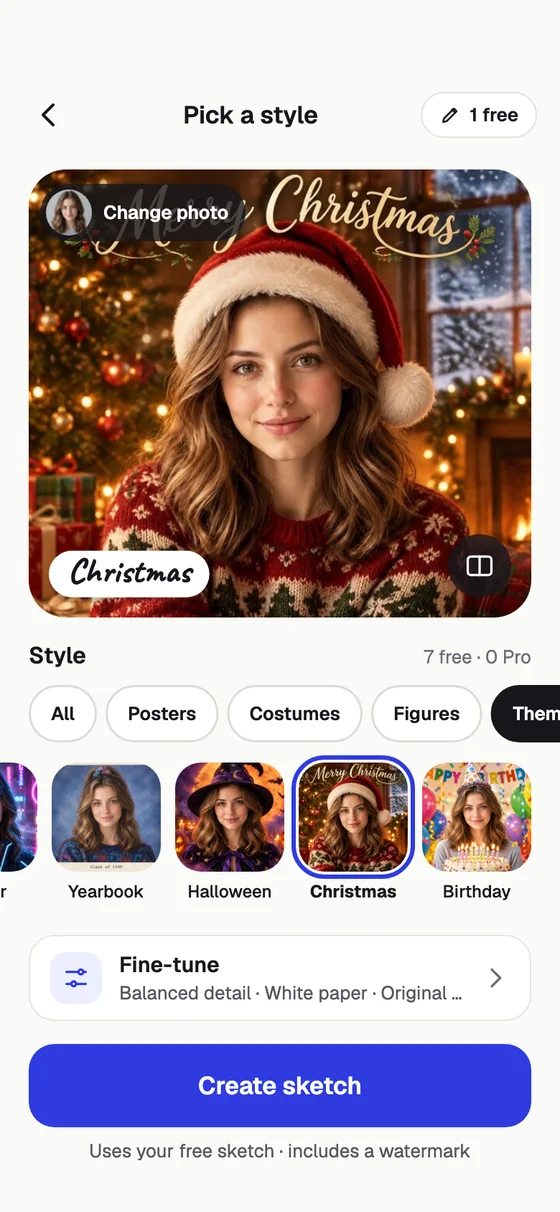
Choosing the Christmas style in the Magic tab
A finished movie poster in Pencil Sketch AI

How it works

Pick, tap, wow

  • Choose a photo in the Magic tab, or try one of the samples.
  • Tap a style from 8 groups: posters, costumes, figures, themes, funny, weird, spooky and classic sketch and paint.
  • Add your text if the style takes one, and fine-tune the classic styles.
  • Save or share, or make a new variation.

FAQ

AI style questions

How do the AI styles work?

Open the Magic tab, choose a photo and tap a style. AI re-imagines the photo in that style in a few seconds while keeping the person or pet recognizable. Styles like Movie, Poster, Toy, Mugshot and Tomb can include your own text.

How many styles are free?

99 of the 104 styles are free styles; Pro unlocks the other 5 (Crosshatch, Color pencil, Manga, Chalk and Blueprint). Your first AI picture is free with no account. In many countries short videos earn more, or Pro includes up to 100 AI images a month.

Can I use a photo of my pet?

Yes. Royal, Astronaut, Wizard, Sticker, Plush, Toy and most other styles work beautifully with dogs, cats and other pets.

Which photos work best?

A clear, well-lit photo where the face is easy to see. One person or pet works best for costume and figure styles; group photos work well with sketch and paint styles.

Are my photos uploaded?

Create (Sketch and Art) runs entirely on your phone, so your photo never leaves it and it even works offline. Magic styles and coloring pages are made with AI: the photo you pick is sent over an encrypted connection to make your picture, and it is not stored on our servers. Your pictures are saved on your phone.

Is Pencil Sketch AI free?

Yes. Create sketches and paintings on your phone for free, with no ads; free saves carry a small www.sketch.page mark. Your first AI picture is free too, with no account needed. In many countries short videos earn more AI pictures, or you can go Pro for no watermark, every style and up to 100 AI images a month.

What does Pro include?

No watermark and no ads, all 104 AI styles and every coloring style, up to 100 AI images a month (more can be added with a one-time top-up), full-resolution and print exports, and unlimited coloring hints. Choose weekly or yearly; the yearly plan includes a free trial for new subscribers. Prices are shown in the app in your currency, and you can cancel any time in your App Store or Google Play settings.
Pencil Sketch AI app icon

Who will you be today?

104 AI styles in your pocket. Your first AI picture is free, no sign-up.

  • ✓ Free to start
  • ✓ No account needed
  • ✓ iPhone, iPad & Android
  • ✓ 18 languages