Color · coloring pages
Turn photos into coloring pages
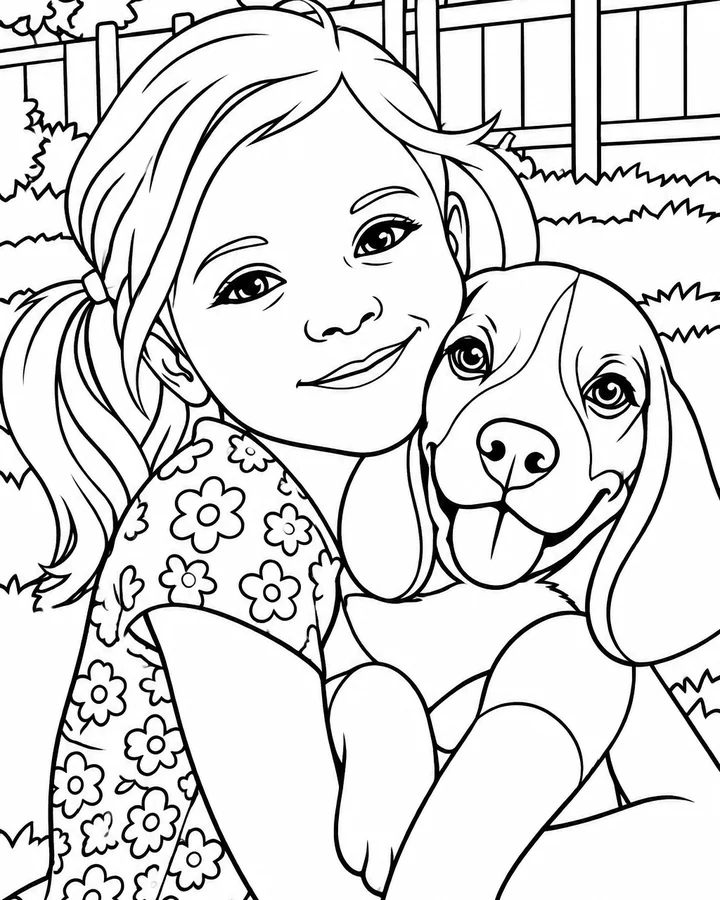
Pick a photo, an art style and a palette. AI paints it and draws the lines, then you color it by number with your finger, replay the time-lapse, or print it and color by hand.
How it works
From photo to page in four steps

Pick a photo
Your kids, your pets, a holiday. One clear subject works best.

Choose a style and palette
Six art styles and six palettes. AI paints it and draws the line art.
Tap to paint
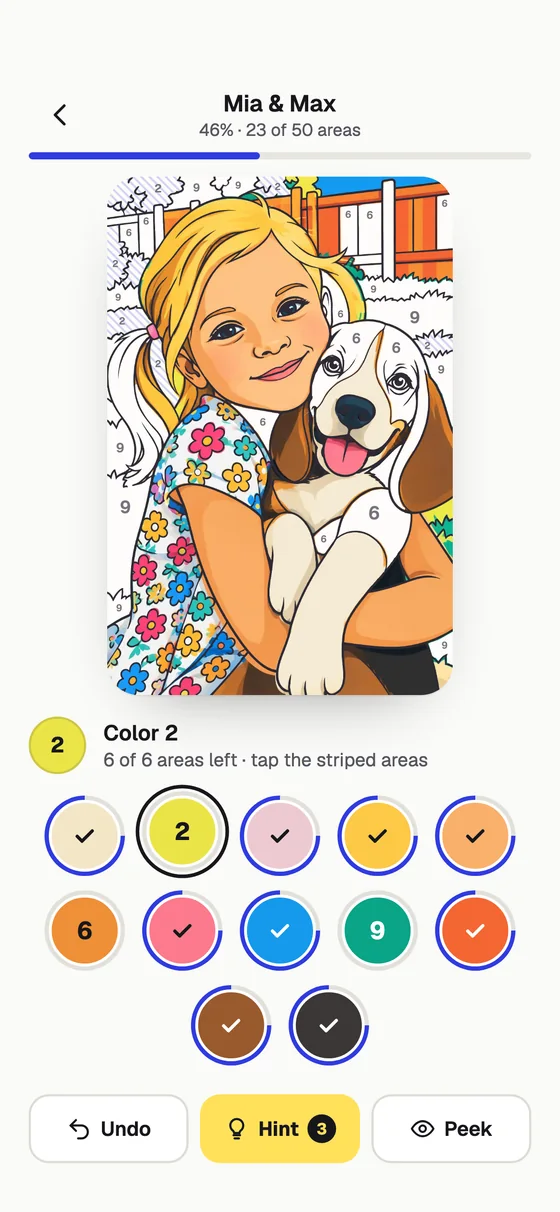
Pick a number, tap its areas, watch the color wash in. Hints help.
Share or print
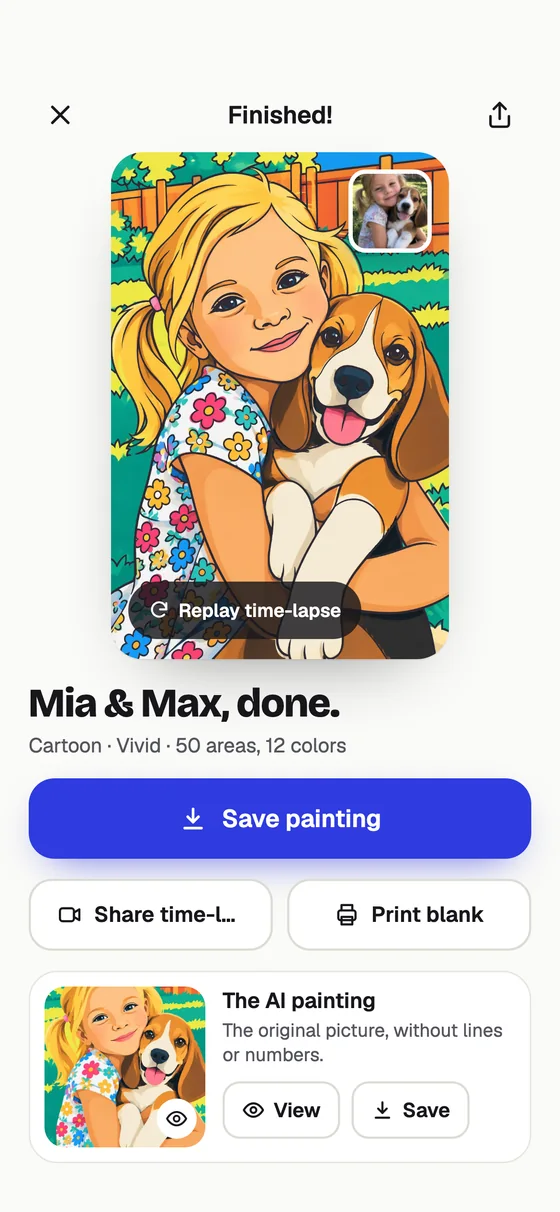
Replay a time-lapse of your painting, or print the blank page.
Art styles and palettes
Make every page your own
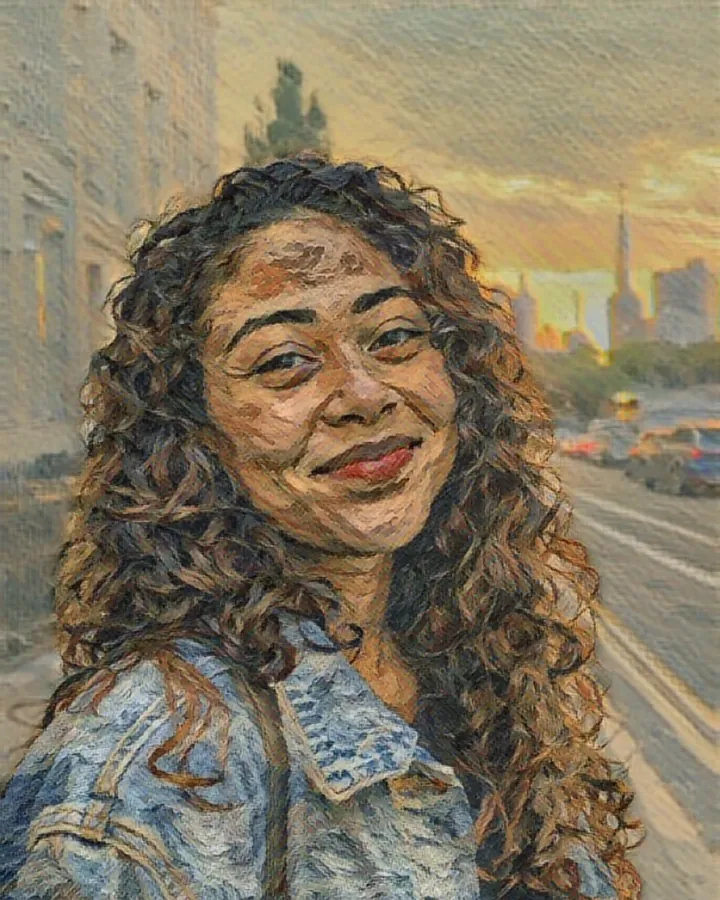
The art style decides how the picture is painted and drawn; the palette decides the colors you get to paint with.
Art styles
- Watercolor
- Cartoon
- Storybook PRO
- Oil paint PRO
- Pop art PRO
- Stained glass PRO
Palettes
- Natural
- Pastel
- Vintage PRO
- Vivid PRO
- Ocean PRO
- Neon PRO



Print and color by hand
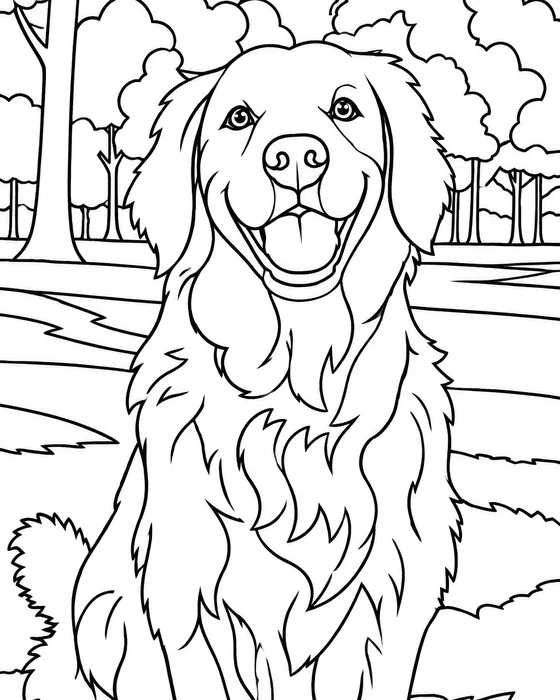
Rainy day? Print a page.
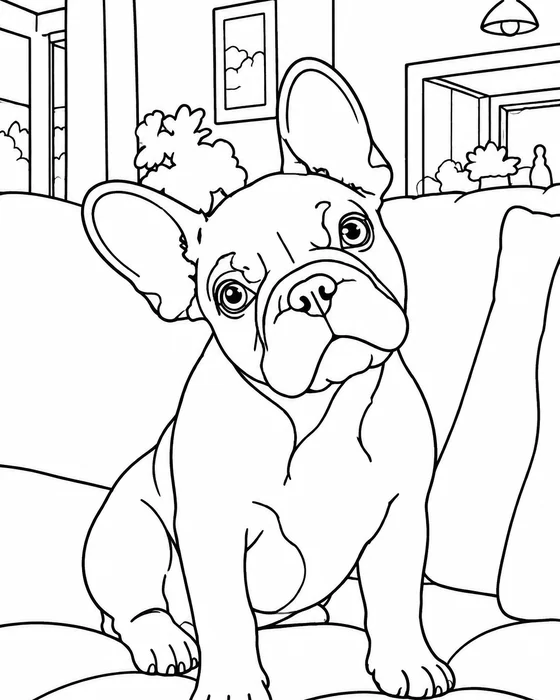
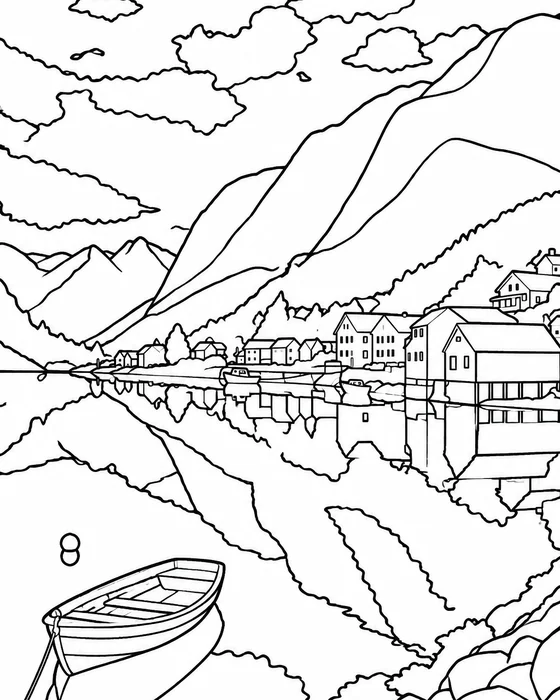
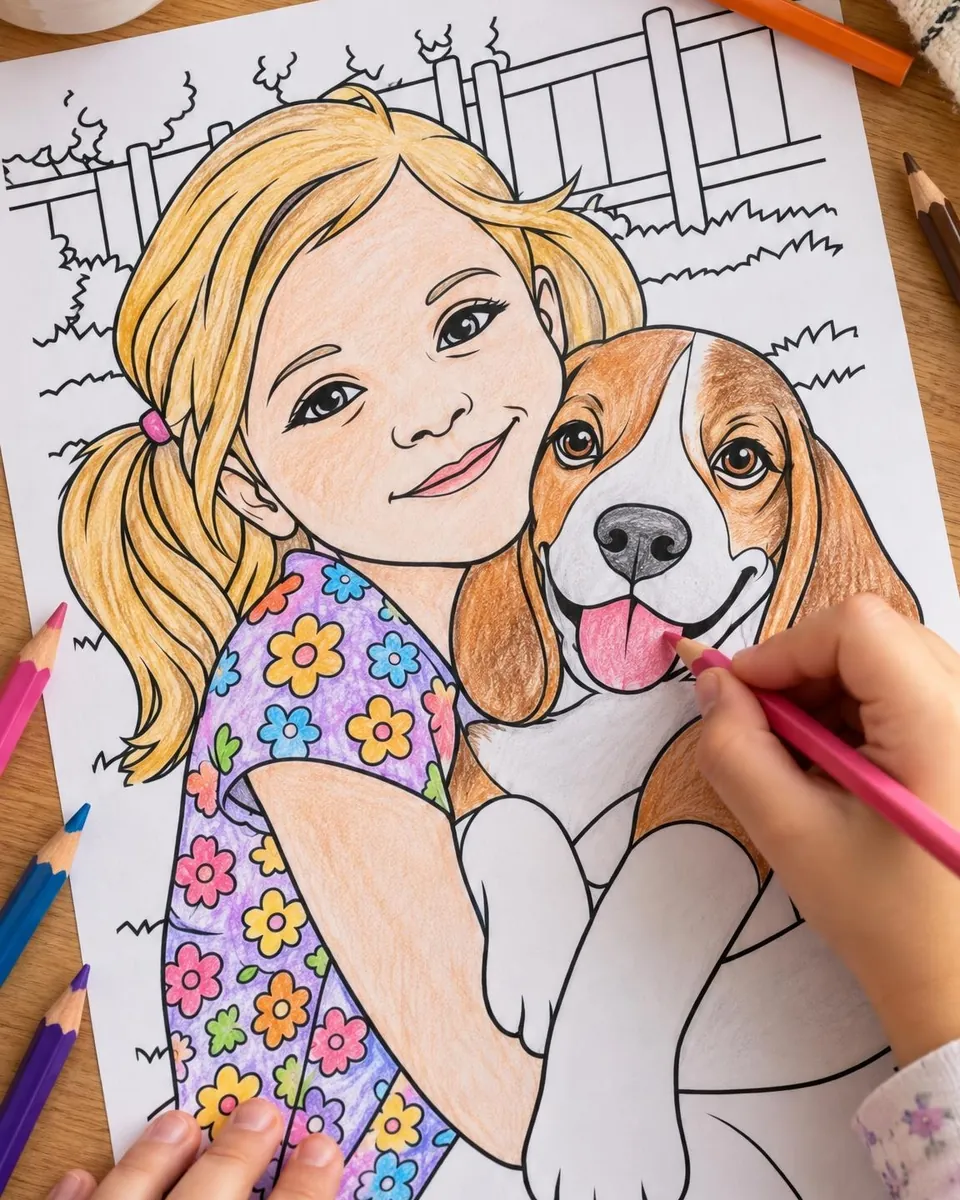
Every page can be printed blank, with light numbers that disappear under the color. Grab the pencils, crayons or markers.
- Custom coloring pages of the kids, the dog or the whole family
- Birthday party activity: everyone colors their own portrait
- Calm, mindful coloring for grown-ups
- A thoughtful gift: a coloring page of grandma's garden
“We paint it and draw the lines.
You color it in.”
FAQ
Coloring page questions
How do I turn a photo into a coloring page?
Open the Color tab and tap New page. Choose a photo, an art style and a color palette, then tap Generate coloring page. AI paints your picture and draws matching line art; the app numbers the areas and the page is ready to color, usually in under a minute. The app can notify you when it is ready.
How does color by number work in the app?
Pick a number at the bottom: its areas get stripes. Tap an area and the paint washes in like watercolor. When a number is finished the next one is picked for you. Undo, Peek at the finished painting, and Hints help when an area is hard to find.
Can I print the coloring page?
Yes. Print the blank page (with light numbers) and color it with pencils, crayons or markers. Free accounts print with a small watermark; Pro prints without it.
What does a coloring page cost?
A coloring page uses one AI credit, and the free credit every new account starts with covers a first page; in many countries short videos earn more, and Pro includes up to 100 AI images a month (a page counts as two). Coloring in the page itself is always free.
Is it good for kids?
Kids love coloring pages made from their own photos, their pets and family trips. Print them for a rainy day, or let them tap-to-paint on a tablet.
Are my photos uploaded?
Create (Sketch and Art) runs entirely on your phone, so your photo never leaves it and it even works offline. Magic styles and coloring pages are made with AI: the photo you pick is sent over an encrypted connection to make your picture, and it is not stored on our servers. Your pictures are saved on your phone.
Is Pencil Sketch AI free?
Yes. Create sketches and paintings on your phone for free, with no ads; free saves carry a small www.sketch.page mark. Your first AI picture is free too, with no account needed. In many countries short videos earn more AI pictures, or you can go Pro for no watermark, every style and up to 100 AI images a month.




Color your own photos
Your first coloring page is free, no sign-up. Print it, paint it, share the time-lapse.

- ✓ Free to start
- ✓ No account needed
- ✓ iPhone, iPad & Android
- ✓ 18 languages