Turn any photo into a pencil sketch
Pencil sketches and famous-painter paintings made right on your phone, plus 104 AI looks and coloring pages from your own pictures.
 pencil sketchphoto
tap or drag the picture to compare
One app, three studios
Sketch it, paint it, reimagine it
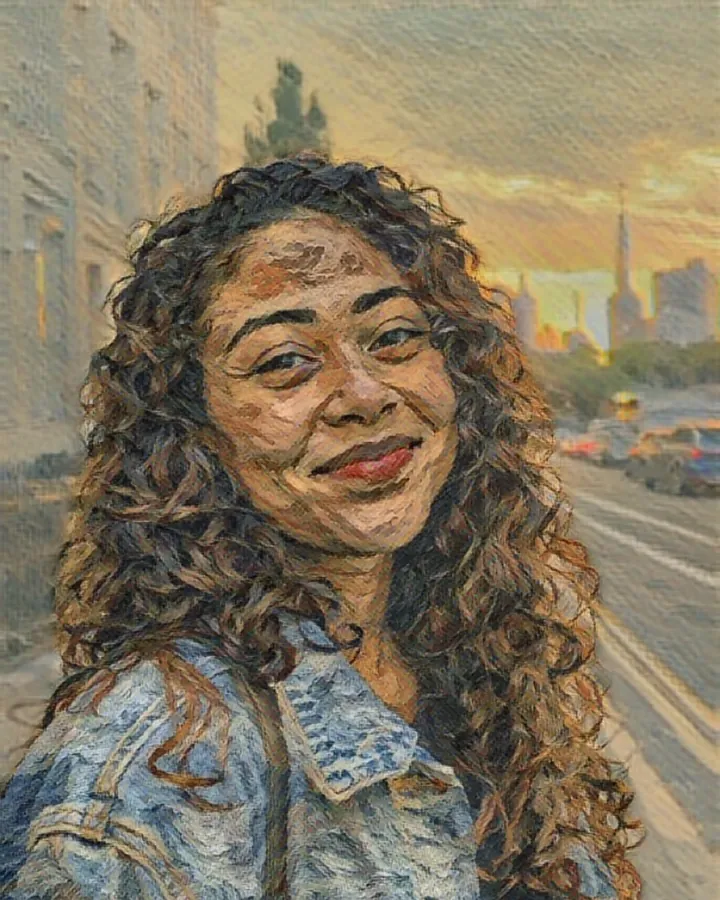
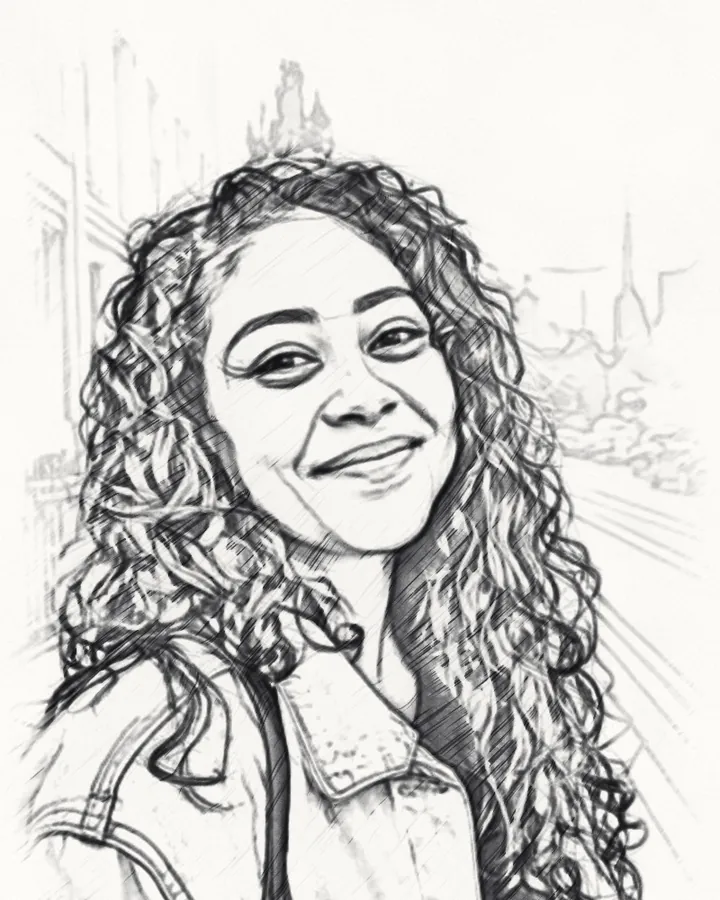
Sketch & paint any photo
23 sketch looks and 23 painting styles, drawn by your phone in seconds. No ads, works offline.
Explore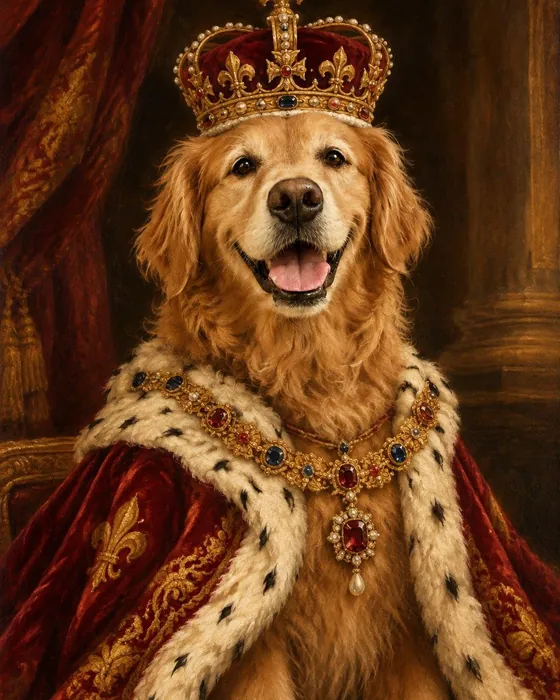 Magic
Become anything
Movie star, royal, astronaut, action figure, anime hero, potato. AI re-imagines your photo in seconds.
Explore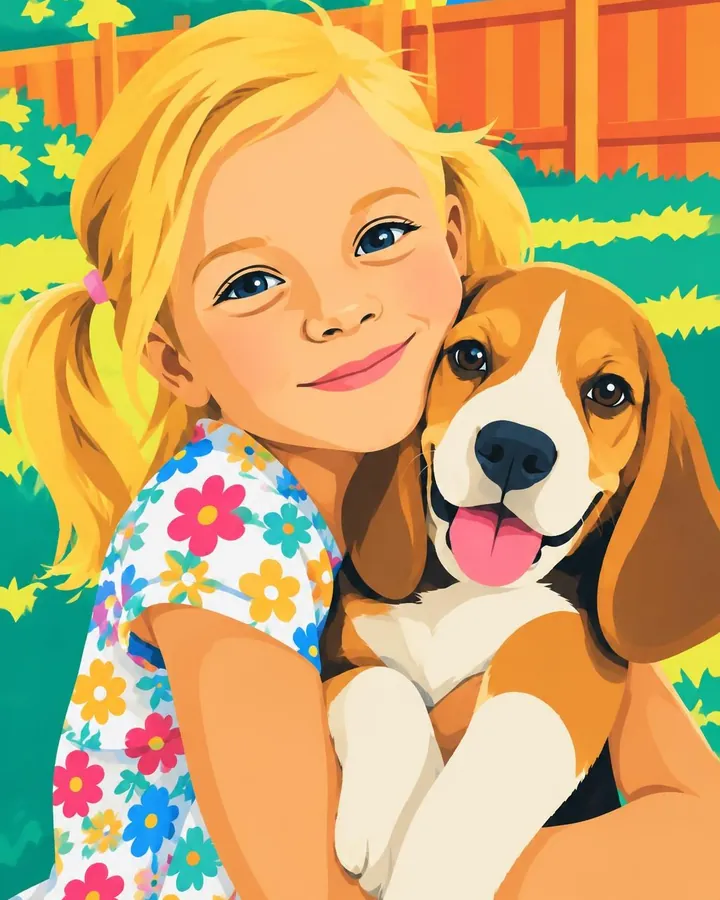
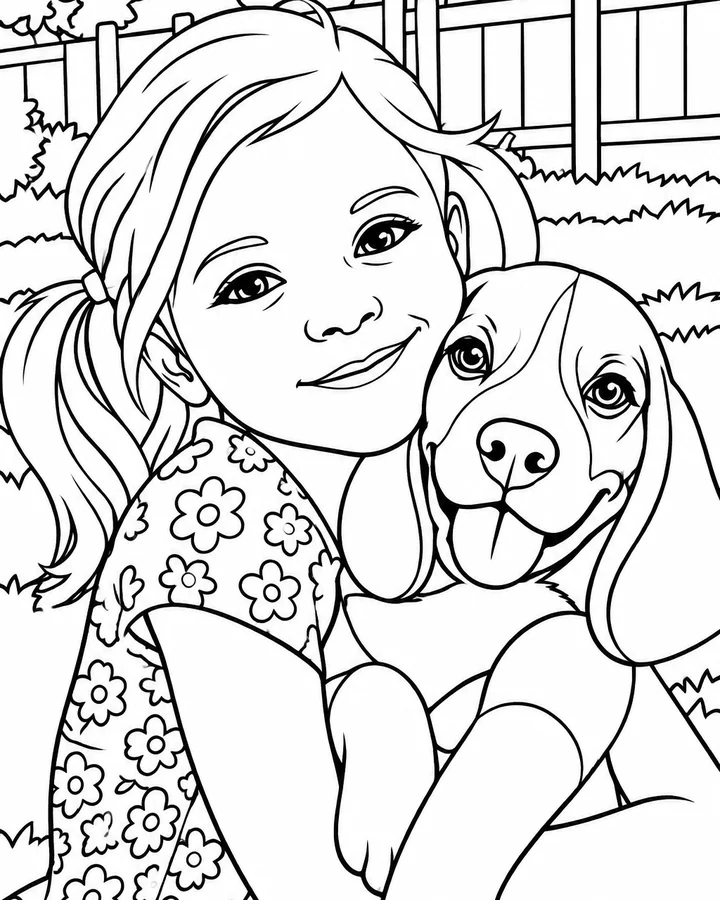
Color your own photos
We paint it and draw the lines. You color it by number, share the time-lapse or print it.
ExploreCreate · free, on your phone
Sketch any photo. Instantly.
23 pencil, charcoal and ink looks, and 23 paintings in the style of the great masters, drawn by your phone itself. No upload, no waiting, no ads.
- Your photo never leaves your phone. Create runs on the device, even offline.
- Free, with no ads. Saves carry a small sketch.page mark; Pro removes it.
- Fine-tune every stroke: lines, shading, paper, colors, crop and a retouch brush.
- Van Gogh, Monet, Klimt, Hokusai and more masters, plus watercolor, oil and stained glass.
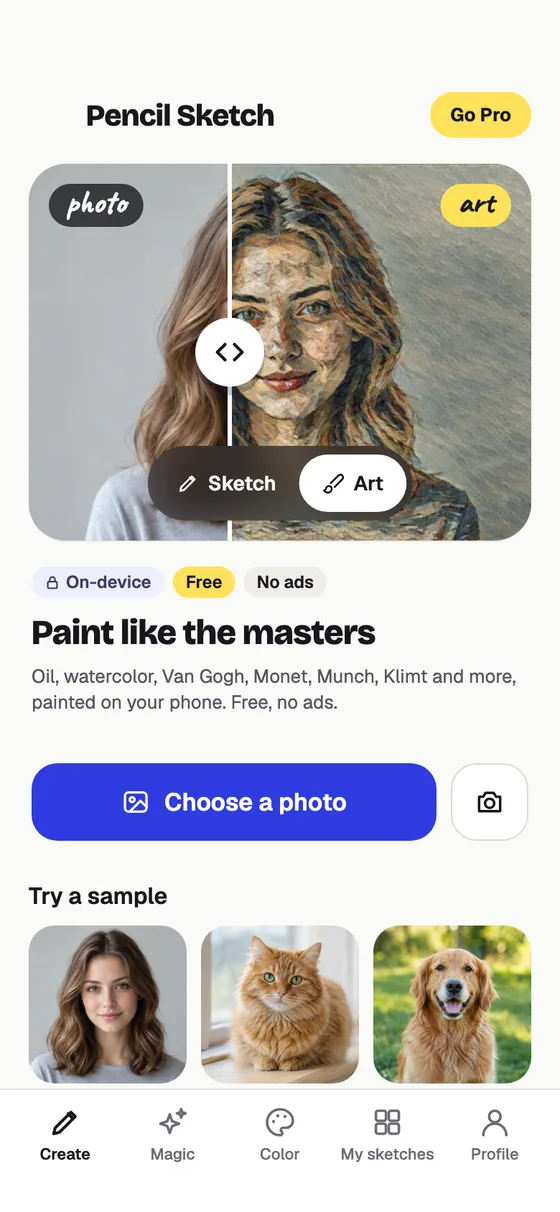 Graphite
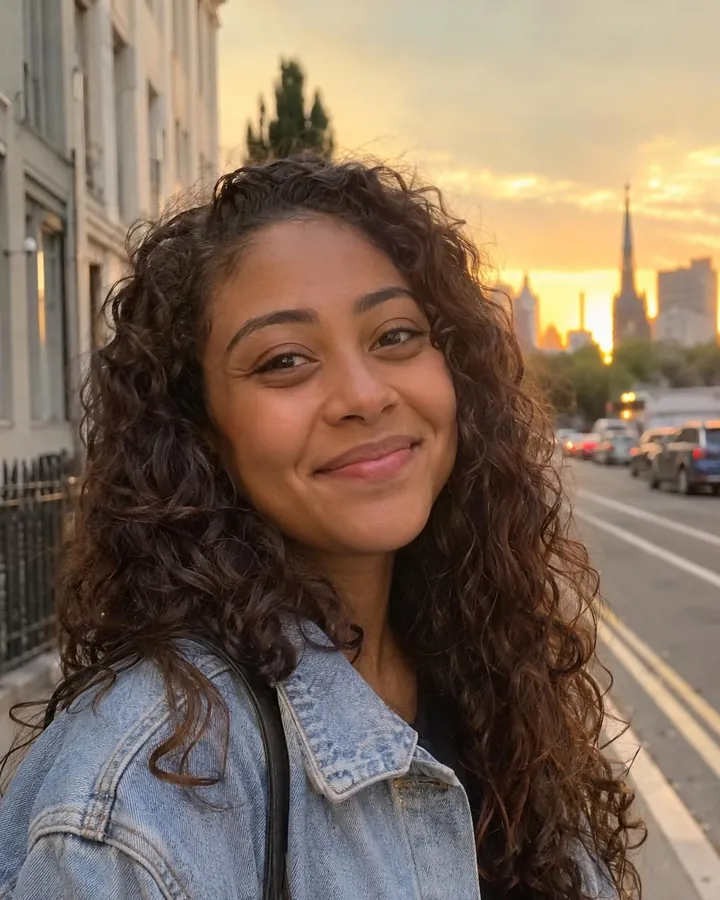
Every picture here is real on-device output of the app, from the same photo.
Magic · 104 AI styles
One photo. 104 new lives.
Movie star, royal, astronaut, action figure, anime hero, potato. Pick a style, add your own title, and AI re-imagines your photo in seconds. 99 styles are free; Pro unlocks all 104.


Movie 
Royal 
Astronaut 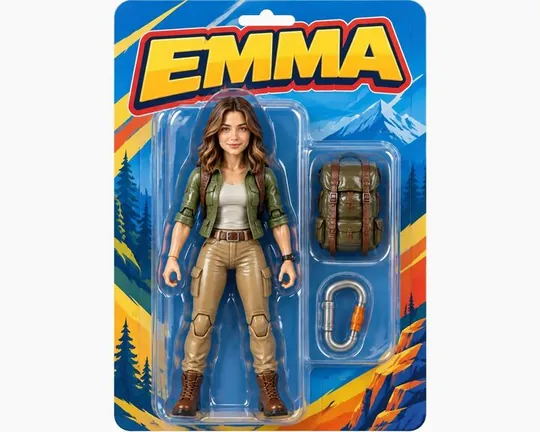
Toy 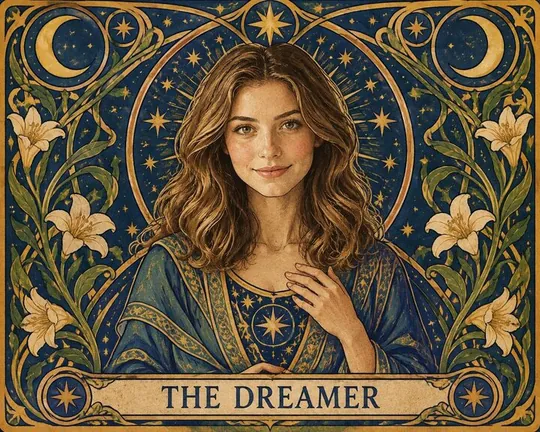
Tarot 
Wizard 
Comic 
Pirate 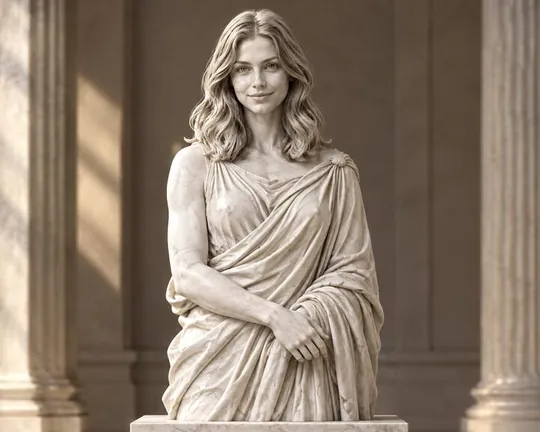
Statue 
Album 
Samurai 
Cover 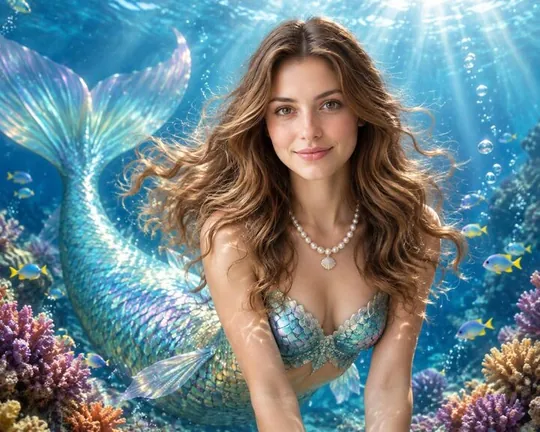
Mermaid 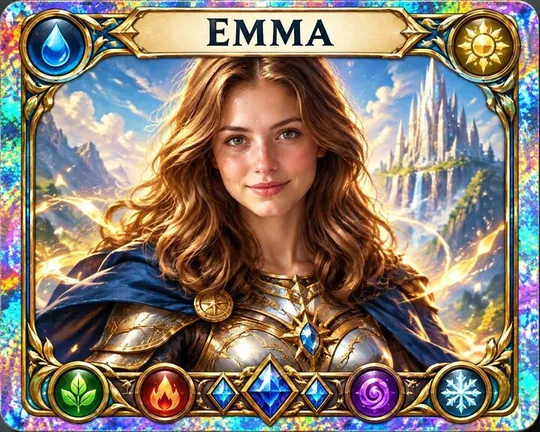
Card
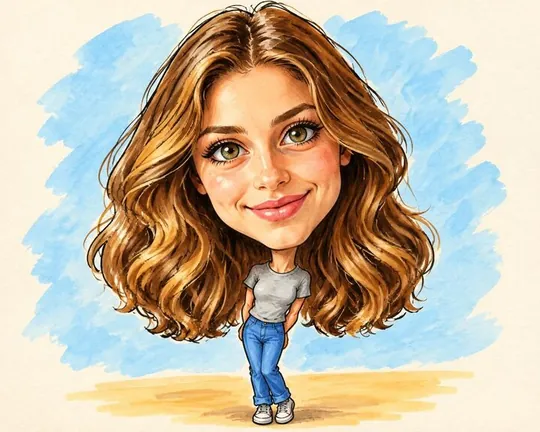
Caricature 
Potato 
Capybara 
Duck 
Old 
Baby 
Gnome 
Champ 
Frog 
Alien 
Vapor 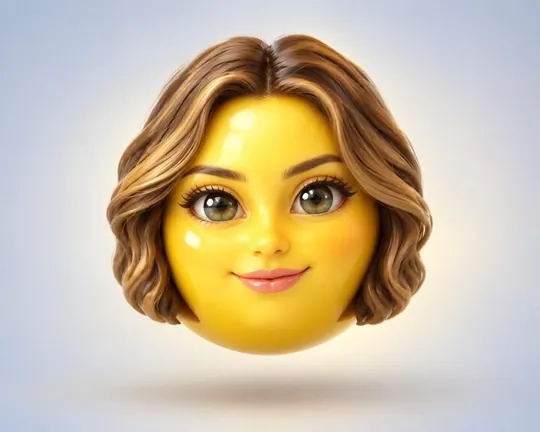
Emoji 
Hamster 
Anime
Color · coloring pages
Your photos, as coloring pages
Pick a photo, an art style and a palette. AI paints it and draws matching line art, then you color it by number, tap by tap.
- 1
Pick a photo
Kids, pets, a holiday snap. Any photo works. - 2
Choose a style and palette
WatercolorCartoonStorybookPROOil paintPROPop artPROStained glassPRONaturalPastelVintageVividOceanNeon - 3
Tap to paint
Pick a number, tap its areas and watch the color wash in. Stuck? A hint shows the next area. - 4
Share the time-lapse or print it
Replay your painting area by area, or print the blank page and color it by hand.

Pets, people & places
Made for the photos you love
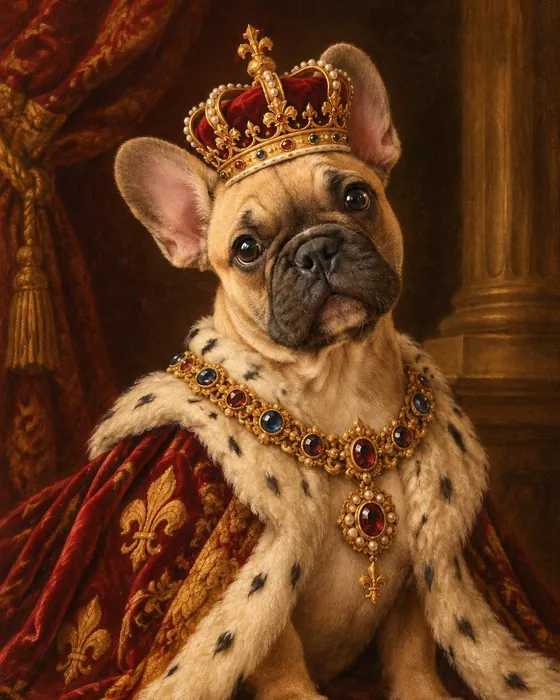
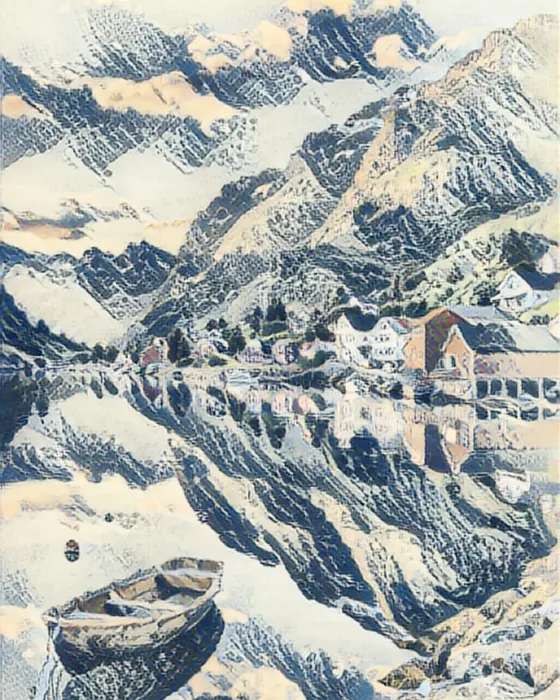
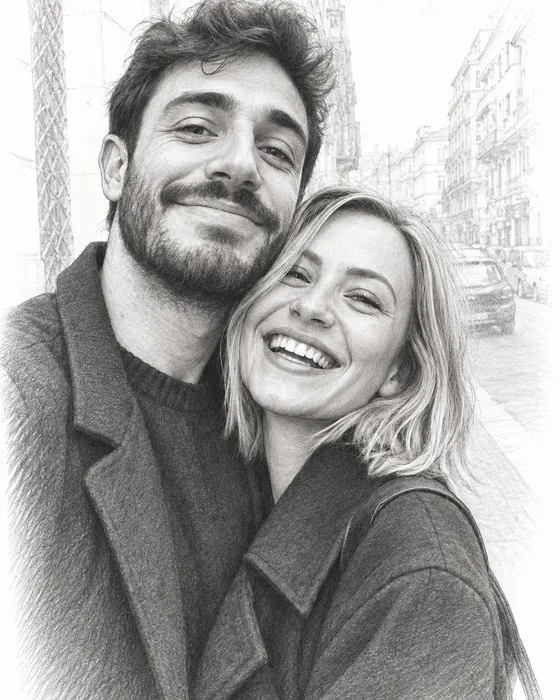
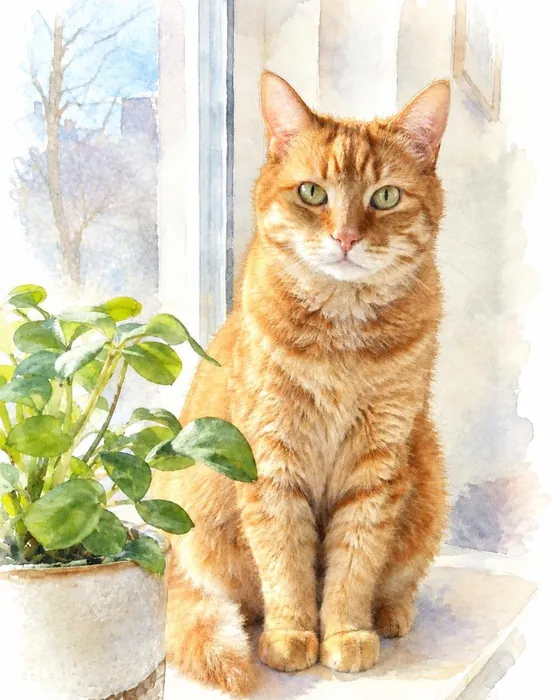
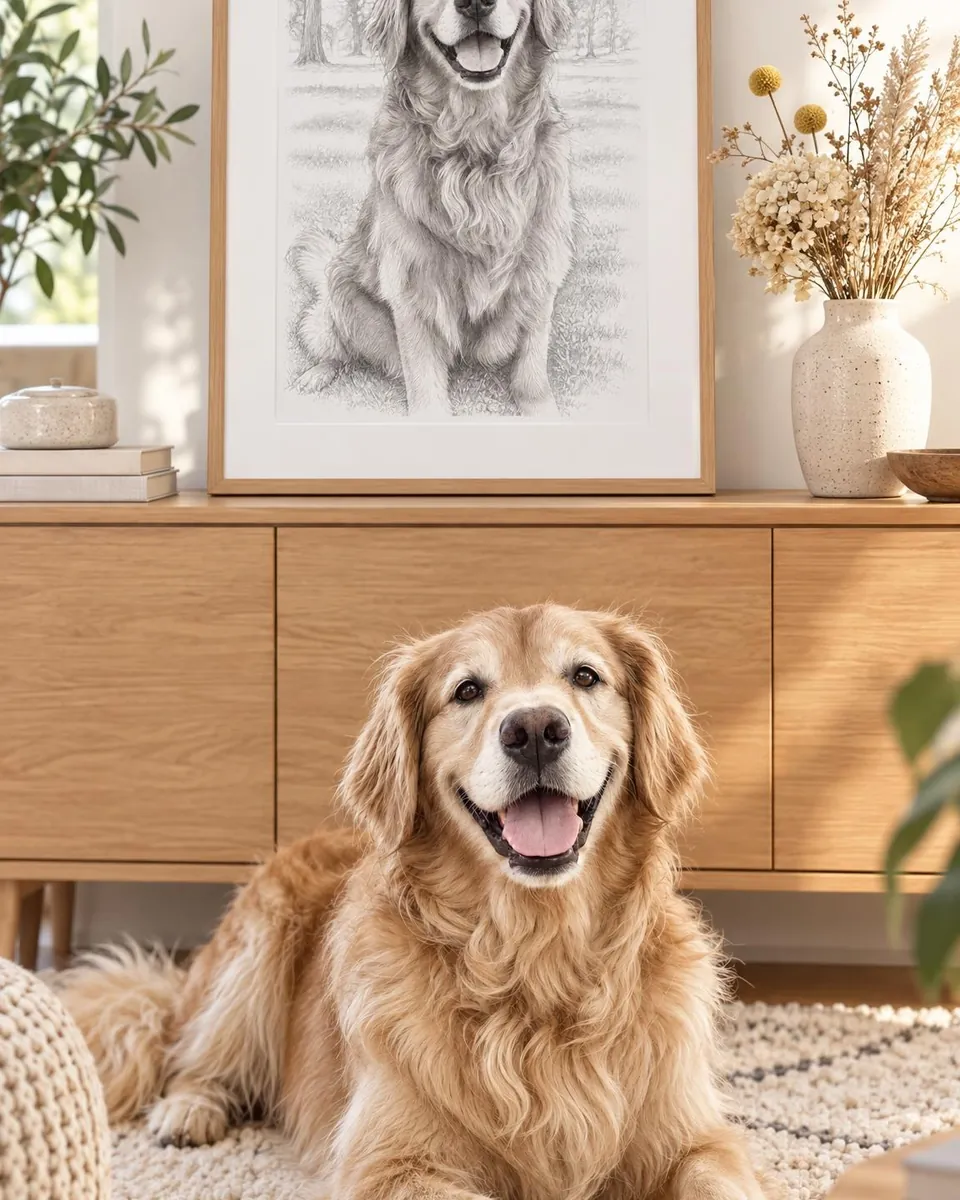
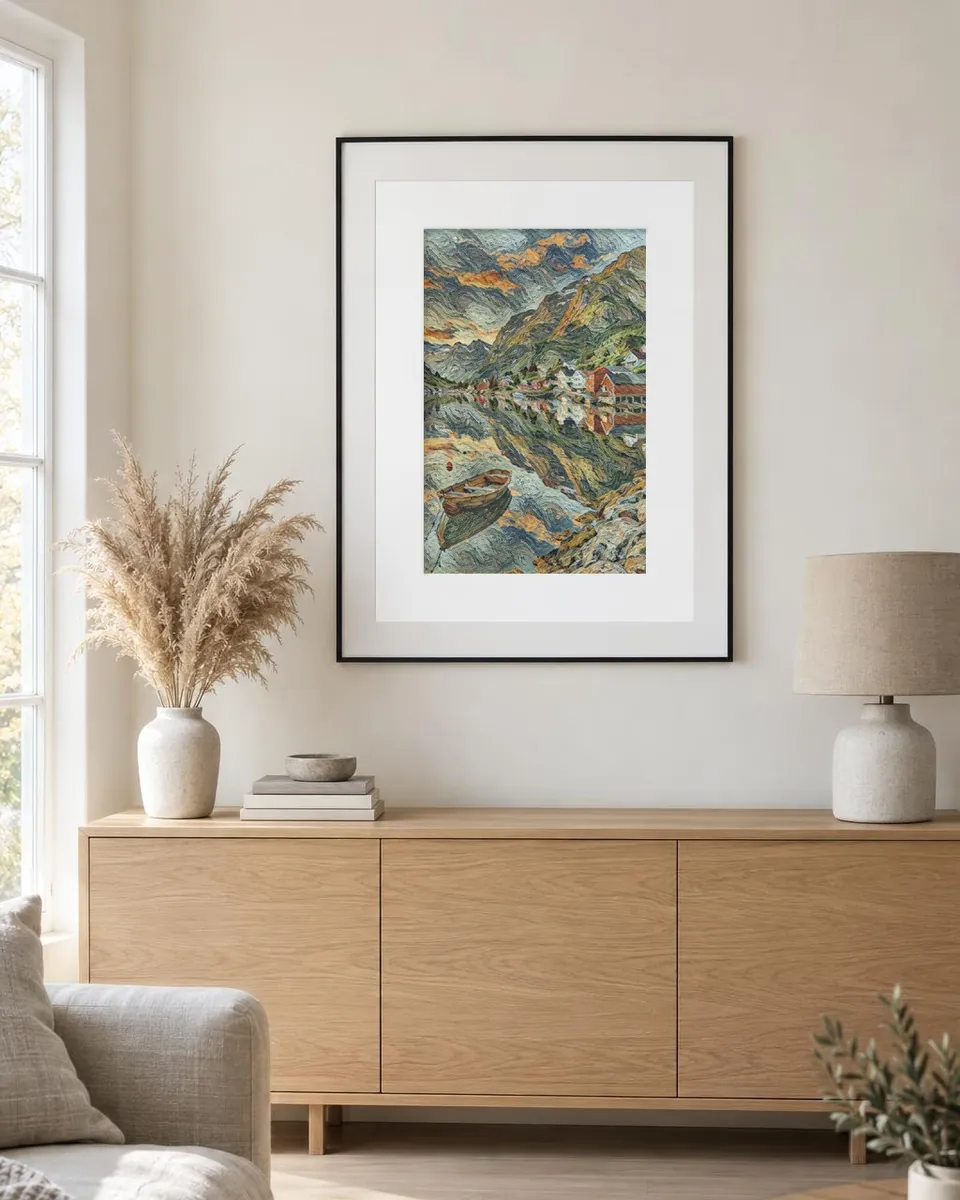
Grandparents, newlyweds, the dog, the cat, last summer's trip. Every picture below was made with the app's own styles.
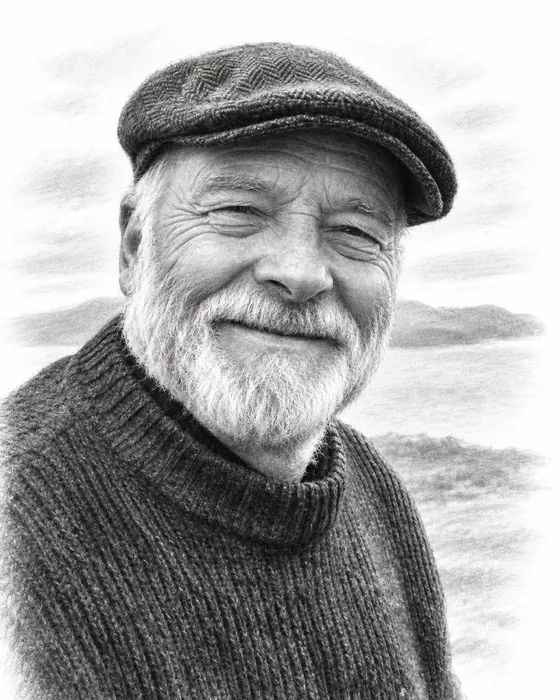
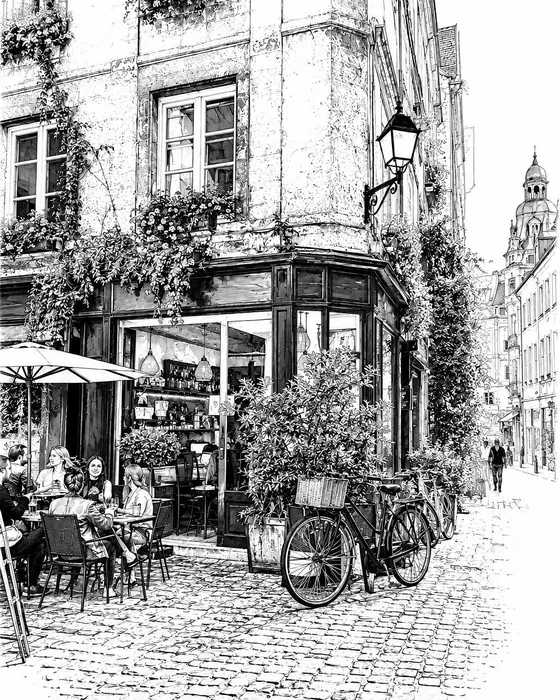
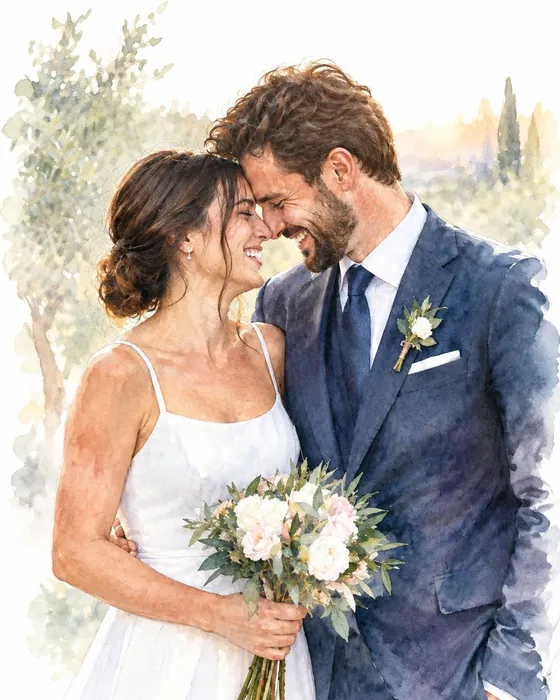
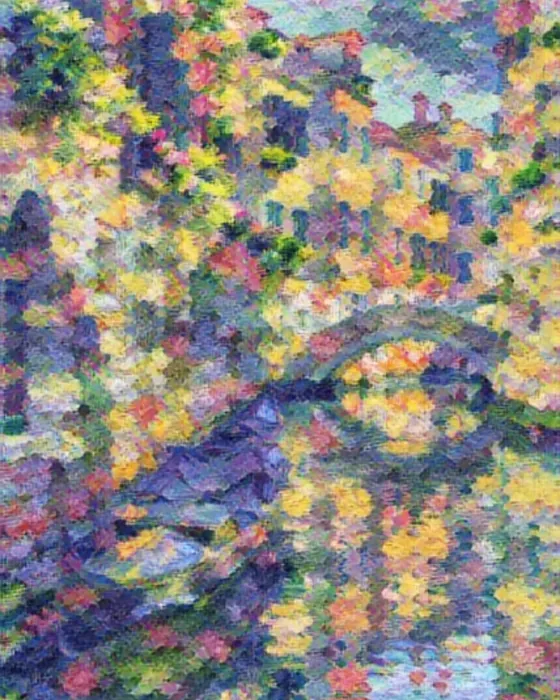
Frame it, gift it
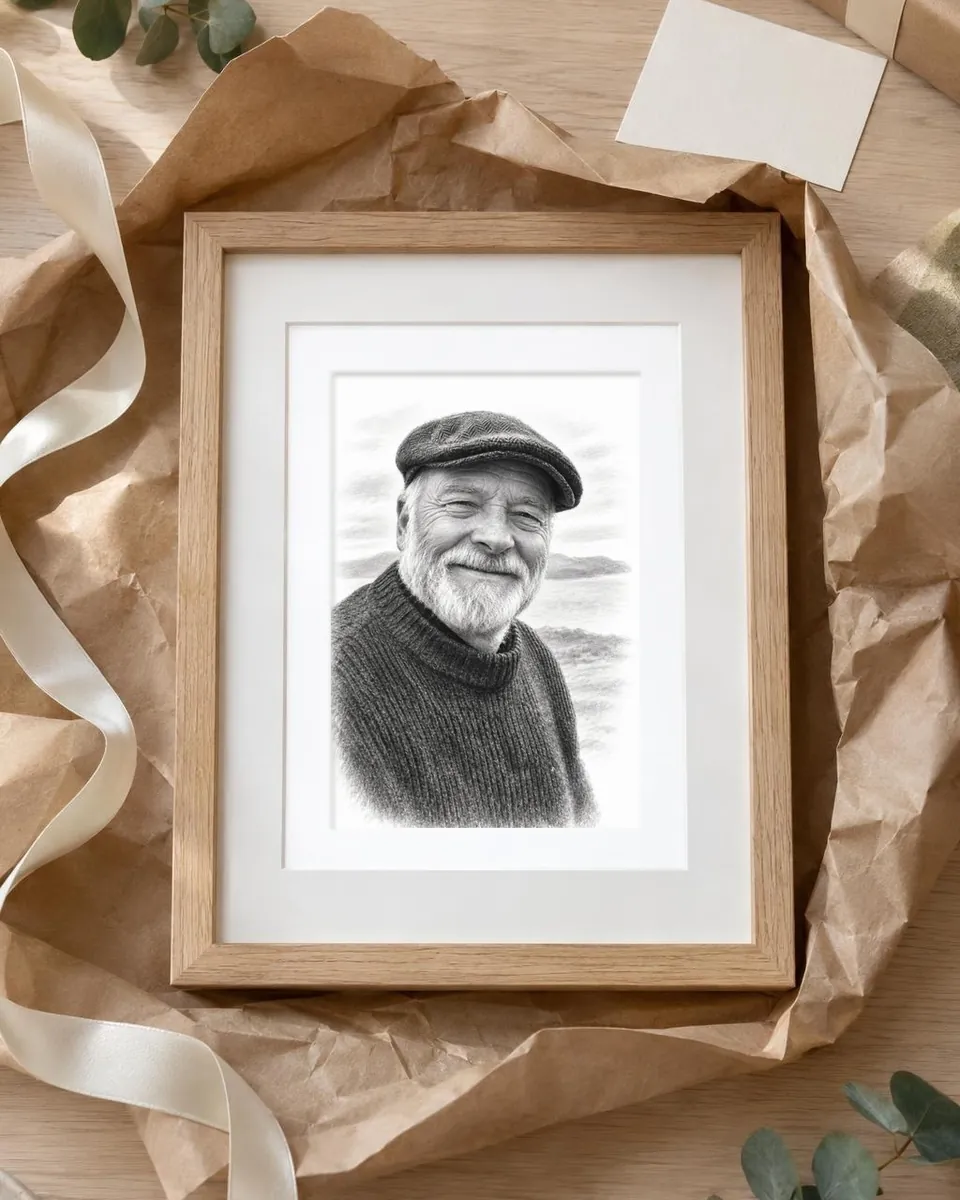
Art for your walls, from your camera roll
A charcoal portrait of grandpa, the dog in pencil, your trip painted like Van Gogh. Pro saves full-resolution PNG and print-ready PDF for frames and cards.
How it works
Three taps to art
- 1
Pick a photo
From your camera roll, or take one. People, pets, places and things all work.
- 2
Choose a style
A sketch or a painting made on your phone, one of 104 AI styles, or a coloring page.
- 3
Save, share or print
To Photos, Messages, Instagram or TikTok, or print it for the fridge, a frame or a card.

The details
Everything you want. Nothing you don't.
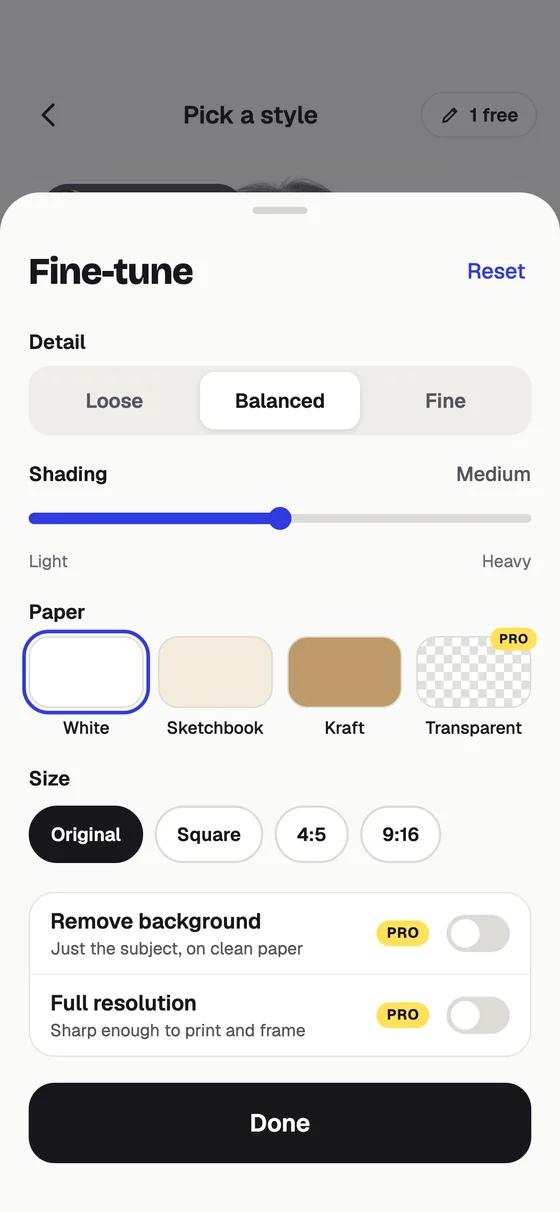
Fine-tune everything
Detail, shading, paper, size and colors. Compare with your photo in one tap, or try a new variation.
Private by design
Create runs on your phone. No account, no sign-up.
Works offline
Sketch and paint on a plane, at the beach, anywhere.
Your words in the picture
Add a title to posters, toy boxes, mugshots, tombstones and more.
Time-lapse
Share how your coloring page came to life, area by area.
Print-ready
Full resolution, PNG, JPG and print PDF with Pro.
18 languages
From English and Español to 日本語 and العربية.
Phone and tablet
iPhone, iPad, Android phones and tablets.
Share anywhere
Save to Photos or send to Messages, Instagram and TikTok.
Free and Pro
Free to start. Pro when you want more.
Free
Everyone
- Unlimited sketches and paintings made on your phone
- No ads in Create; a small sketch.page mark on saves
- Your first AI picture free, no account needed
- 99 free AI styles; in many countries short videos earn more
- Coloring pages with color by number and hints
Pencil Sketch Pro
Everything
- No watermark and no ads
- All 104 AI styles and every coloring style
- Up to 100 AI images a month, plus top-ups
- Full resolution, PNG, print PDF, transparent background
- Unlimited coloring hints
Monthly or yearly, or a one-time purchase that only removes the watermark. Cancel any time in your App Store or Google Play settings.
FAQ
Questions, answered
Is Pencil Sketch AI free?
Yes. Create sketches and paintings on your phone for free, with no ads; free saves carry a small www.sketch.page mark. Your first AI picture is free too, with no account needed. In many countries short videos earn more AI pictures, or you can go Pro for no watermark, every style and up to 100 AI images a month.
How do I turn a photo into a pencil sketch?
Open the app, stay on Create and tap Choose a photo. Pick a style such as Graphite, Charcoal or Ink wash, adjust the lines, shading and paper if you like, and save. It takes a few seconds and happens on your phone.
What is the difference between Create and Magic?
Create redraws your photo on the phone: pencil, charcoal, ink and 20 more sketch looks, and paintings in the style of Van Gogh, Monet, Klimt and other masters. It is free and instant. Magic uses AI to re-imagine the photo in 104 styles, from realistic pencil and watercolor to movie posters, royal portraits, action figures and funny or spooky looks.
Are my photos uploaded?
Create (Sketch and Art) runs entirely on your phone, so your photo never leaves it and it even works offline. Magic styles and coloring pages are made with AI: the photo you pick is sent over an encrypted connection to make your picture, and it is not stored on our servers. Your pictures are saved on your phone.
Can I make a coloring page from my own photo?
Yes. In the Color tab, pick a photo, an art style (such as Watercolor or Cartoon) and a palette. AI paints your picture and draws matching line art, then you color it by number with your finger. Replay a time-lapse when you finish, or print the blank page and color it by hand.
Can I print my pictures?
Yes. Save to Photos or share to any app. Pro saves in full resolution as PNG or JPG and as a print-ready PDF, which is great for frames, cards and gifts. Coloring pages can also be printed blank to color with pencils or crayons.
What does Pro include?
No watermark and no ads, all 104 AI styles and every coloring style, up to 100 AI images a month (more can be added with a one-time top-up), full-resolution and print exports, and unlimited coloring hints. Choose monthly or yearly. Prices are shown in the app in your currency, and you can cancel any time in your App Store or Google Play settings. If you only want to remove the watermark, a one-time lifetime purchase does that for good, with no subscription (it does not include the Pro features).
Which devices does it work on?
iPhone and iPad from the App Store, and Android phones and tablets from Google Play. On tablets the app uses a larger two-pane layout in portrait and landscape.
Which languages does the app speak?
18: English, Spanish, French, German, Italian, Portuguese, Dutch, Swedish, Danish, Norwegian, Finnish, Icelandic, Japanese, Korean, Chinese (Simplified and Traditional), Arabic and Hebrew. Change it any time in Profile.
Your camera roll is full of art
Sketches, paintings, 100+ AI looks and coloring pages from the photos you already have. Free to start, no sign-up.

- ✓ Free to start
- ✓ No account needed
- ✓ iPhone, iPad & Android
- ✓ 18 languages