Create · Art
Turn any photo into a painting
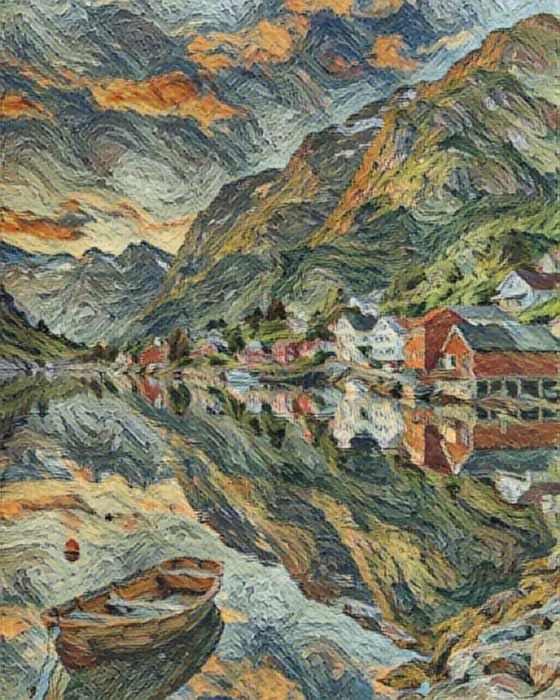 Van Goghphoto
Paint your photos in the style of Van Gogh, Monet, Klimt, Hokusai and 12 more masters, or as watercolor, oil and stained glass. Painted right on your phone: free, private and done in seconds.
16 masters
Paint like the great masters
One portrait, painted by the phone in every master style of the app. Pick one, then fine-tune the strength, colors and background.
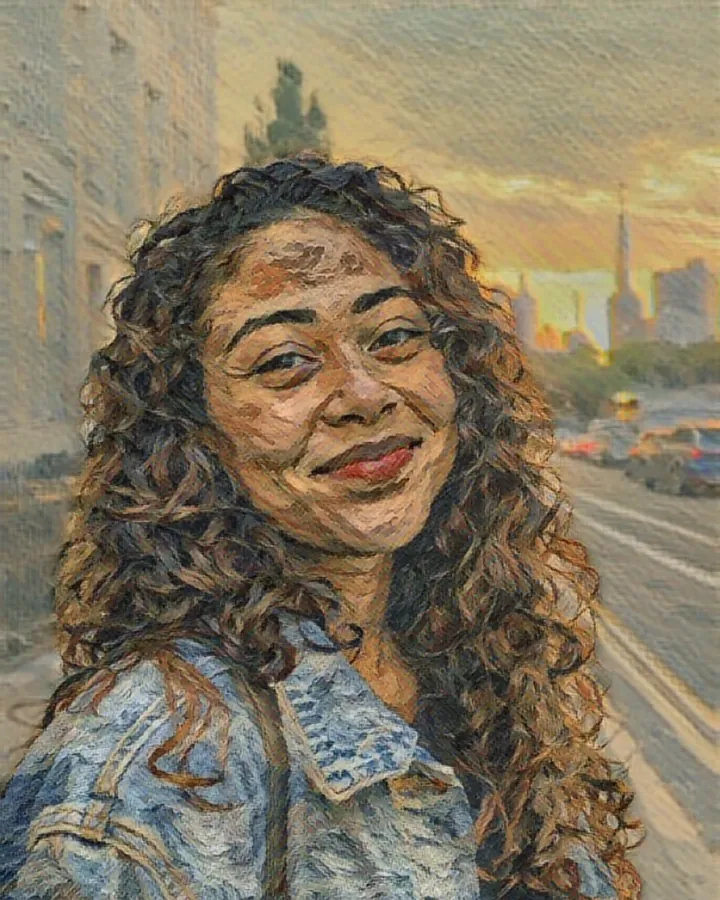
Van Gogh 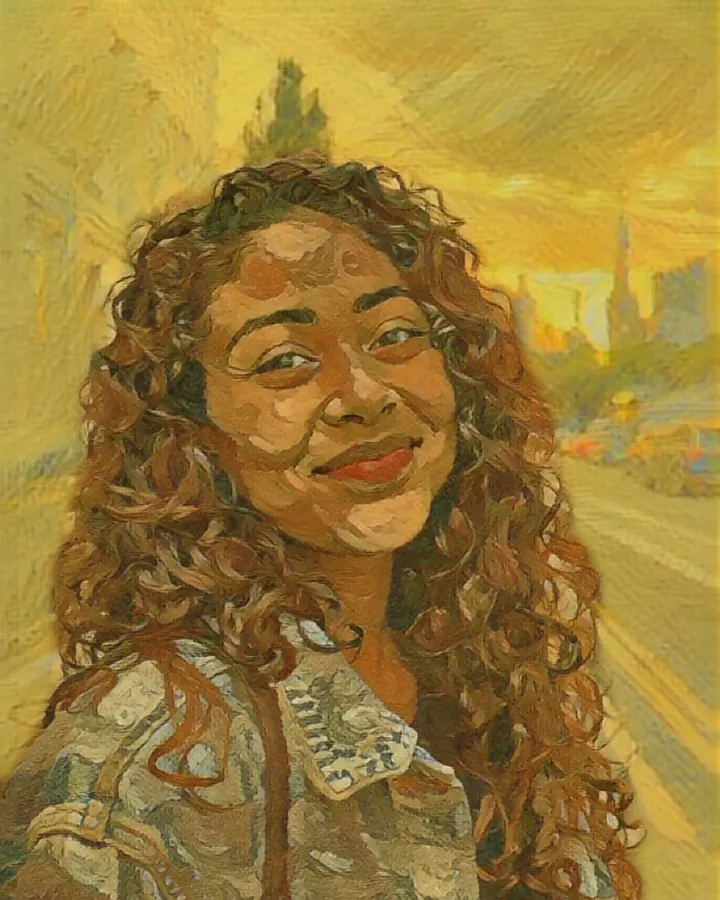
Sunflowers 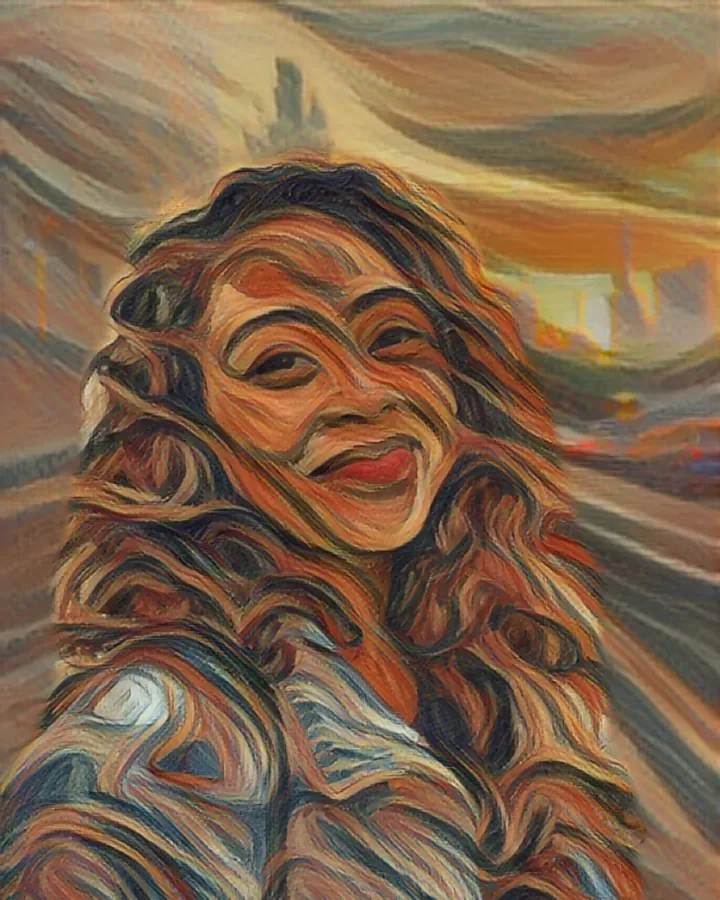
Munch 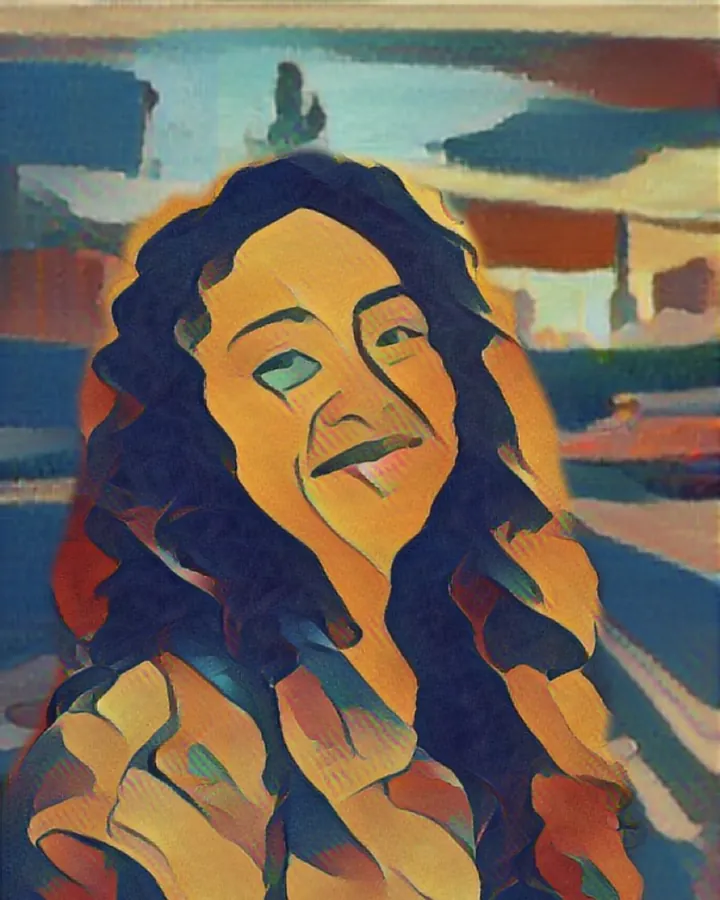
Gauguin 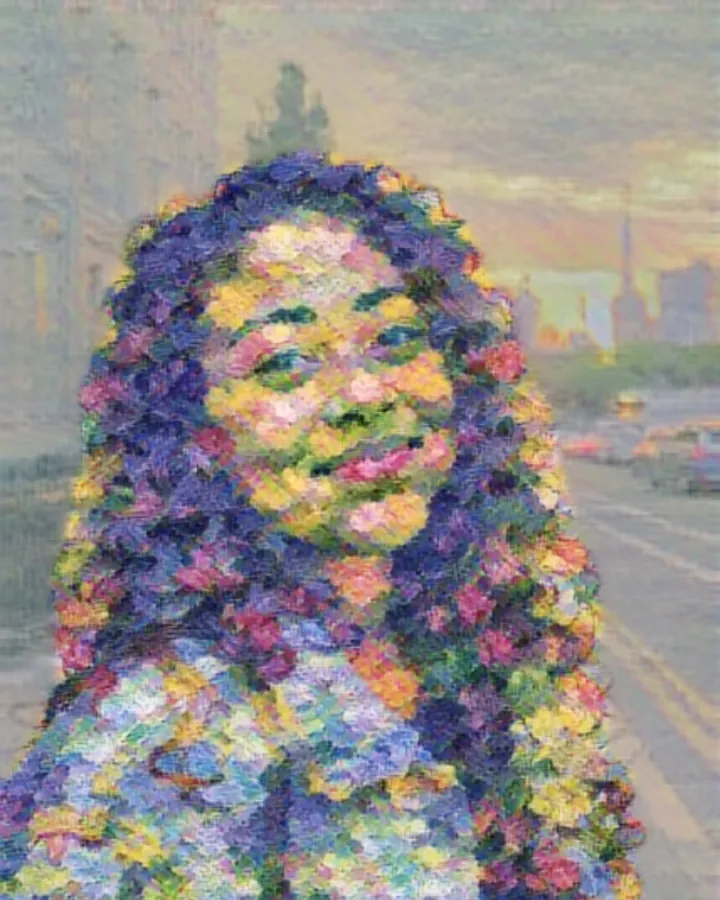
Monet 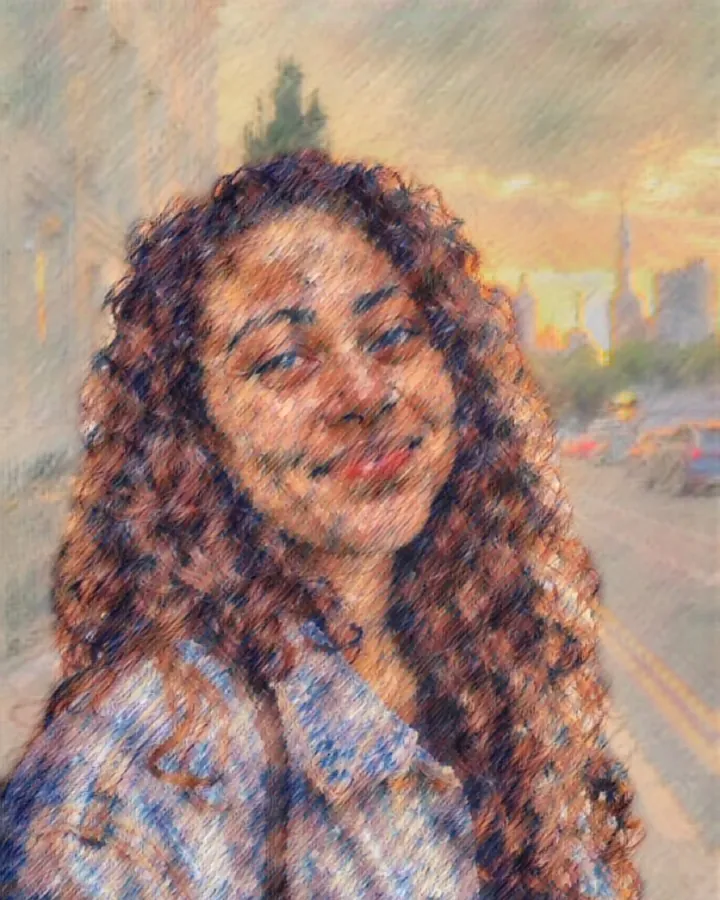
Renoir 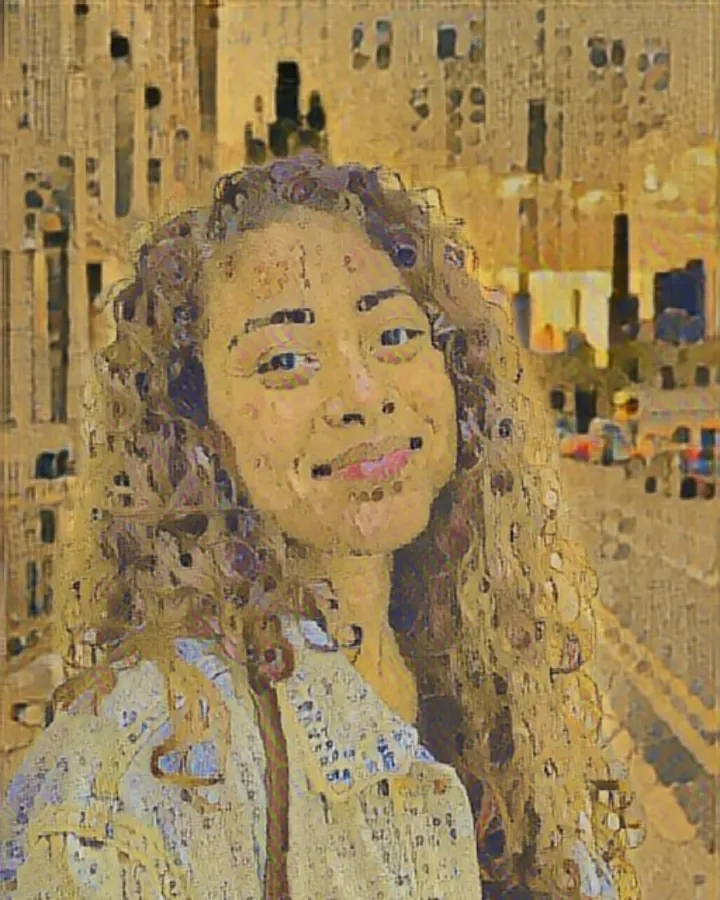
Klimt 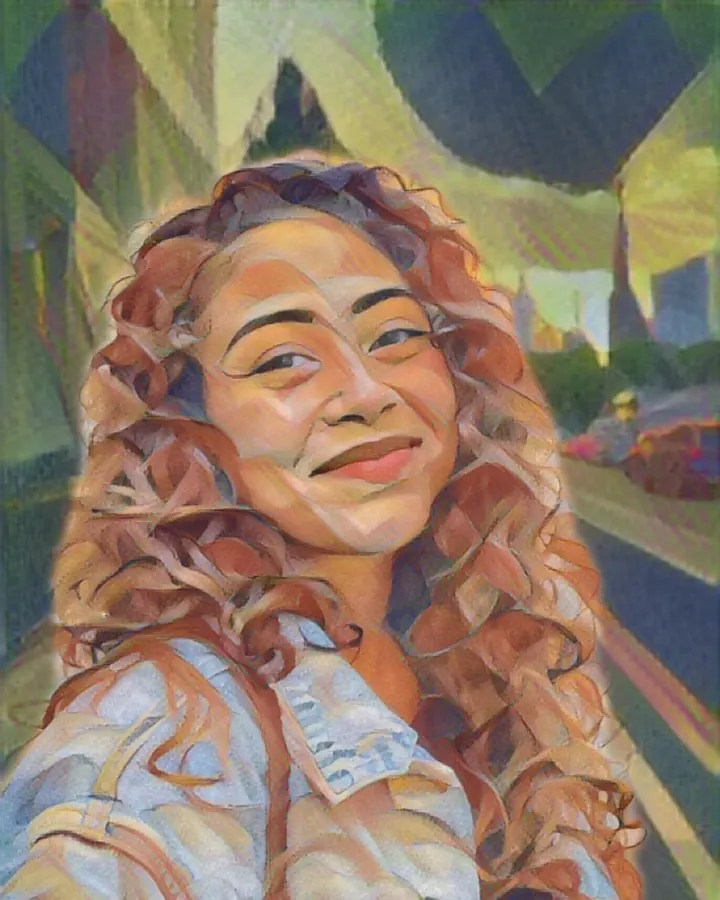
Franz Marc 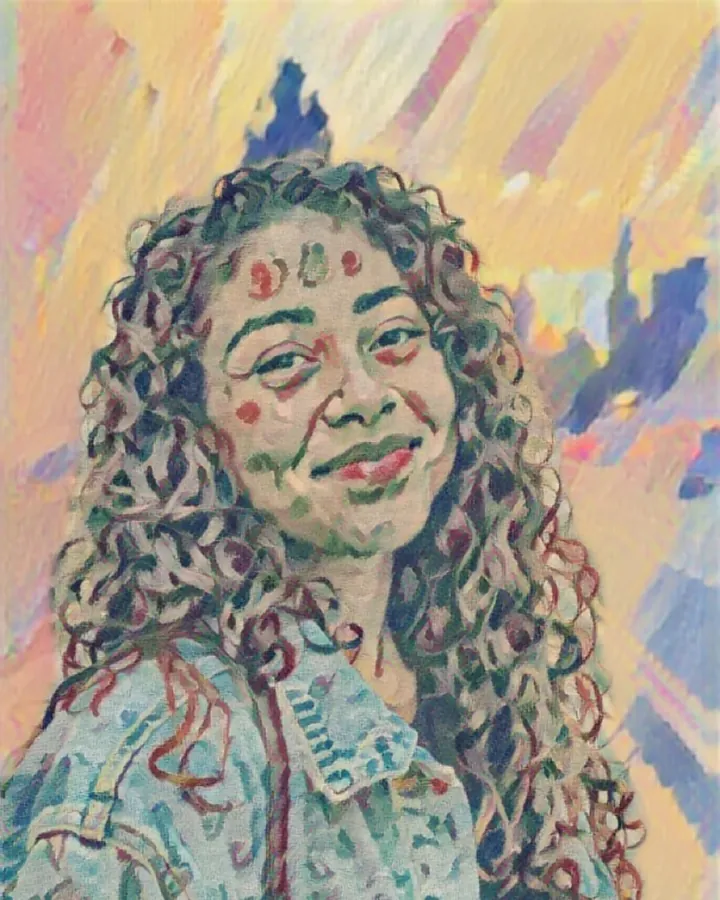
Fauvism 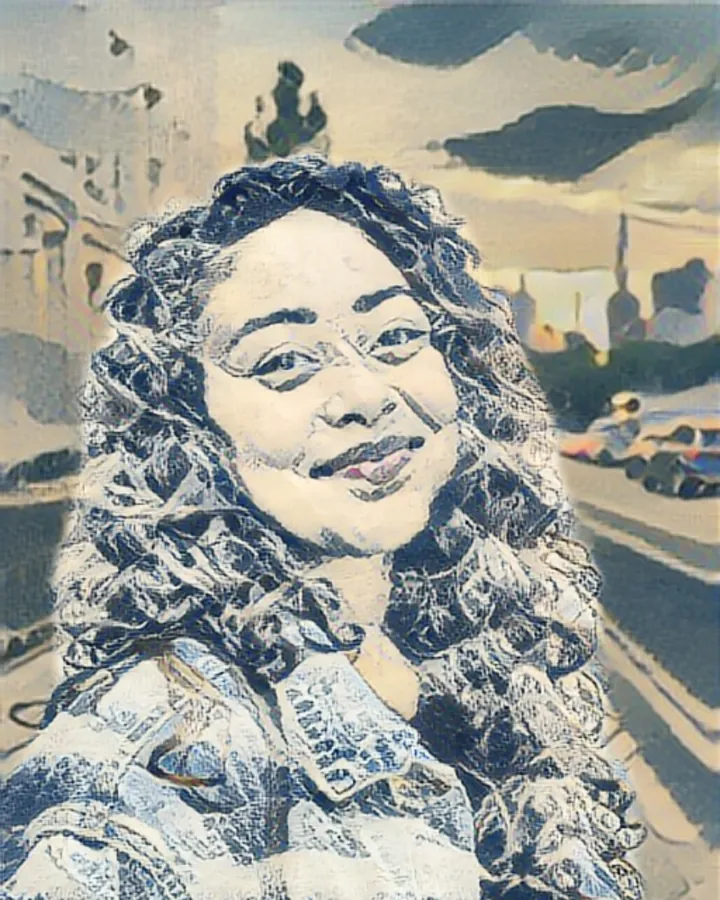
Hokusai 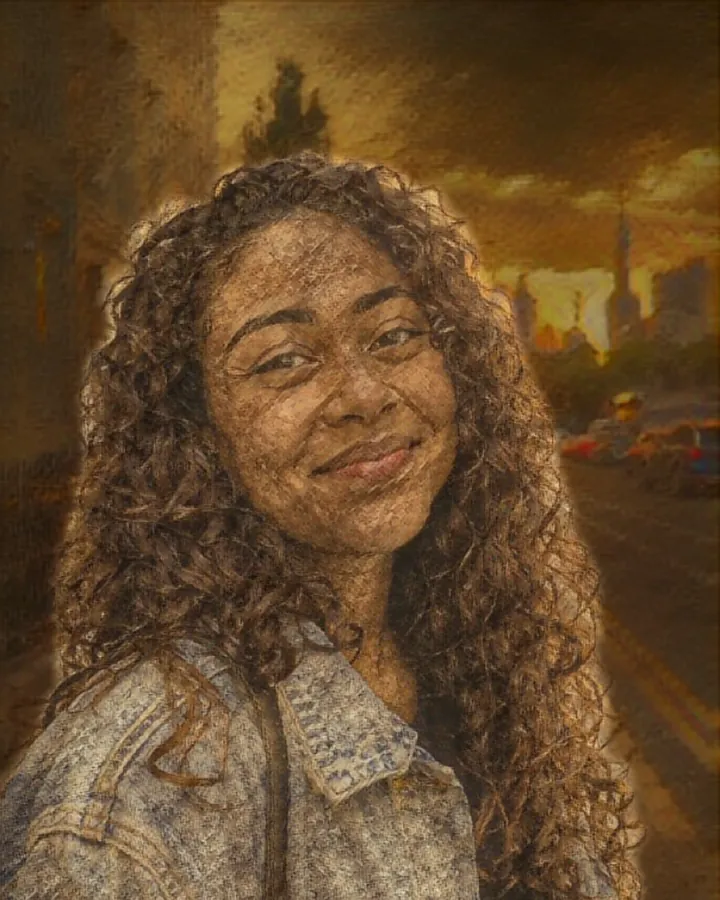
Rembrandt 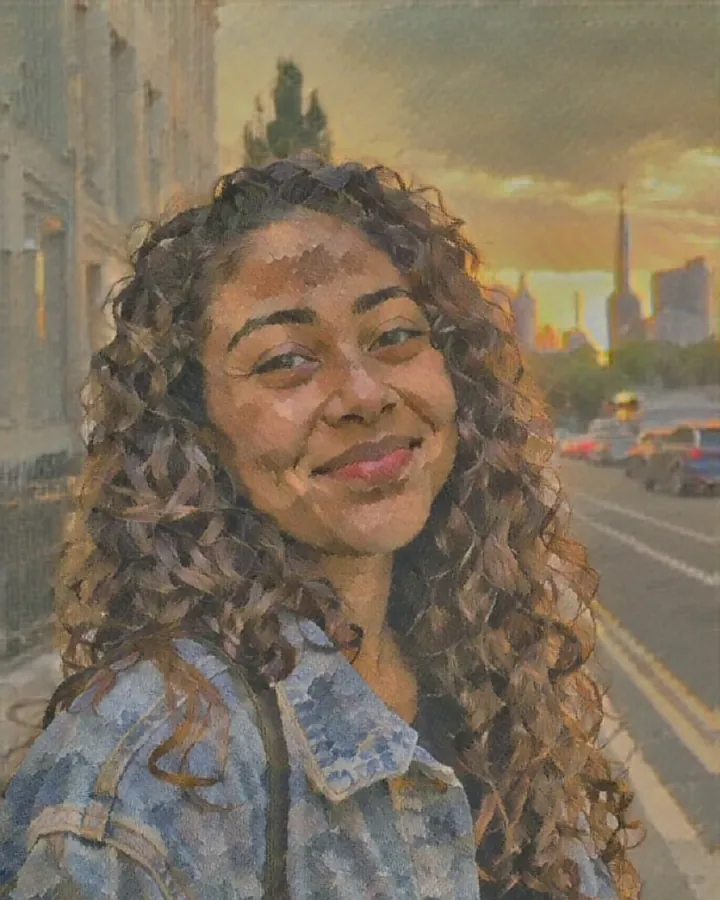
Cézanne 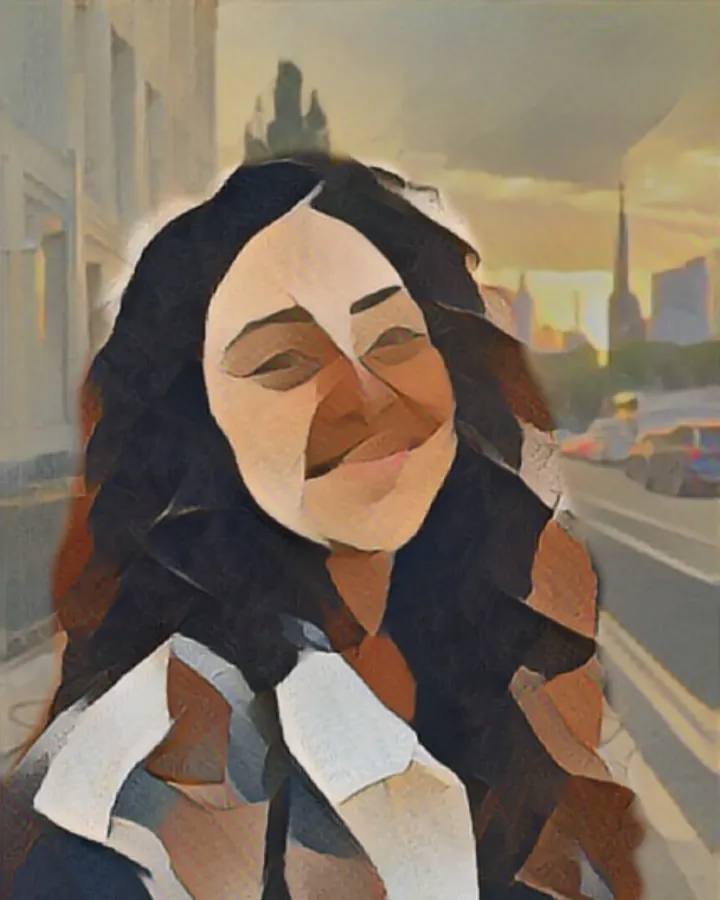
Cubism 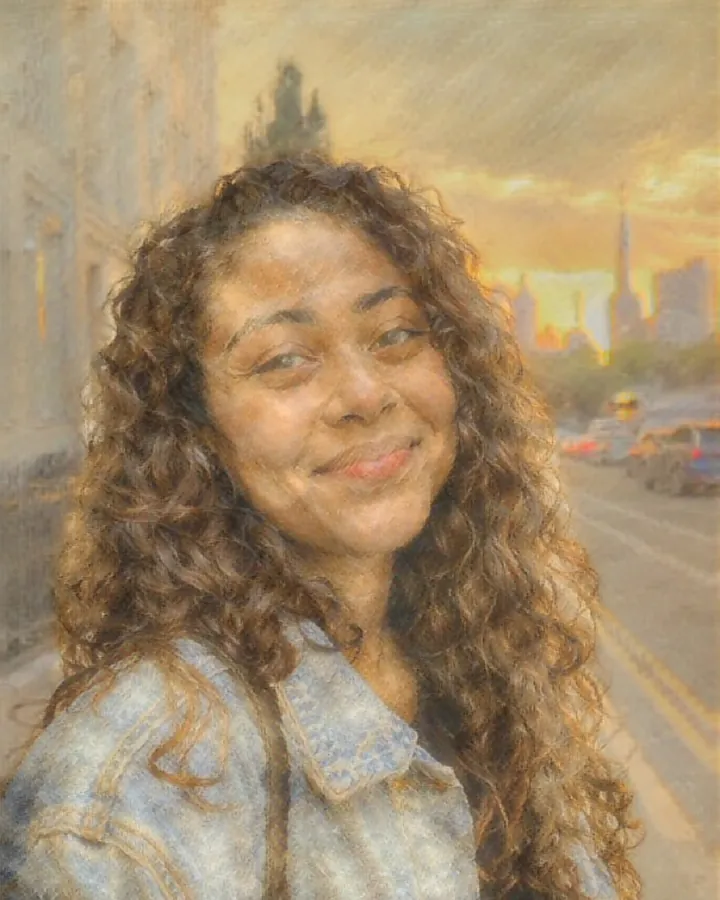
Turner 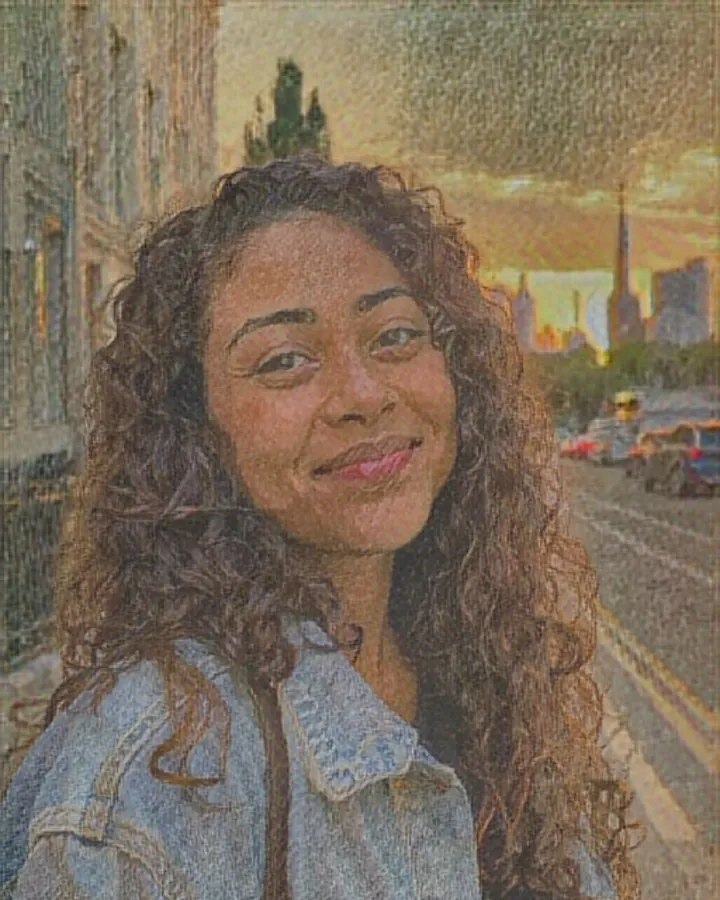
Seurat 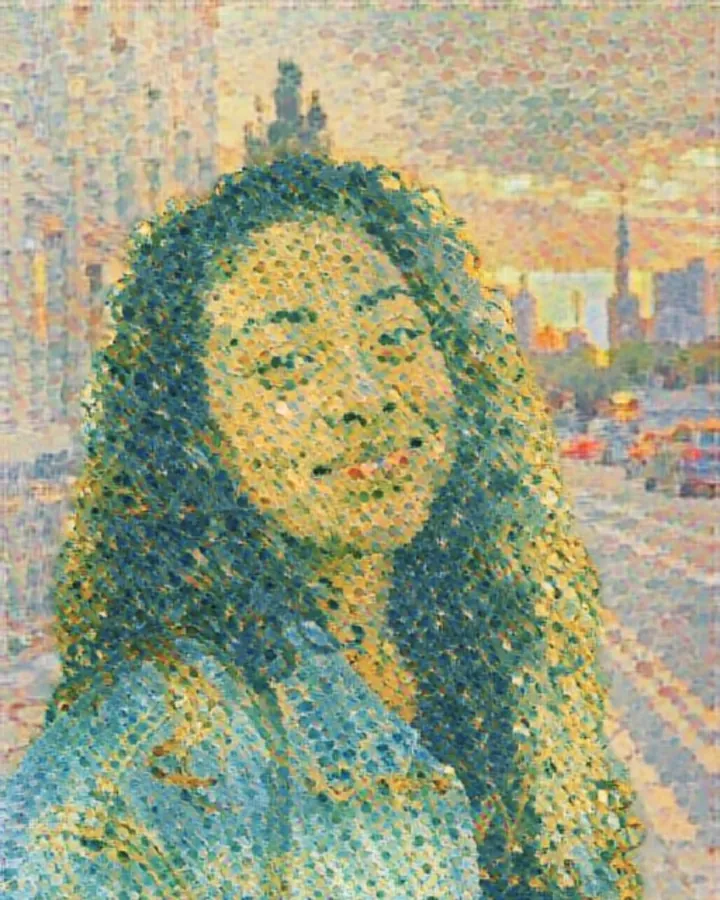
Signac
Paint, ink and glass
Watercolor, oil and stained glass
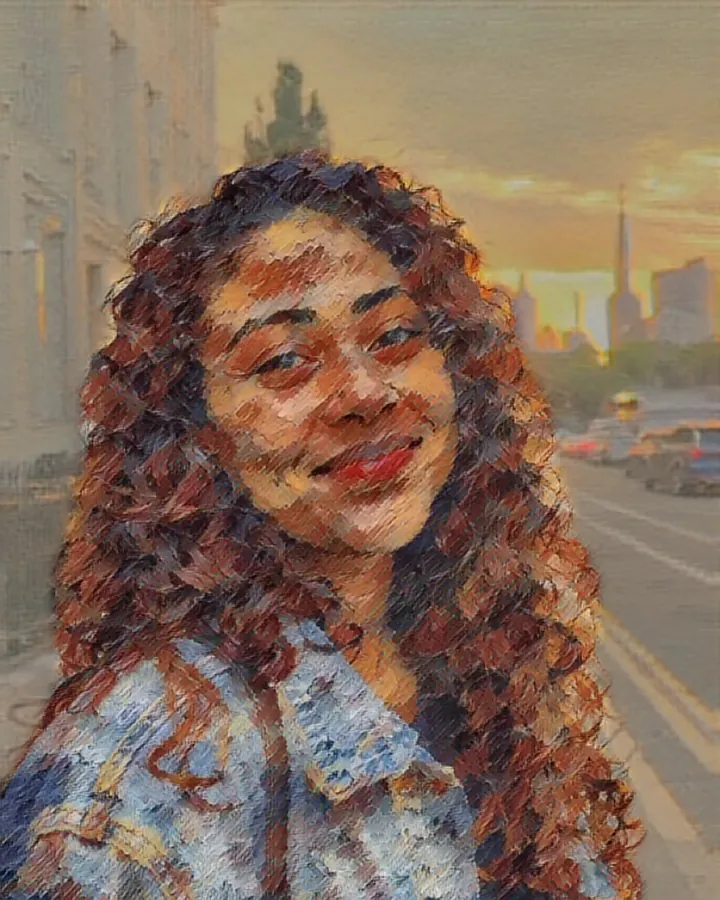
Oil painting 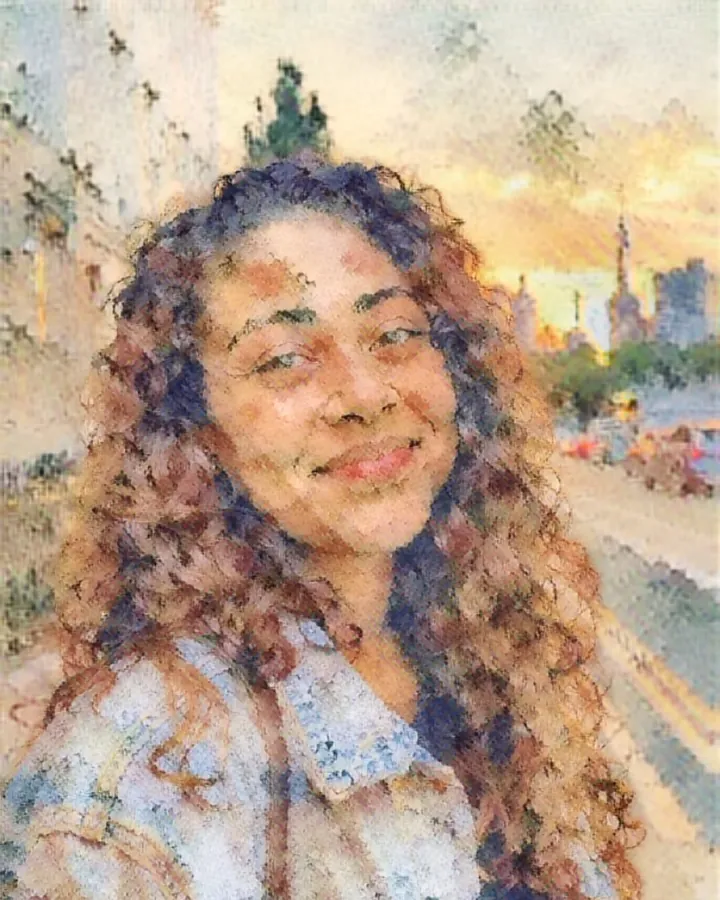
Watercolor 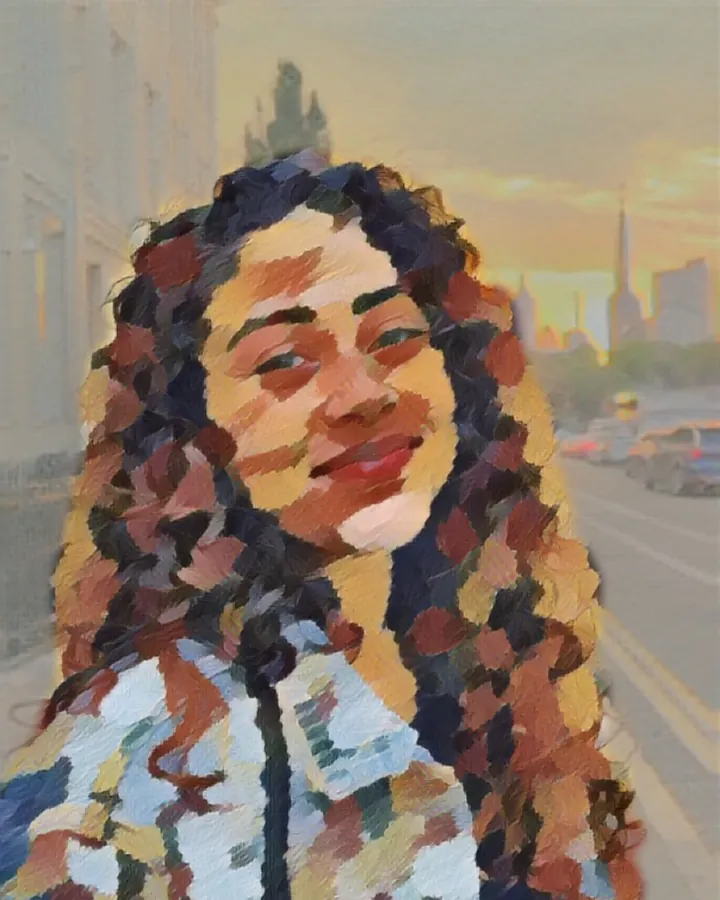
Gouache 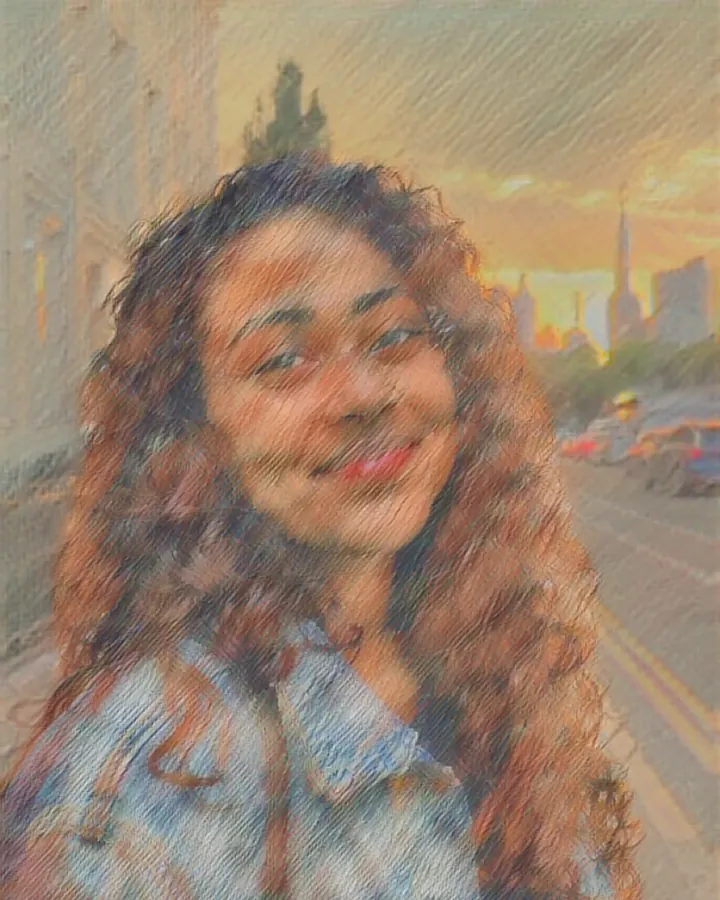
Soft pastel 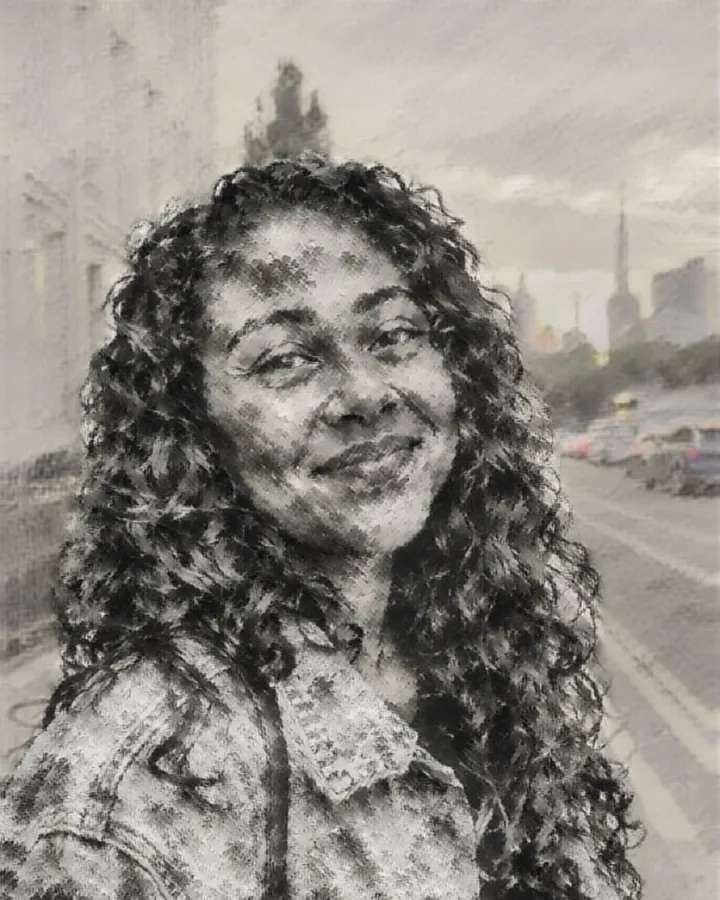
Ink wash 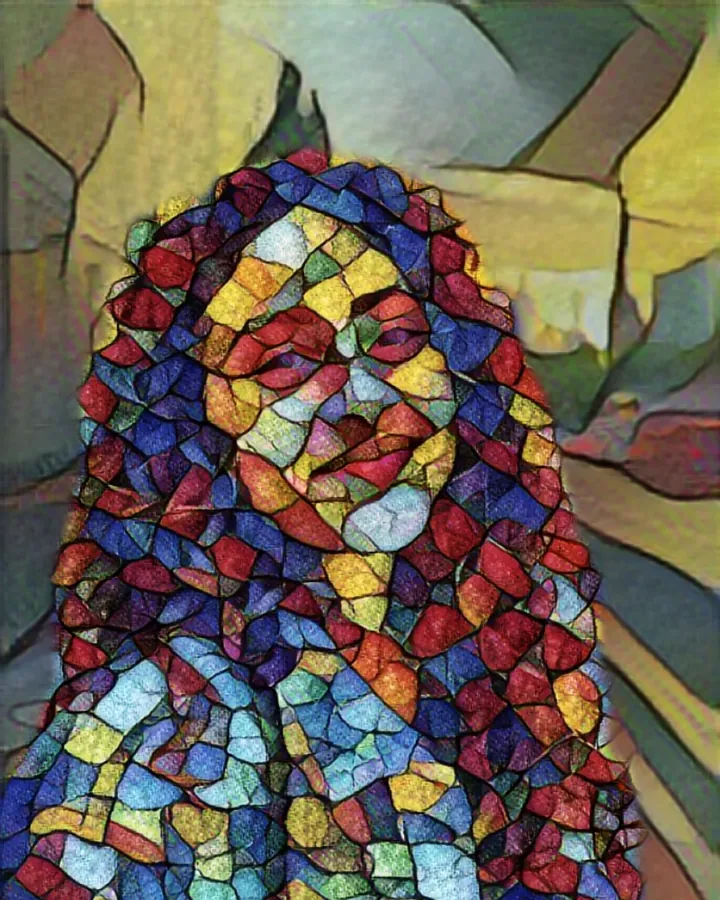
Stained glass 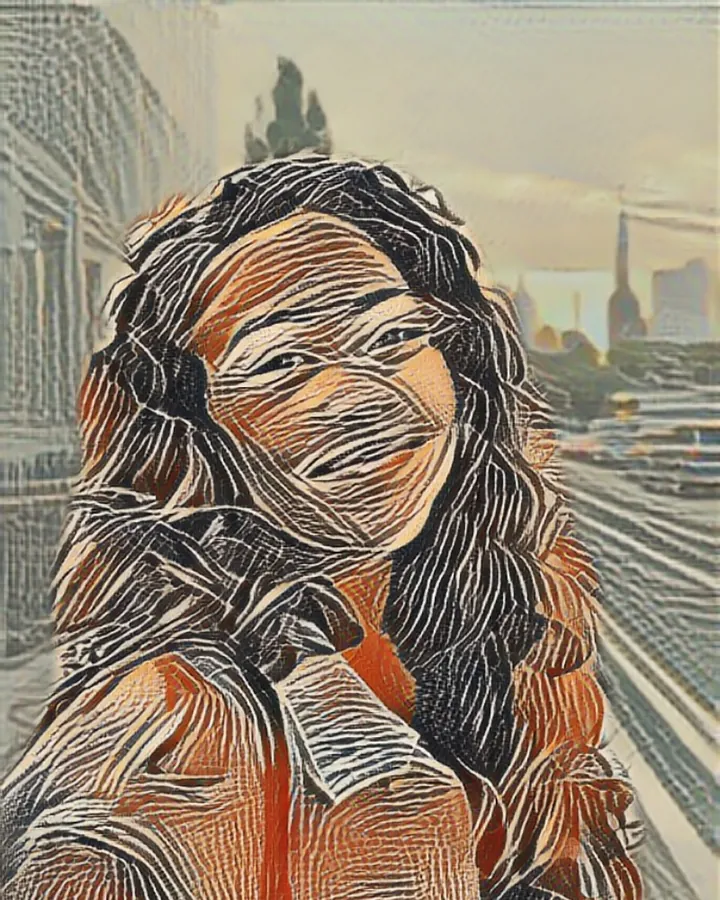
Linocut
Landscapes and travel
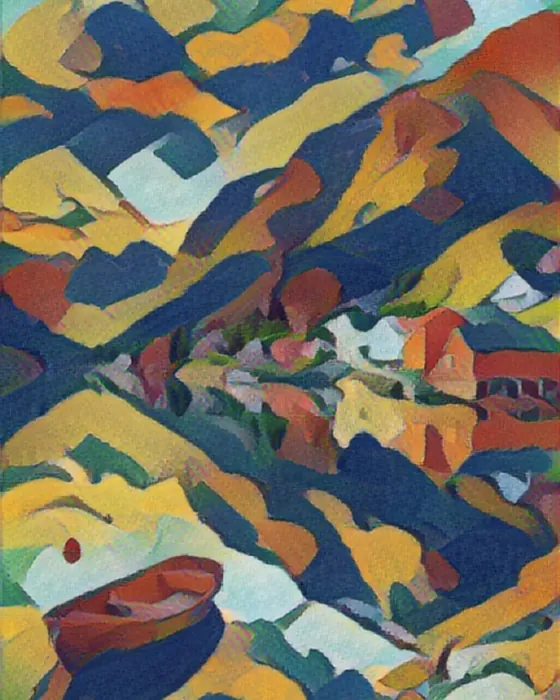
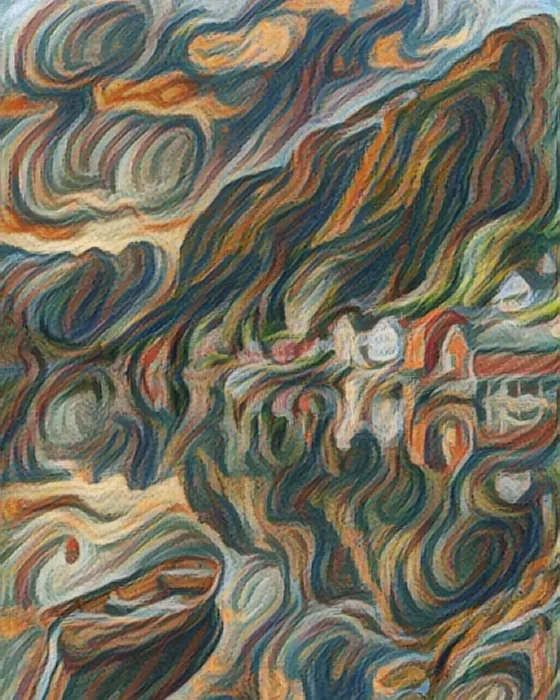
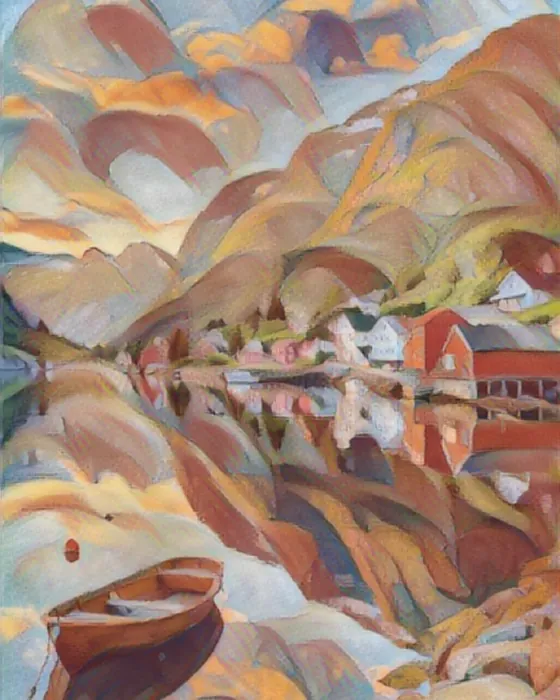
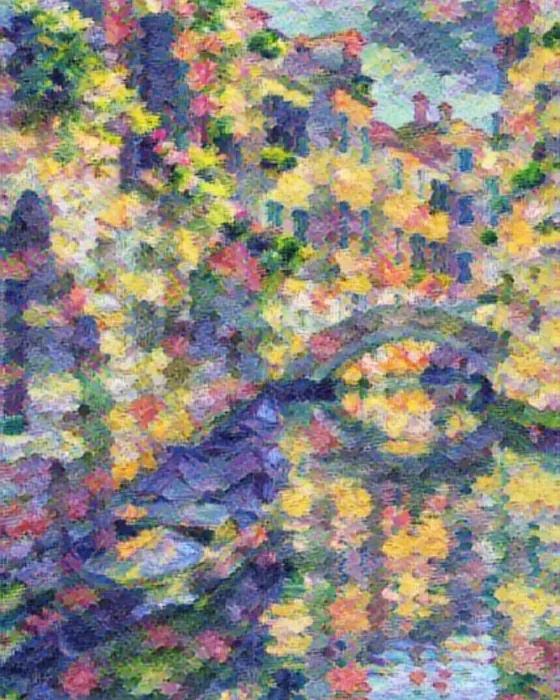
One fjord, six masters
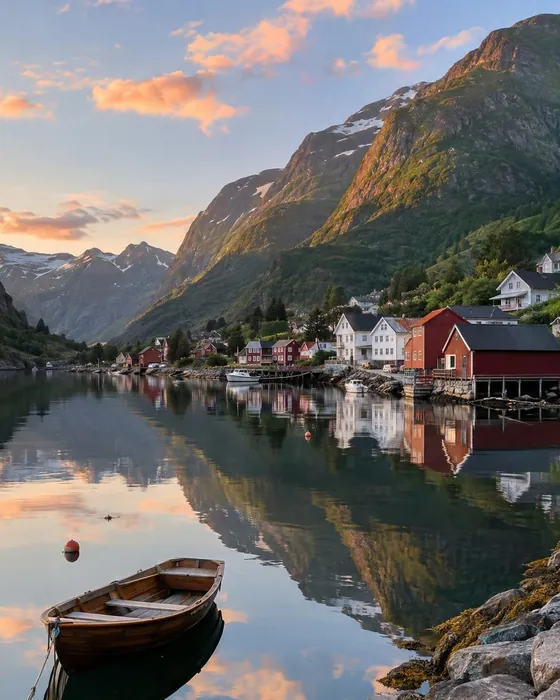
Holiday photos make wonderful paintings. The same photo of a Norwegian fjord, painted six ways on the phone:
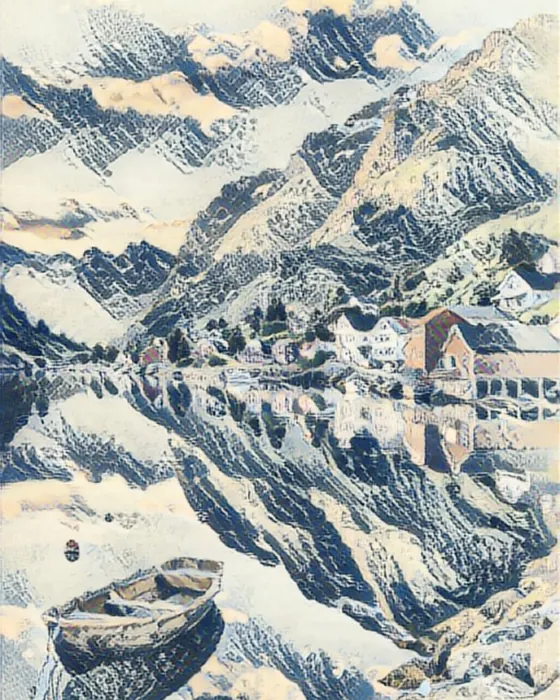
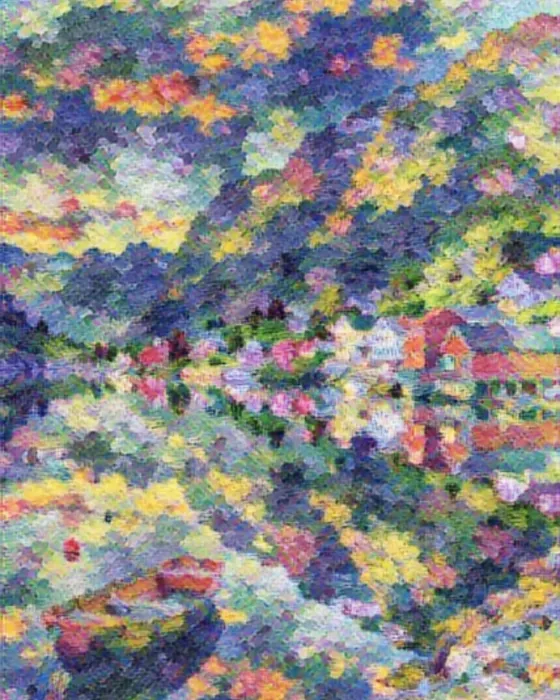
Venice · Monet 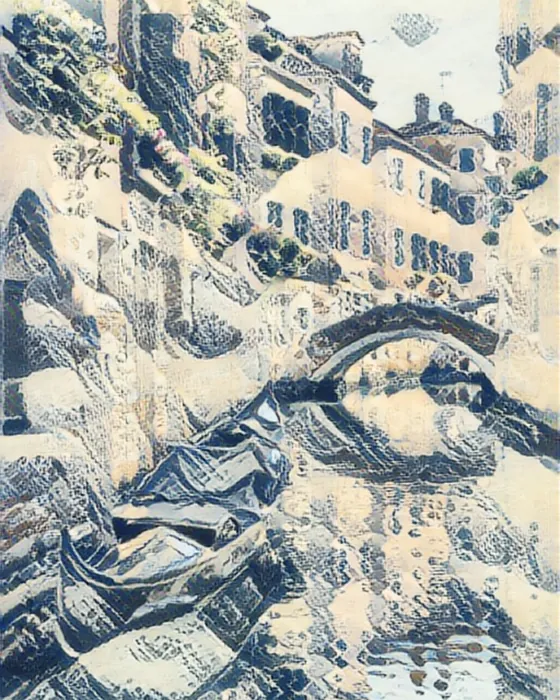
Venice · Hokusai 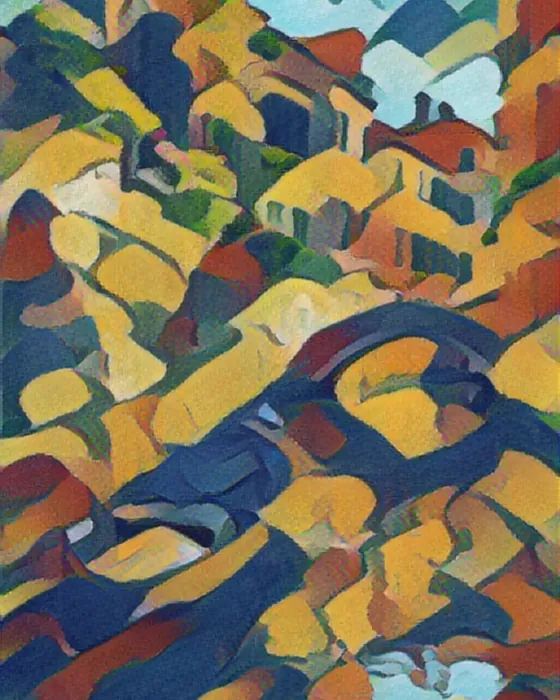
Venice · Gauguin 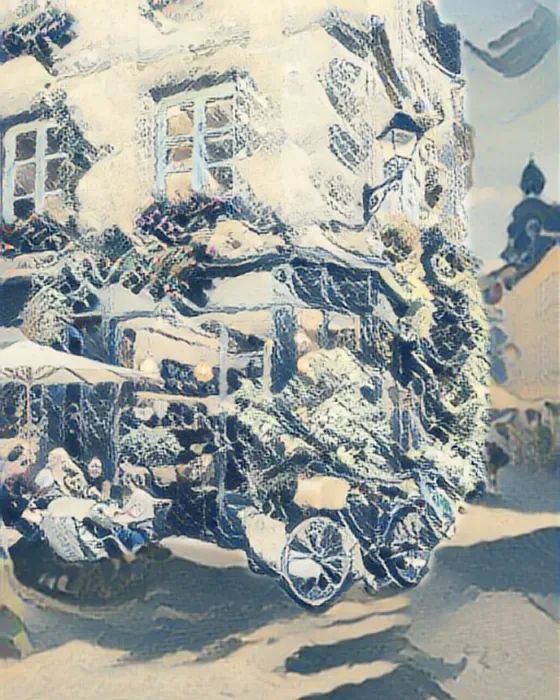
Café · Hokusai 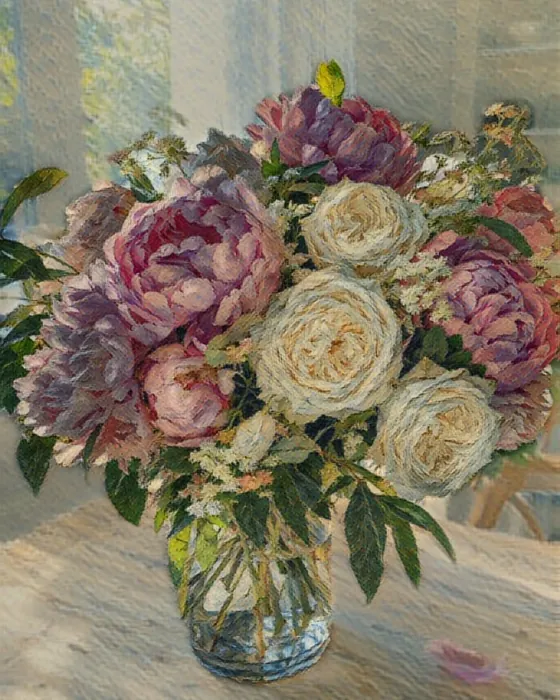
Peonies · Van Gogh 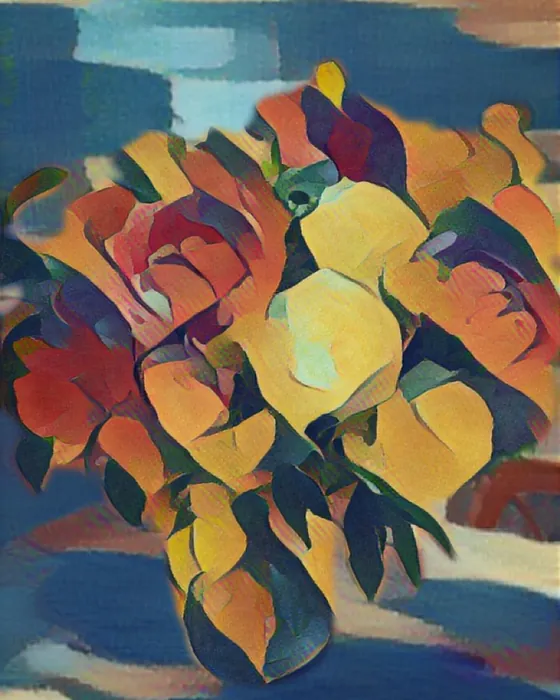
Peonies · Gauguin
People and pets
Portraits worth framing
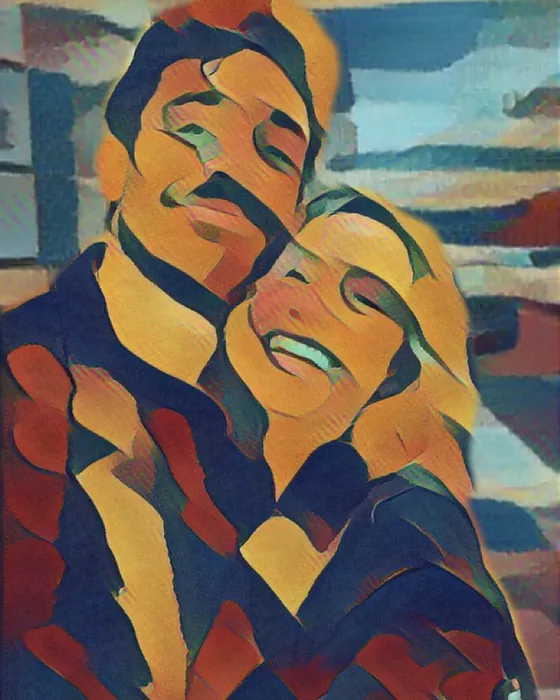
Couple · Gauguin 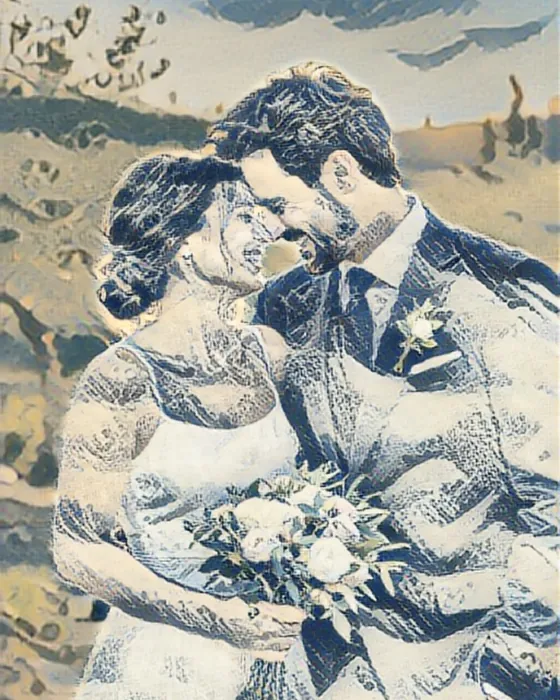
Wedding · Hokusai 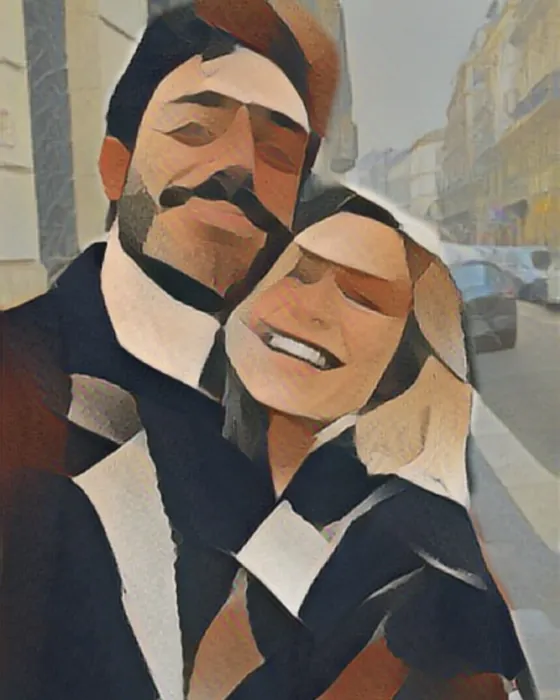
Couple · Cubism 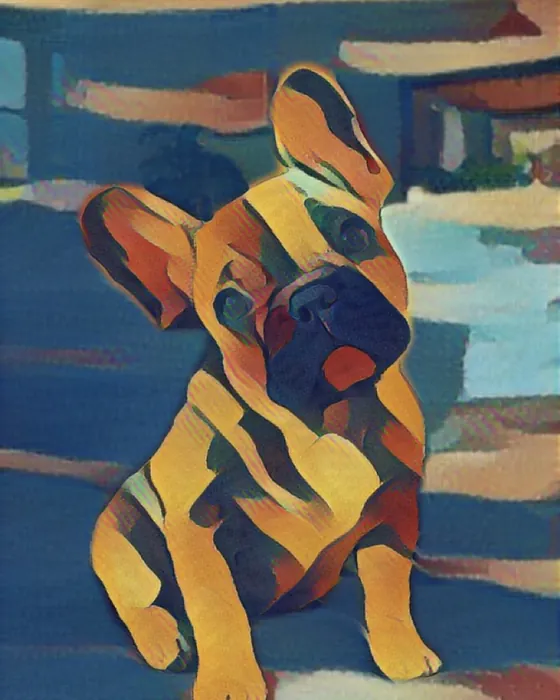
Bruno · Gauguin 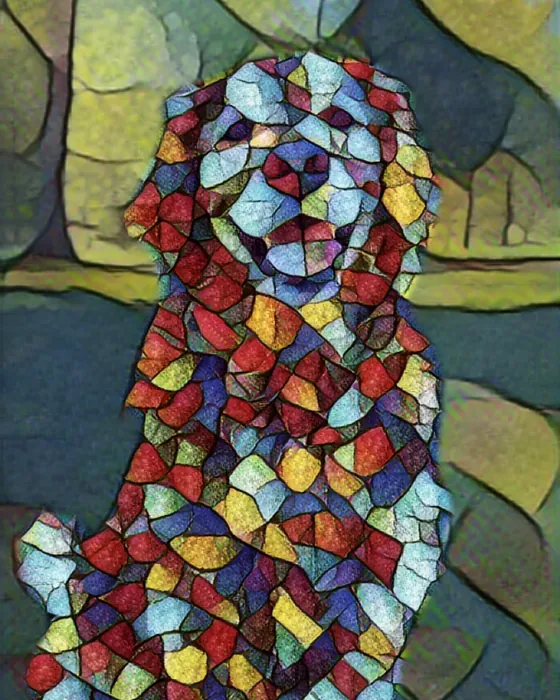
Goldie · stained glass 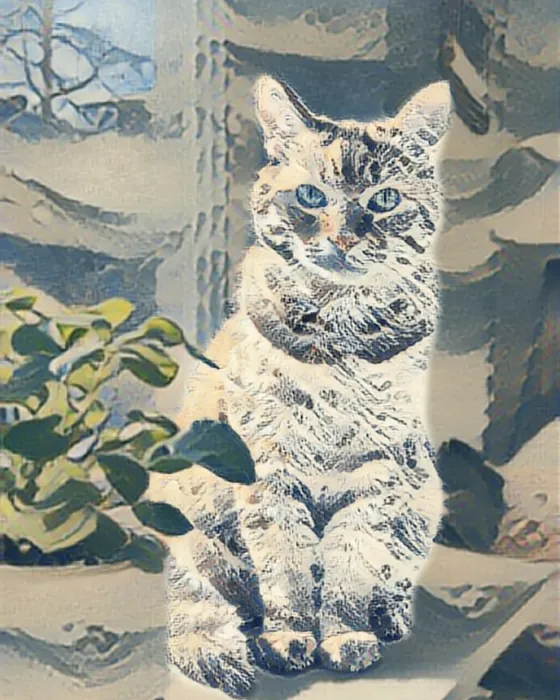
Ginger · Hokusai
Magic · AI painting
Want a real canvas look? Ask AI.
The Magic tab redraws your photo as a brand-new painting: thick oil impasto, soft watercolor washes or 60s pop art. Three of 104 AI styles.
- Watercolor with bleeding edges and white paper
- Oil paint with visible bristle marks
- Pop art with Ben-Day dots
- Fine-tune the detail and shading
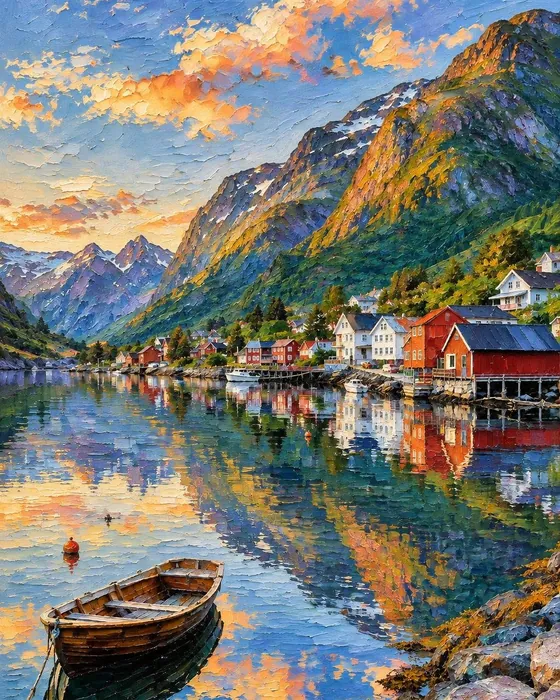
Oil paint 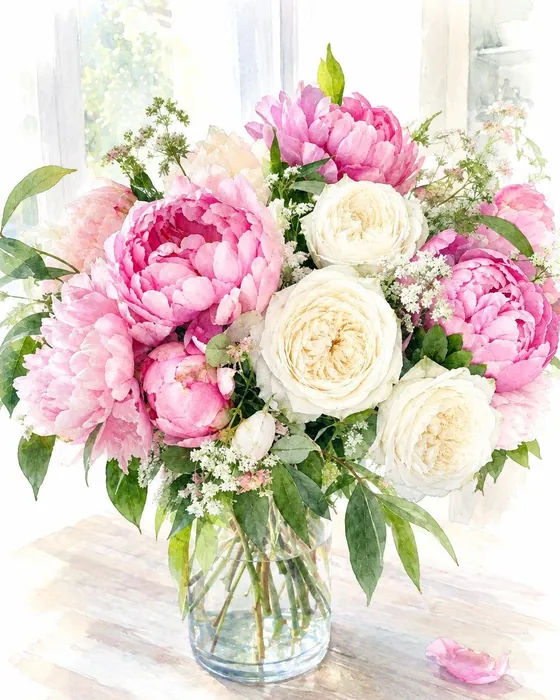
Watercolor 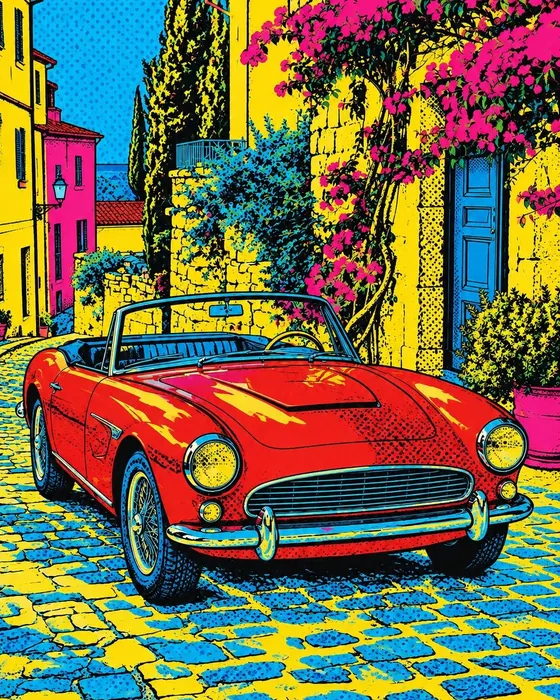
Pop art 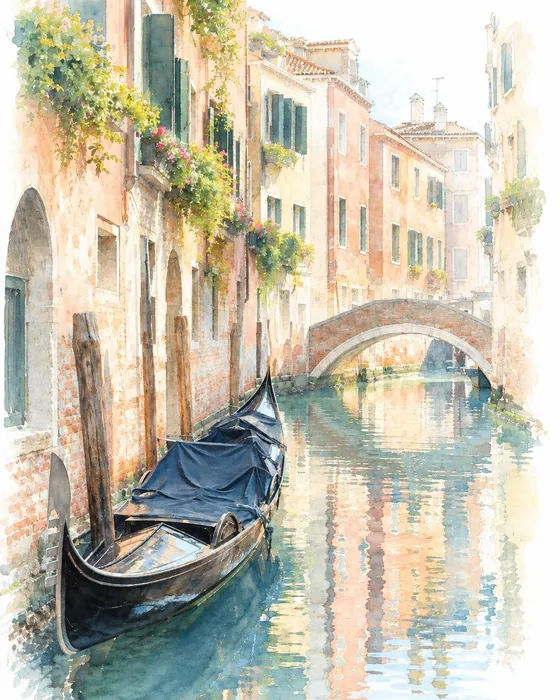
Watercolor
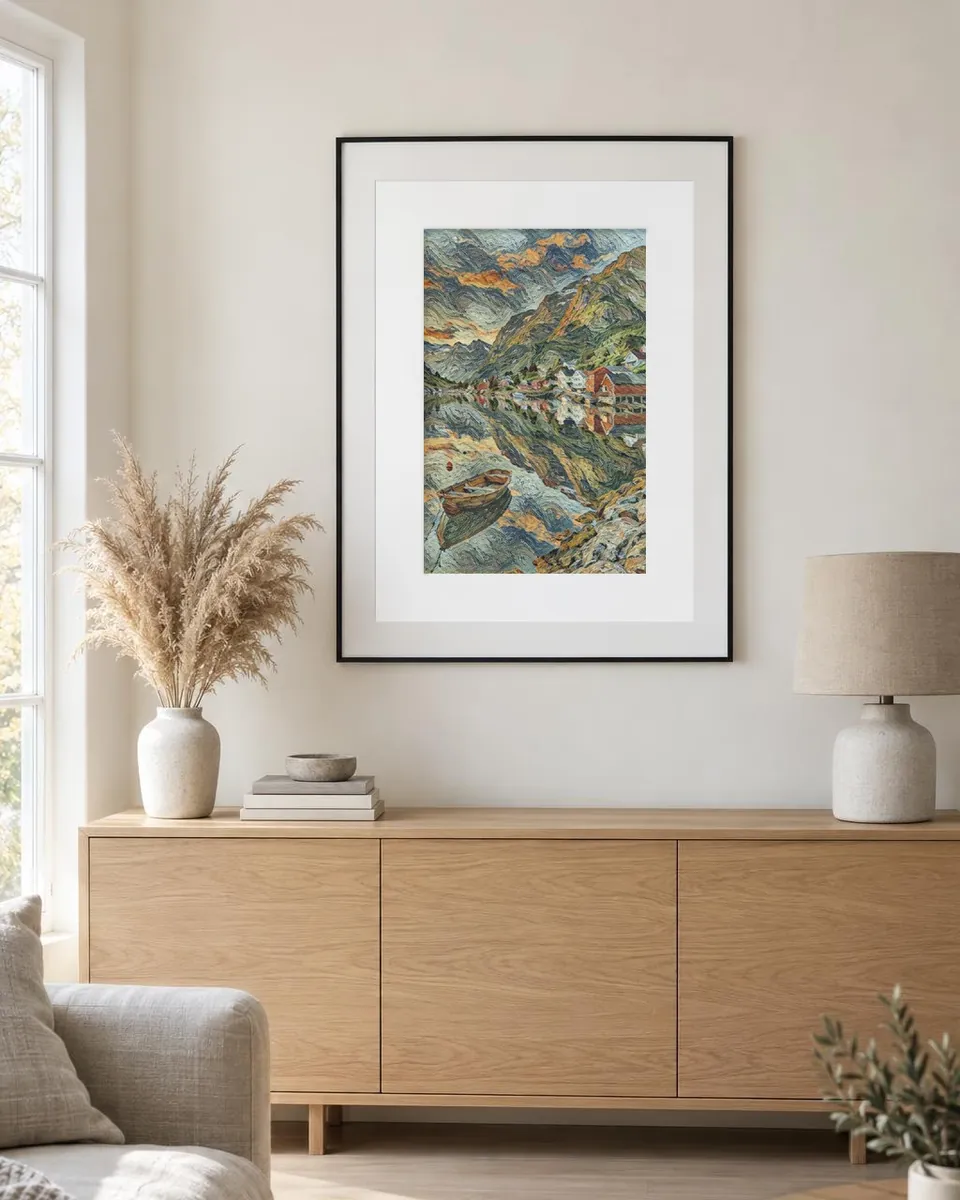
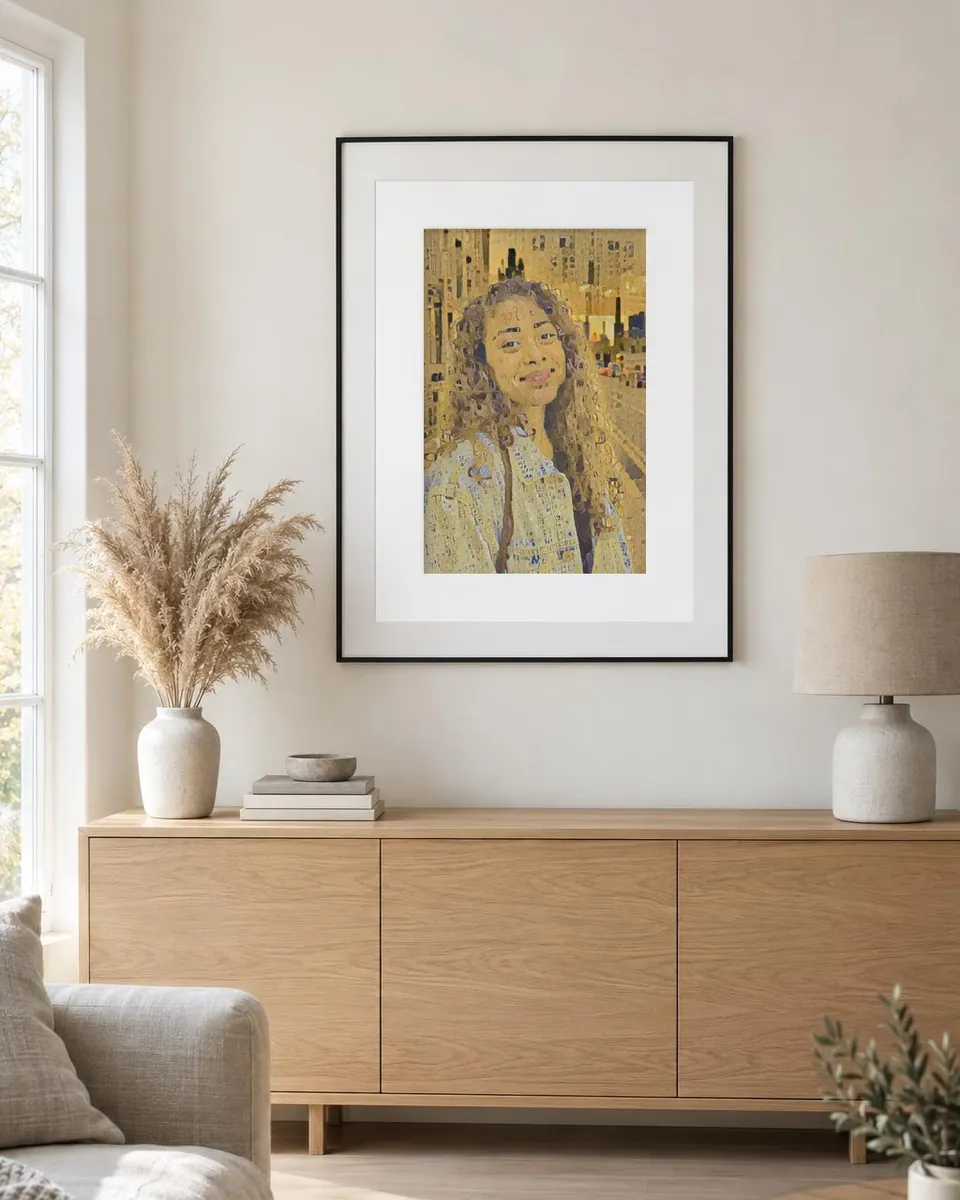
From your camera roll to your wall
Hang your own masterpiece
Print your painting for the living room, or give it as a gift. Pro saves full resolution and a print-ready PDF.
How to
How to turn a photo into a painting
- 1Download Pencil Sketch AI from the App Store or Google Play and open it.
- 2On the Create tab, switch the picture to Art and tap Choose a photo.
- 3Tap through the styles: Van Gogh, Monet, Klimt, Hokusai, Watercolor and more.
- 4Adjust the strength, colors and background, crop if you like, then tap Save.
FAQ
Painting questions
How do I turn a photo into a painting?
Open Pencil Sketch AI, tap Create, switch to Art and choose a photo. Pick a style such as Van Gogh, Monet or Watercolor, set the strength and colors if you like, and save. The painting is made on your phone in a few seconds.
Is it really Van Gogh or Monet?
The styles are inspired by the brushwork and colors of famous public-domain painters. The painter's name describes the look of the style; the app is not affiliated with any museum or estate, and every painting is a new picture made from your photo.
What is the difference between Art and the AI painting styles?
Art (in the Create tab) paints your photo on the phone with a painting network: free, private and instant, keeping your photo's exact composition. The Magic tab's Watercolor, Oil paint and Pop art styles use AI to redraw the photo as a new painting, which can look more like a real canvas.
Are my photos uploaded?
Create (Sketch and Art) runs entirely on your phone, so your photo never leaves it and it even works offline. Magic styles and coloring pages are made with AI: the photo you pick is sent over an encrypted connection to make your picture, and it is not stored on our servers. Your pictures are saved on your phone.
Is Pencil Sketch AI free?
Yes. Create sketches and paintings on your phone for free, with no ads; free saves carry a small www.sketch.page mark. Your first AI picture is free too, with no account needed. In many countries short videos earn more AI pictures, or you can go Pro for no watermark, every style and up to 100 AI images a month.
Can I print my pictures?
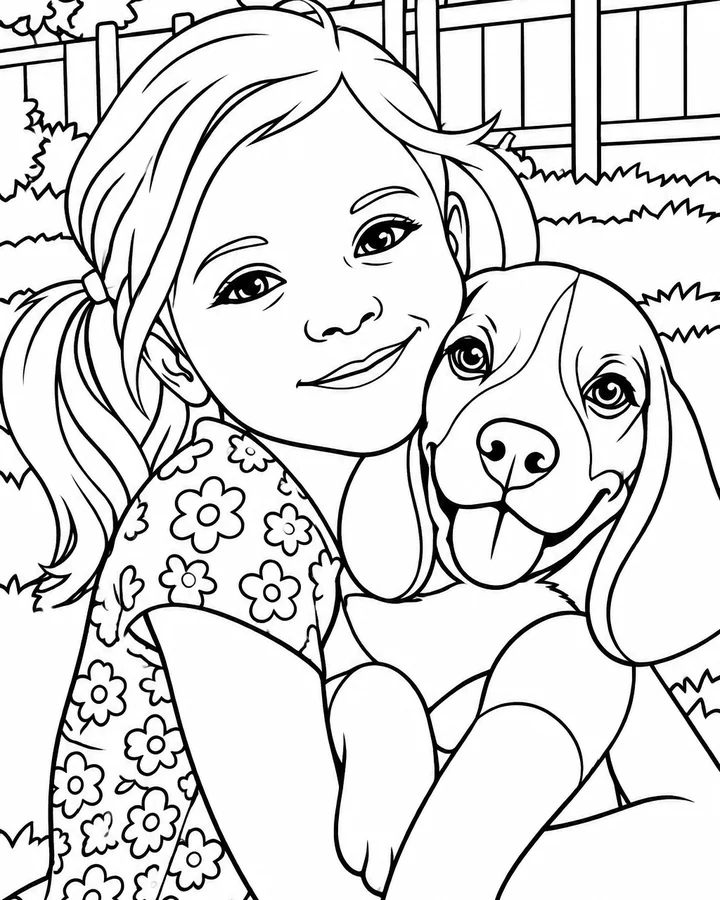
Yes. Save to Photos or share to any app. Pro saves in full resolution as PNG or JPG and as a print-ready PDF, which is great for frames, cards and gifts. Coloring pages can also be printed blank to color with pencils or crayons.
Paint your first masterpiece
Free on your phone, no sign-up. Van Gogh, Monet, Klimt and 20 more styles are waiting.

- ✓ Free to start
- ✓ No account needed
- ✓ iPhone, iPad & Android
- ✓ 18 languages